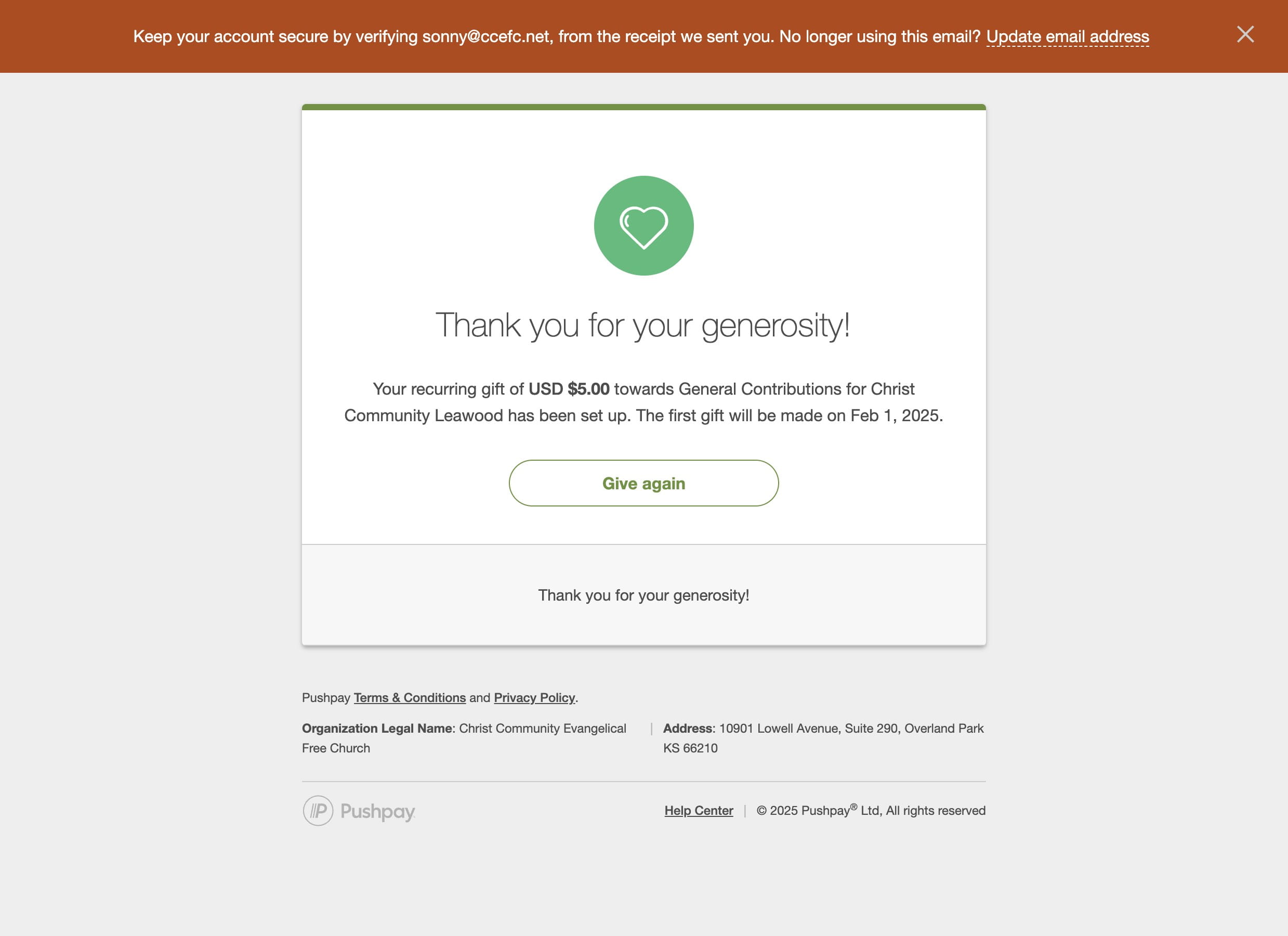
Setting Up a Recurring Gift
Navigate to https://cckc.church/give/
The Campus Name in the title bar will refllect your campus name. It may not be the Leawood Campus.
Click here to enter the amount of your gift
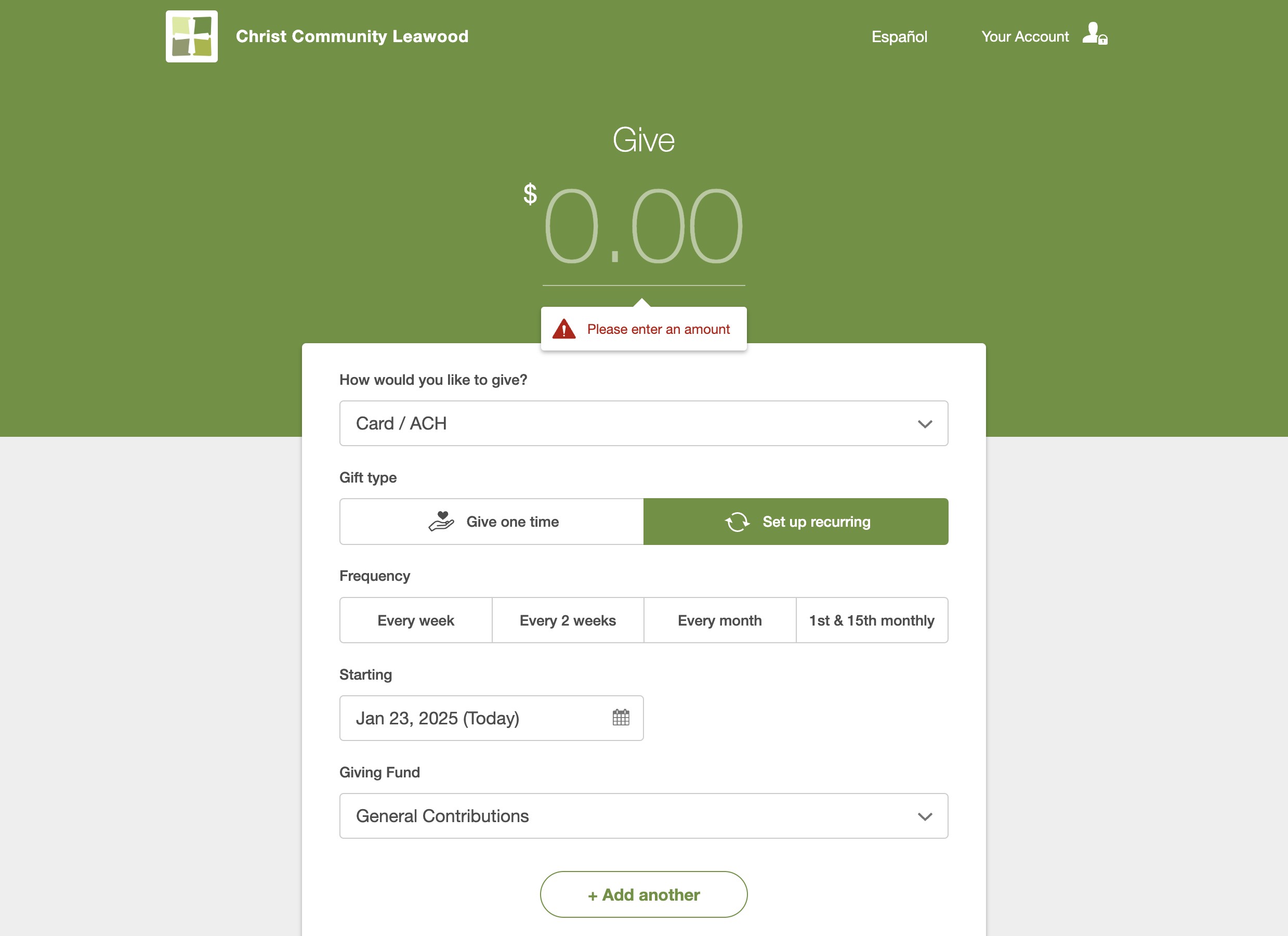
Click on "Set up recurring"
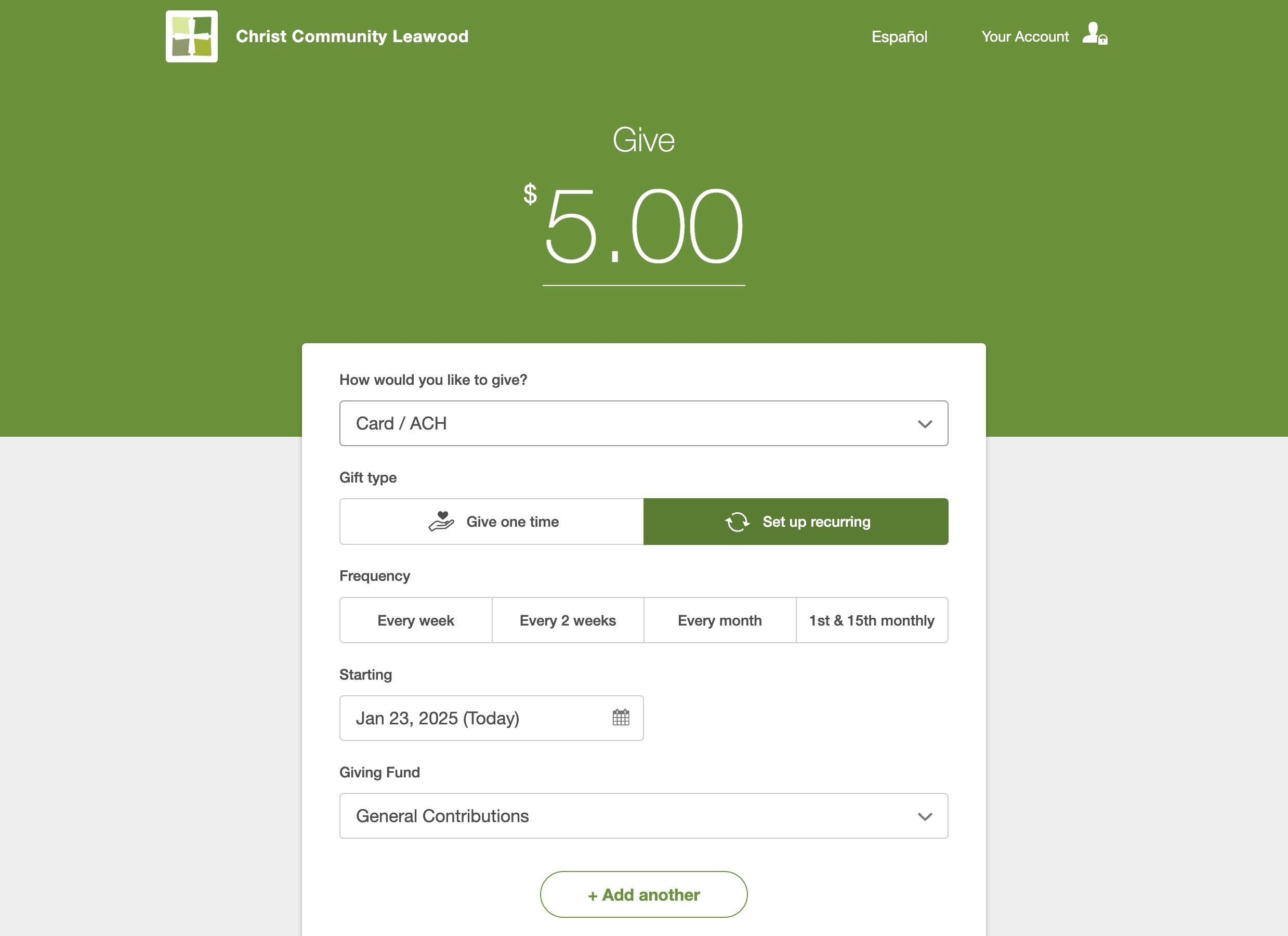
Choose the frequency of your gift
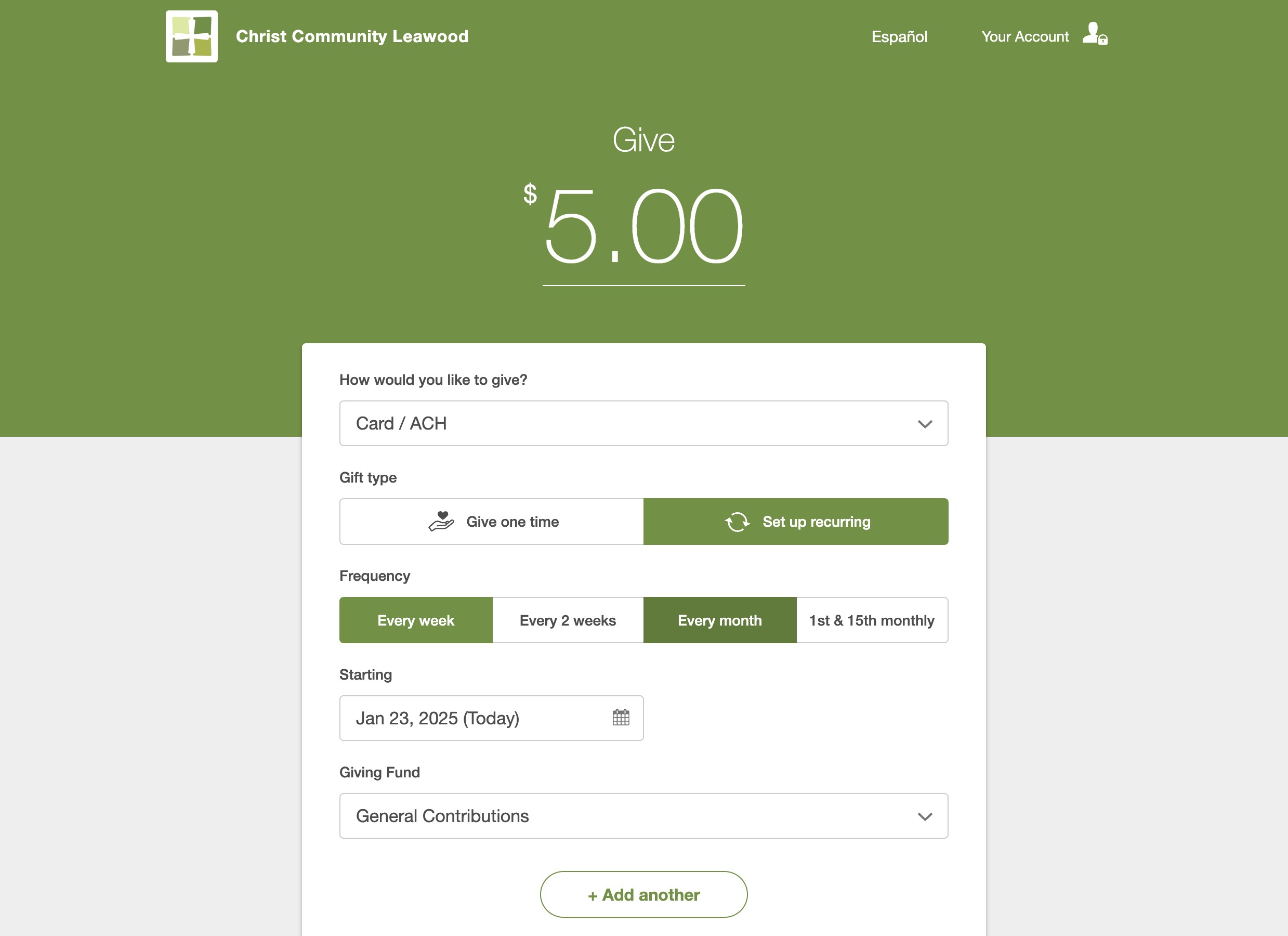
Choose the date you want your gift to start
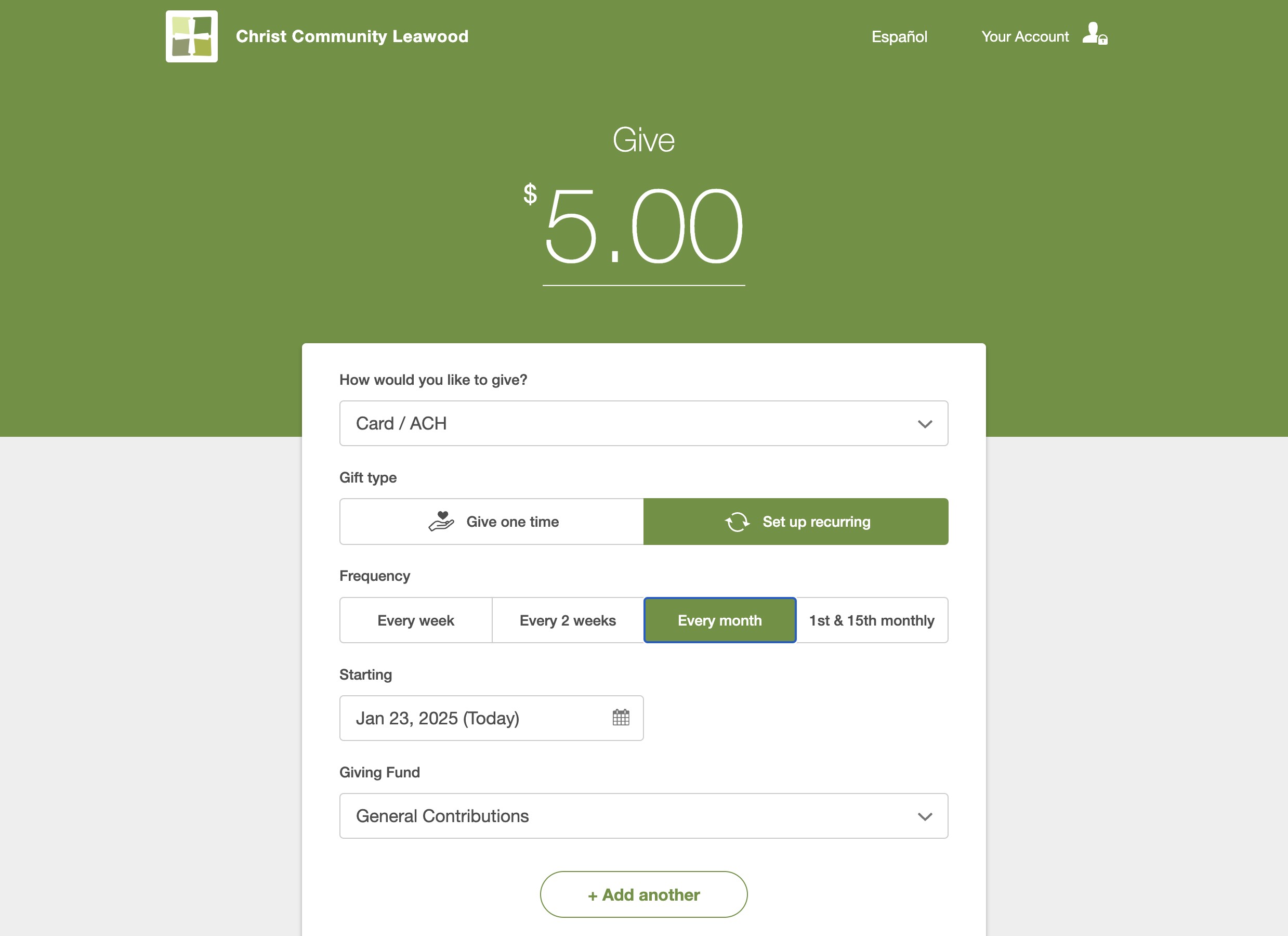
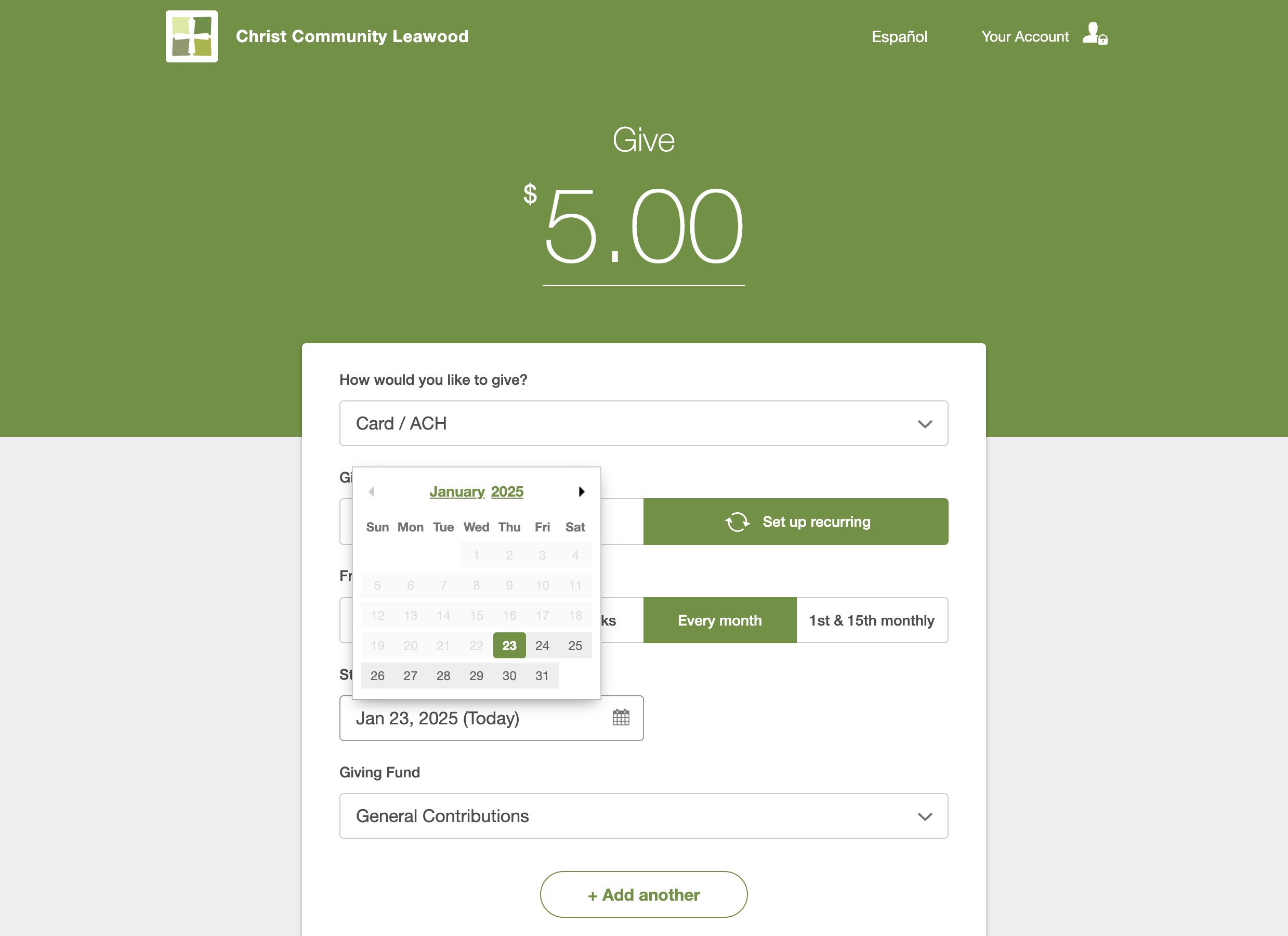
Click here to choose to which fund you wish to set up a recurring gift
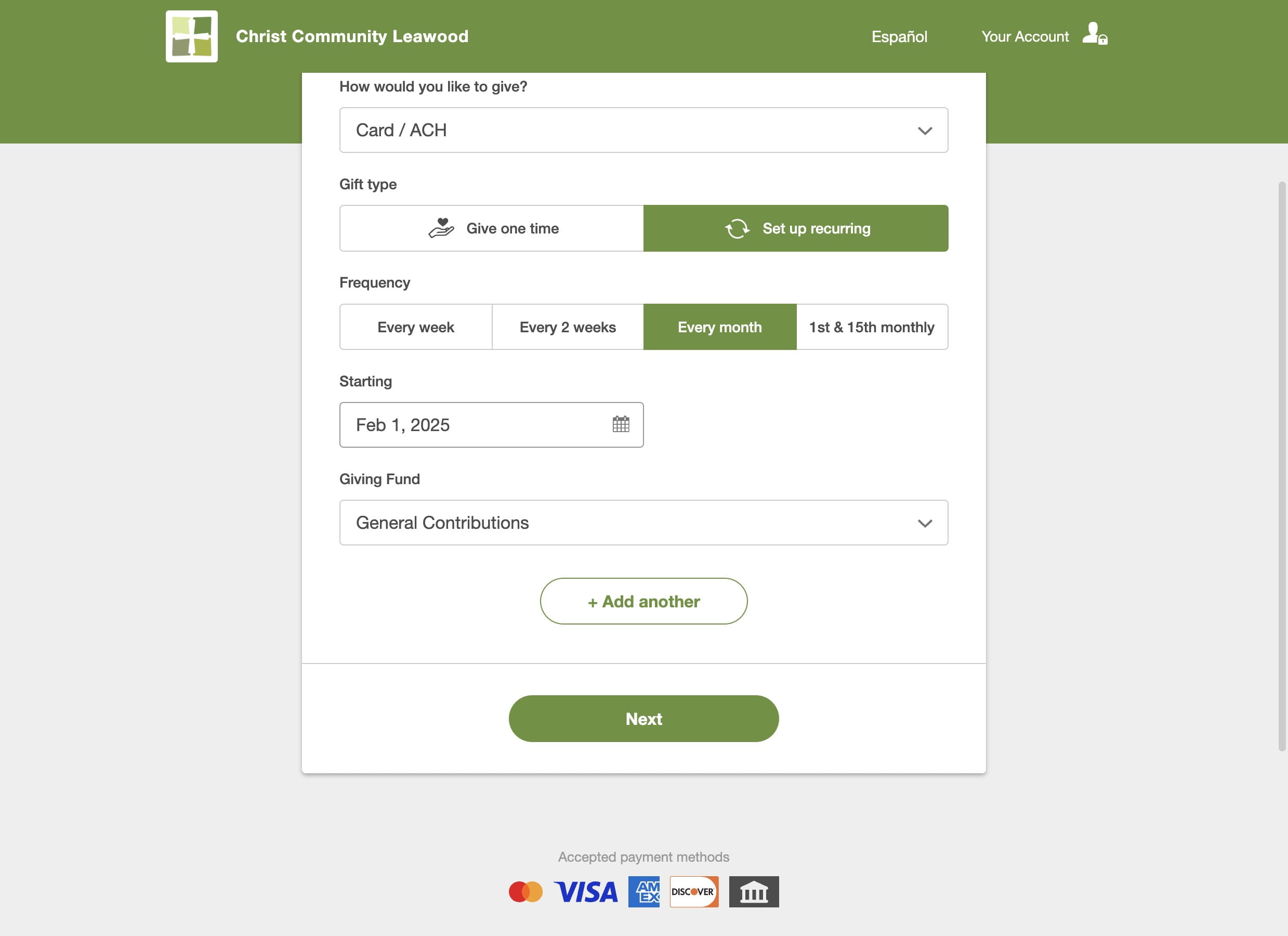
If you want to give to more than one fund at the same frequency, click on "+ Add another"
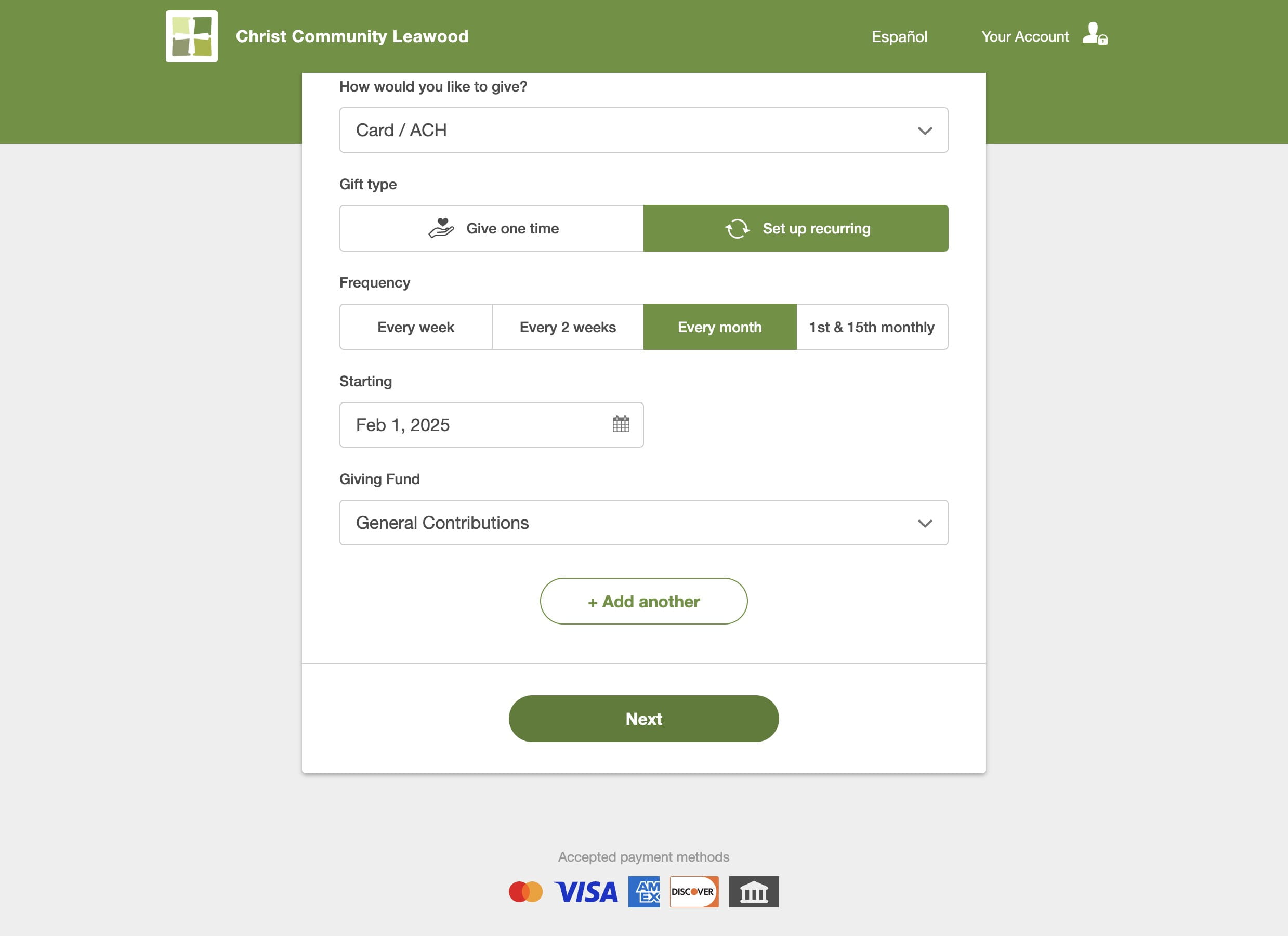
Click on "Next" to continue
Enter your mobile number to set up your account and click "Next"
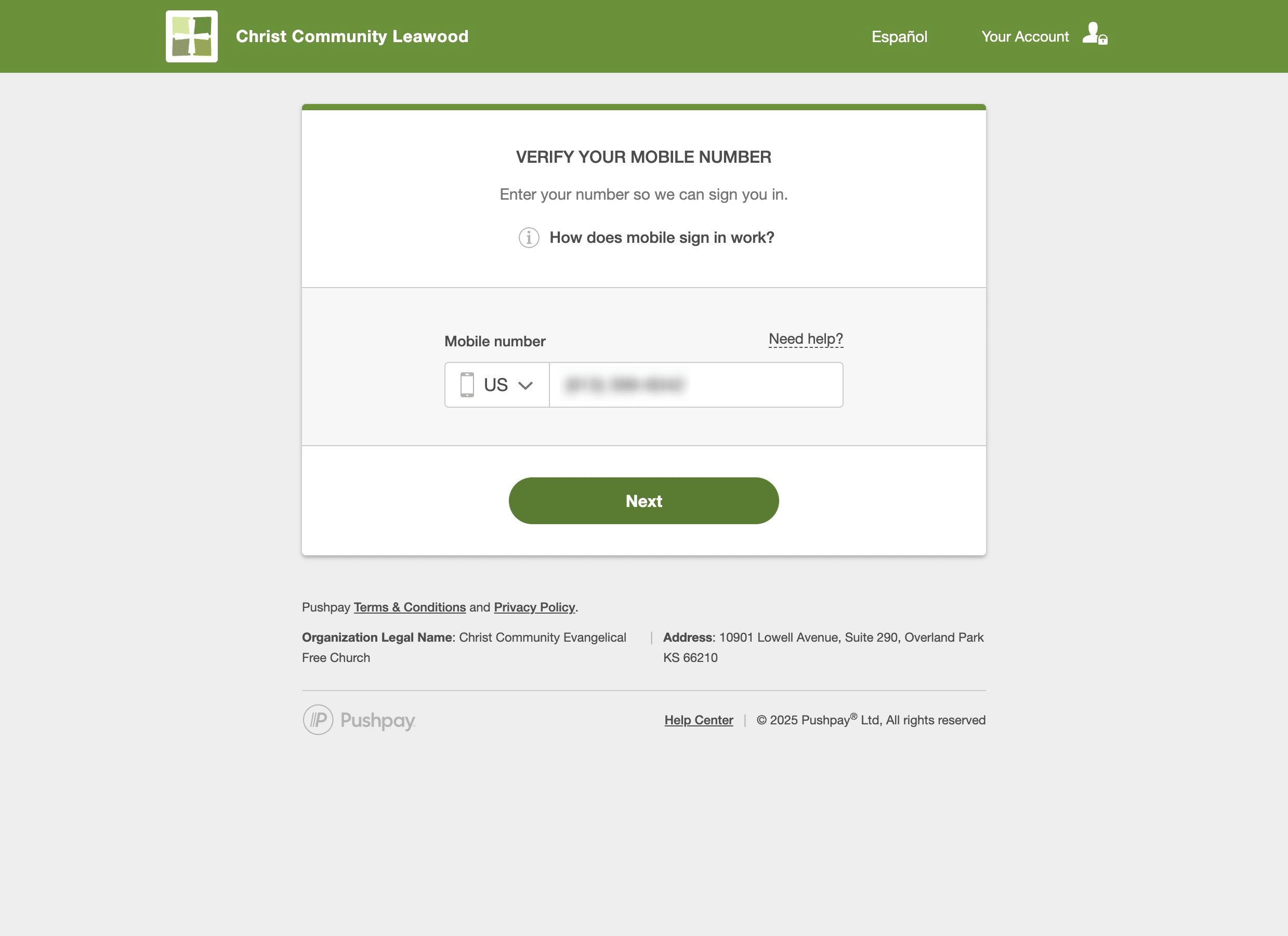
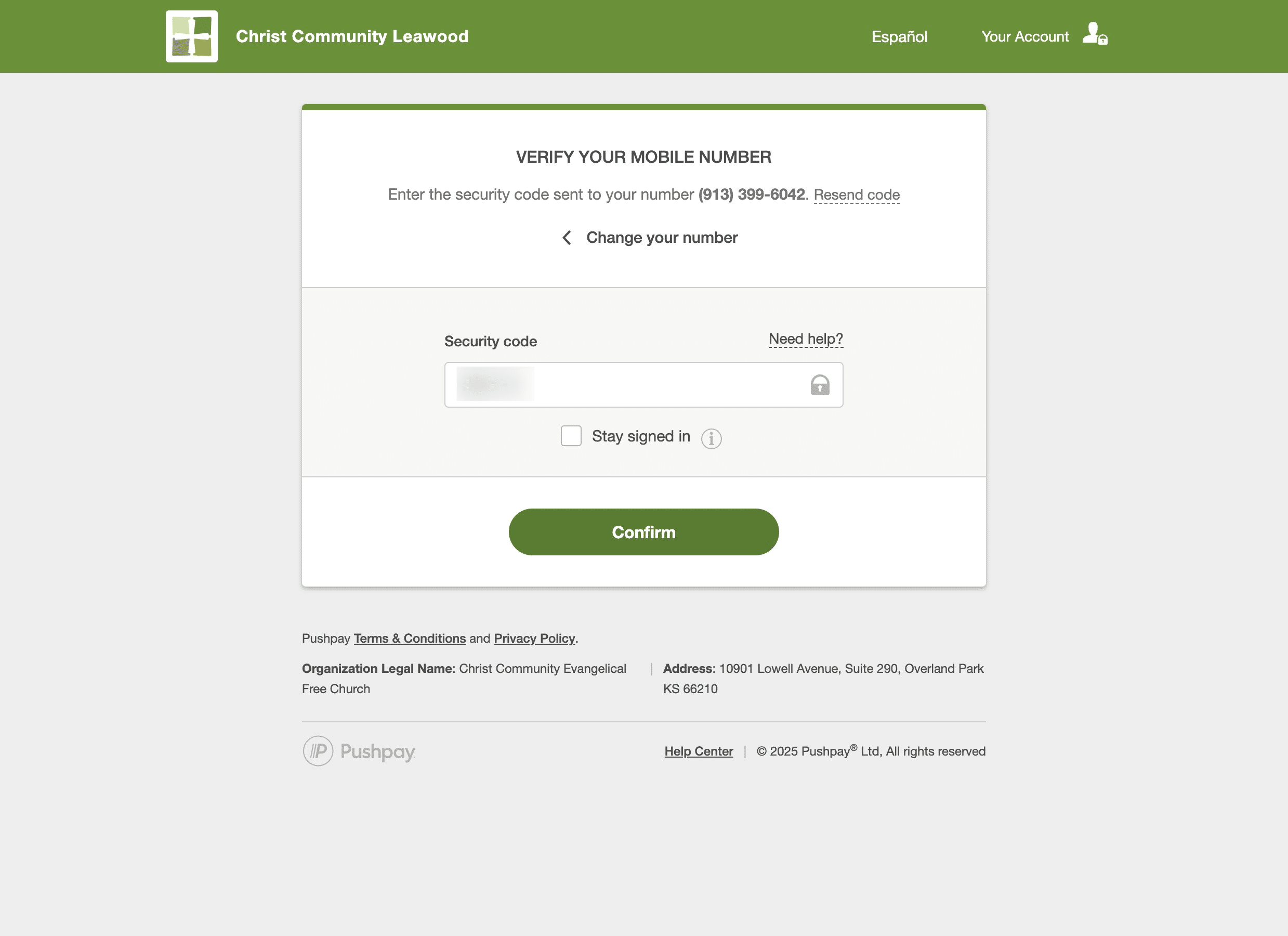
Enter the code you were texted after the step above, and click "Confirm"
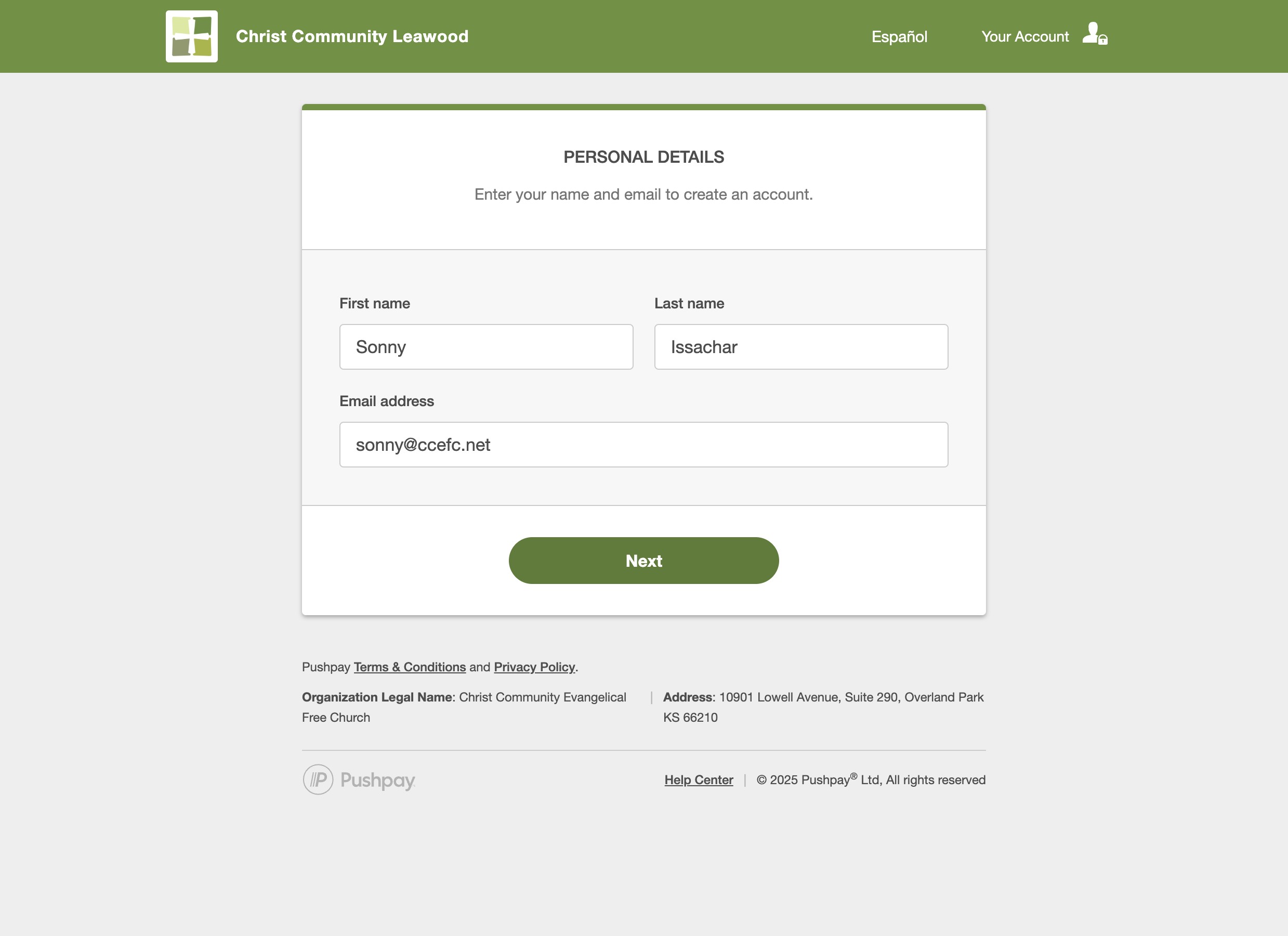
Enter your name and the email address you use with us. Click on "Next"
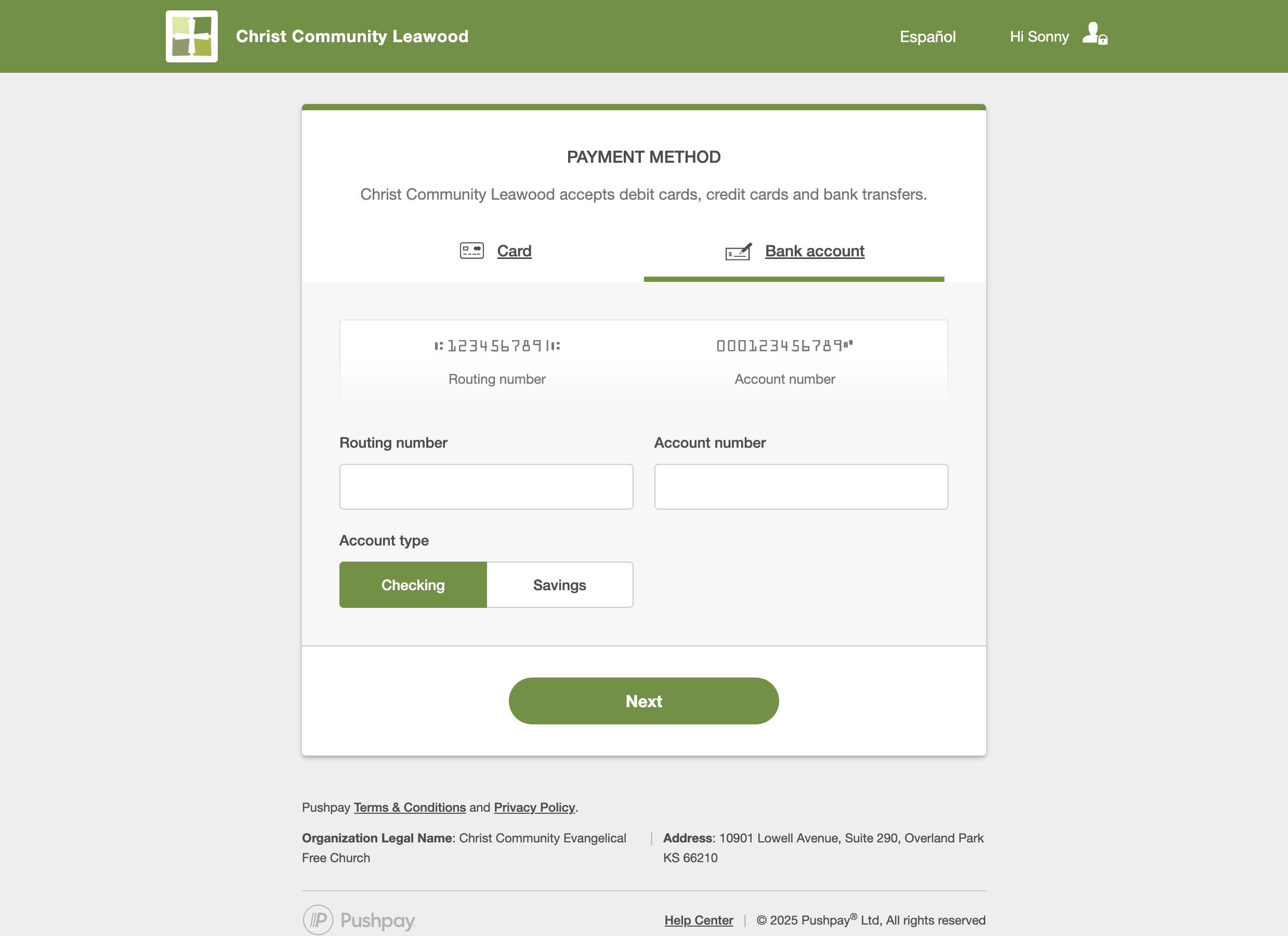
By choosing Bank Account, you are helping maximize your donation, ensuring that more of your contribution goes directly to our mission.
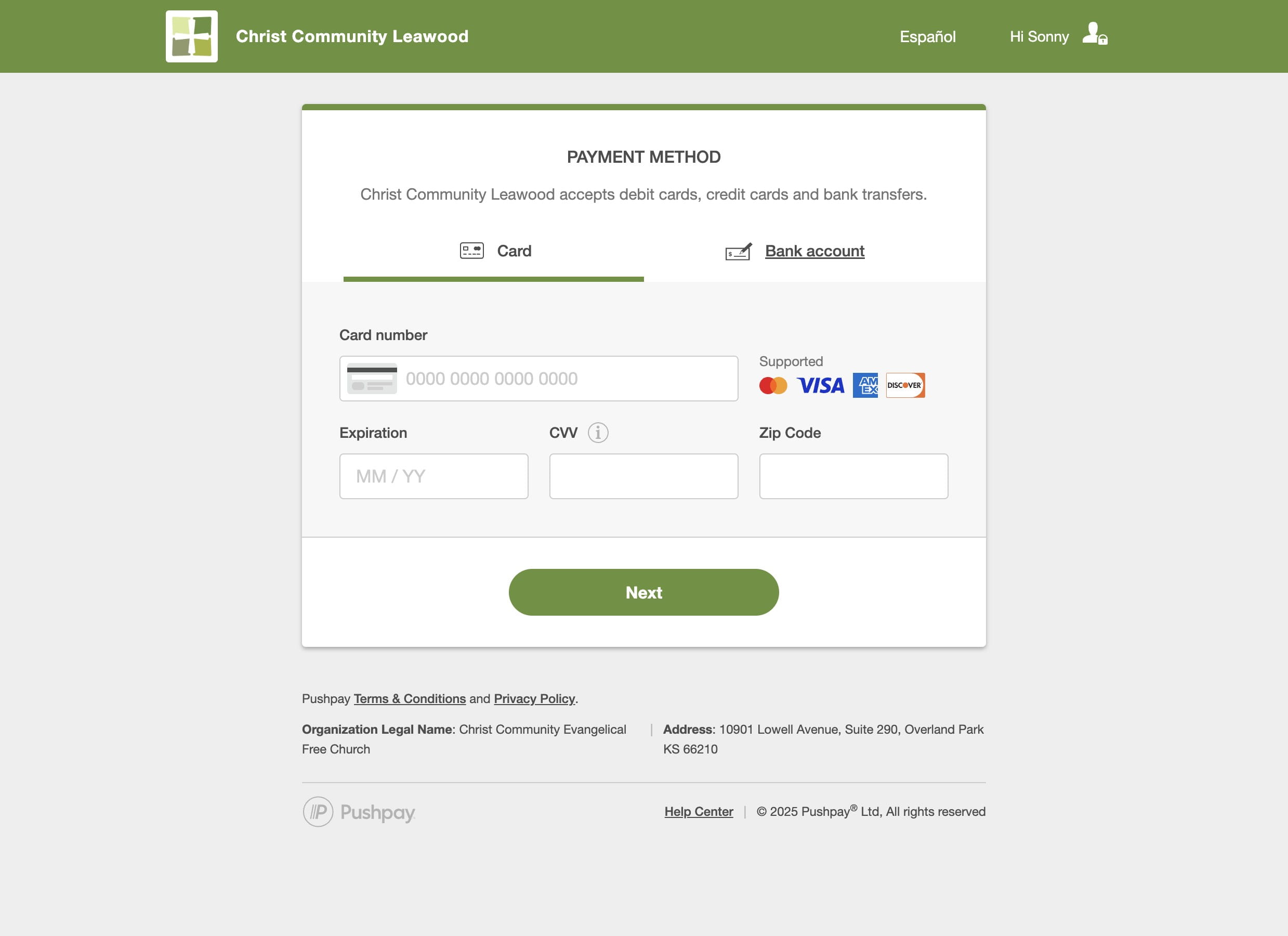
Enter your bank account information, and choose your account type
If you want to give by Credit Card, enter your card details
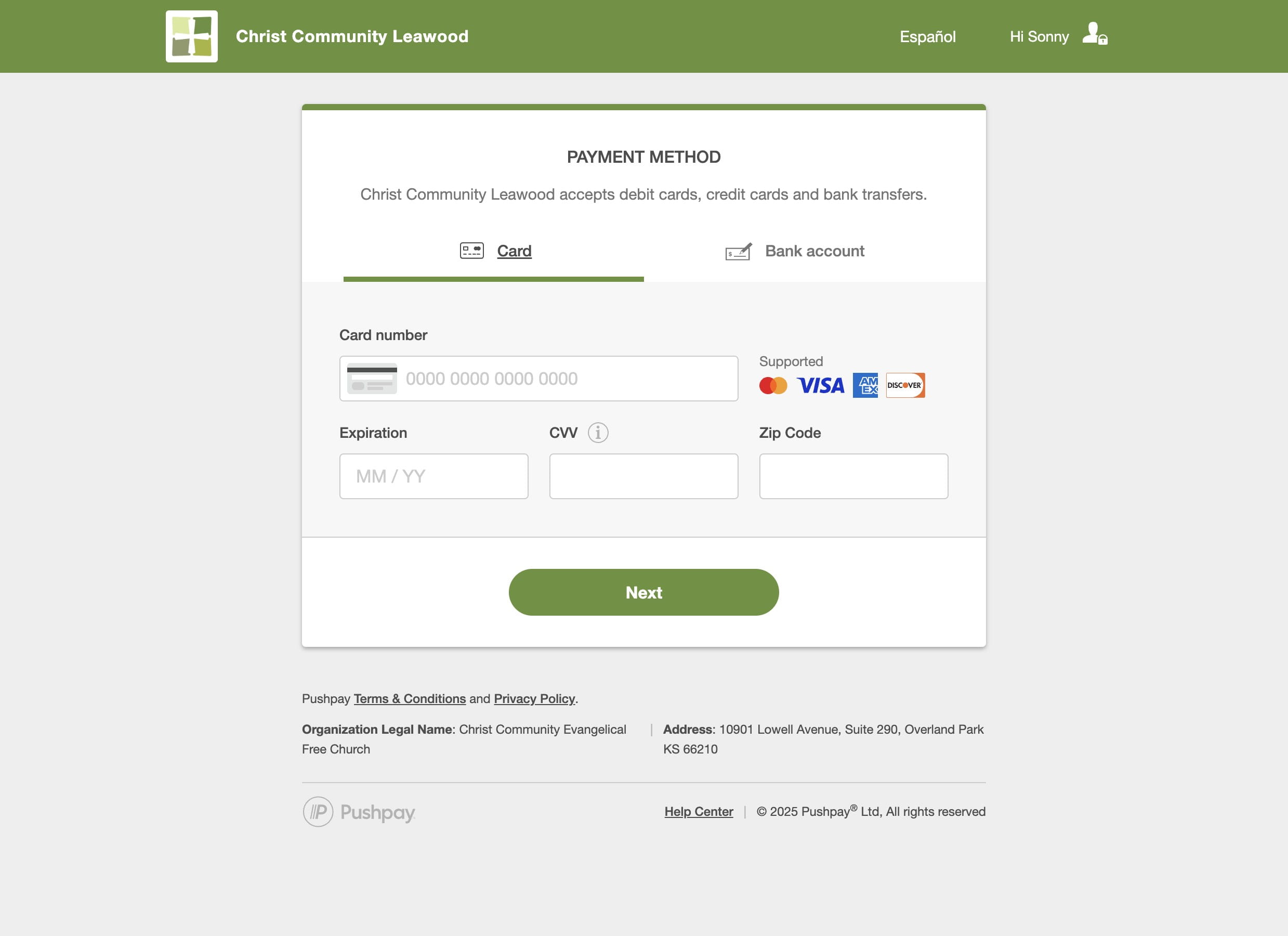
Click "Next" to continue
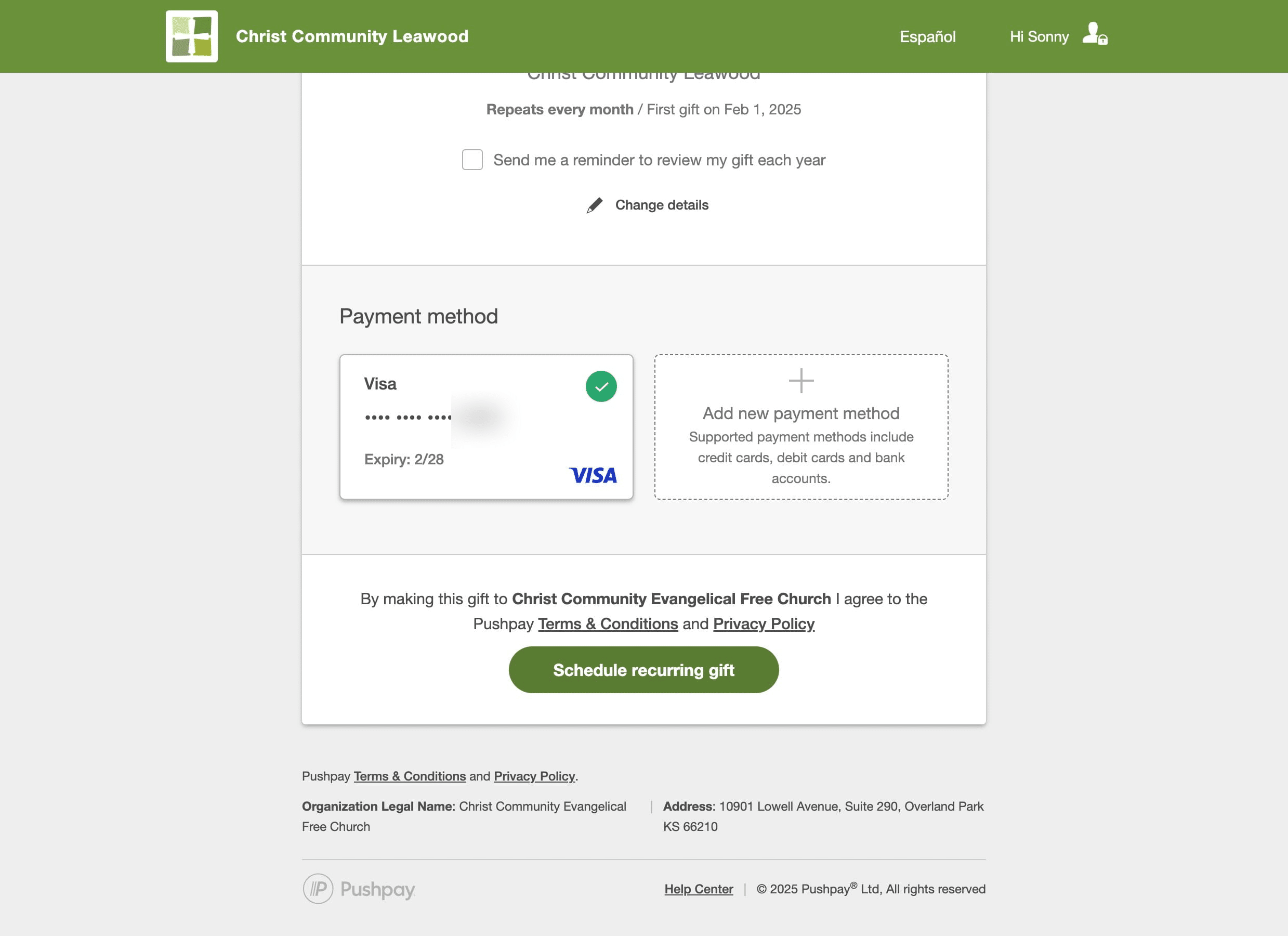
Review your giving information
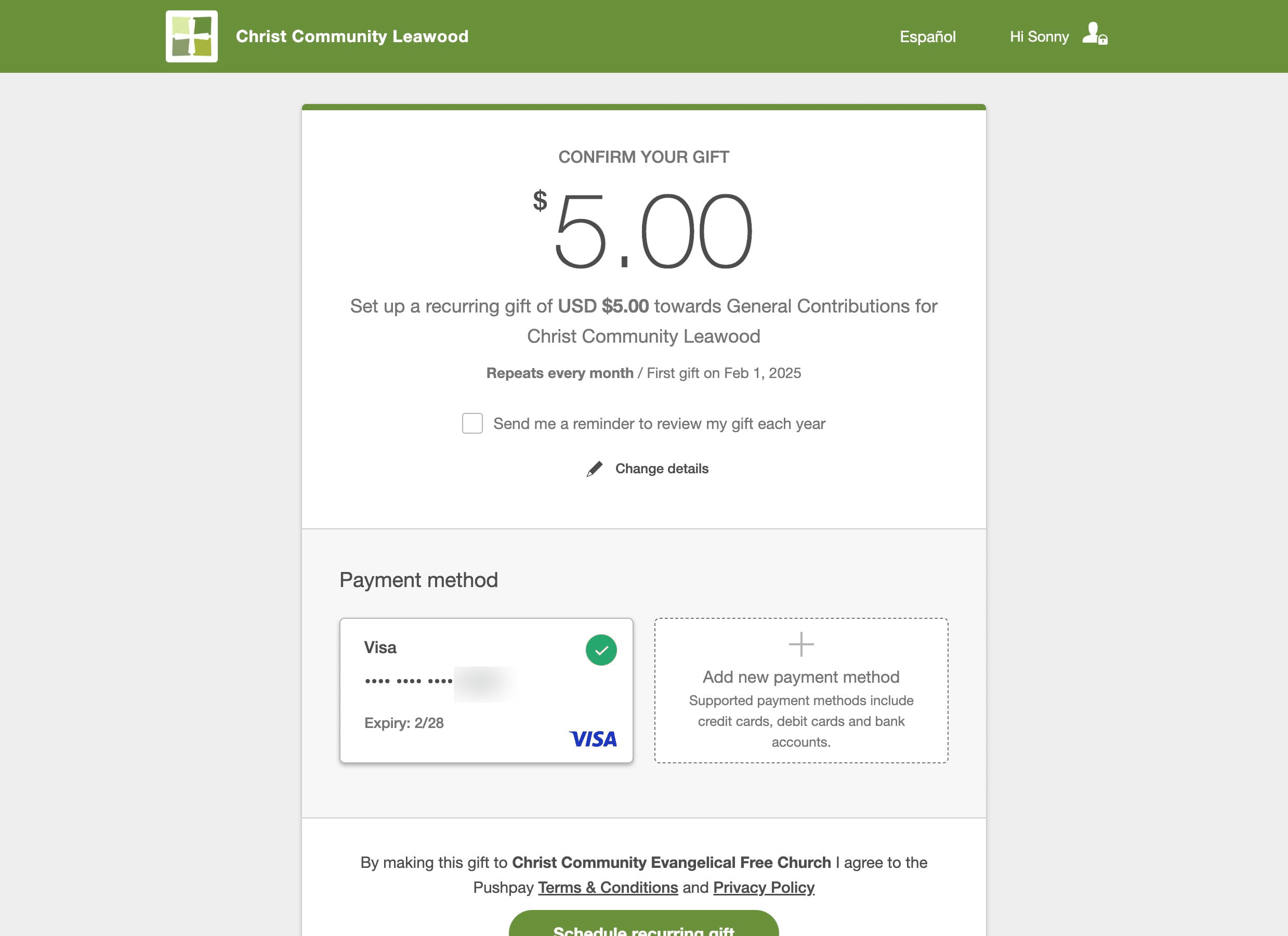
Click here if you want to get a reminder to review your gift yearly
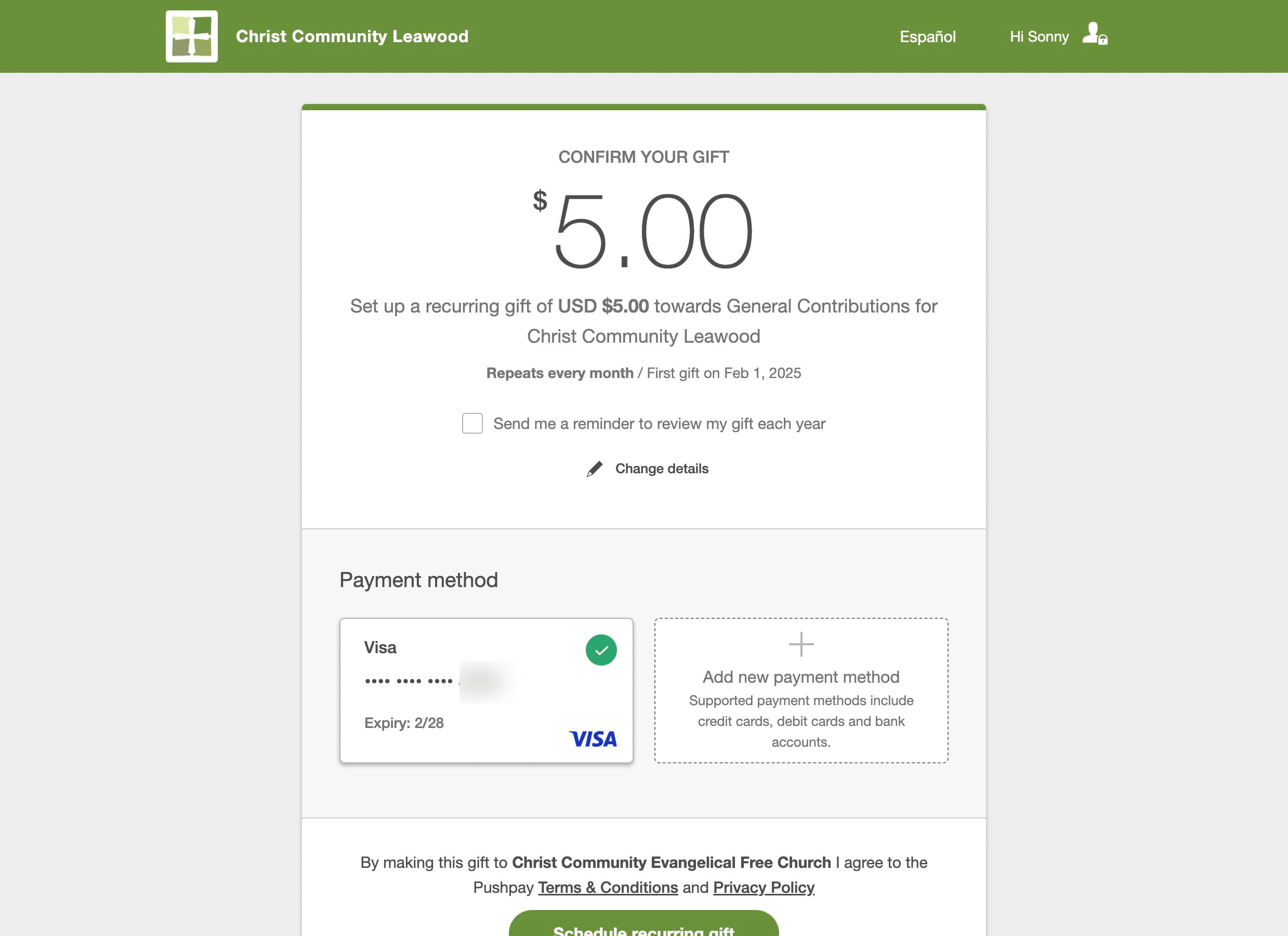
Click on "Schedule recurring gift" to schedule your recurring gift
You are finished. Thank you for your generosity