HOW TO set up a REDIRECT URL on the Website
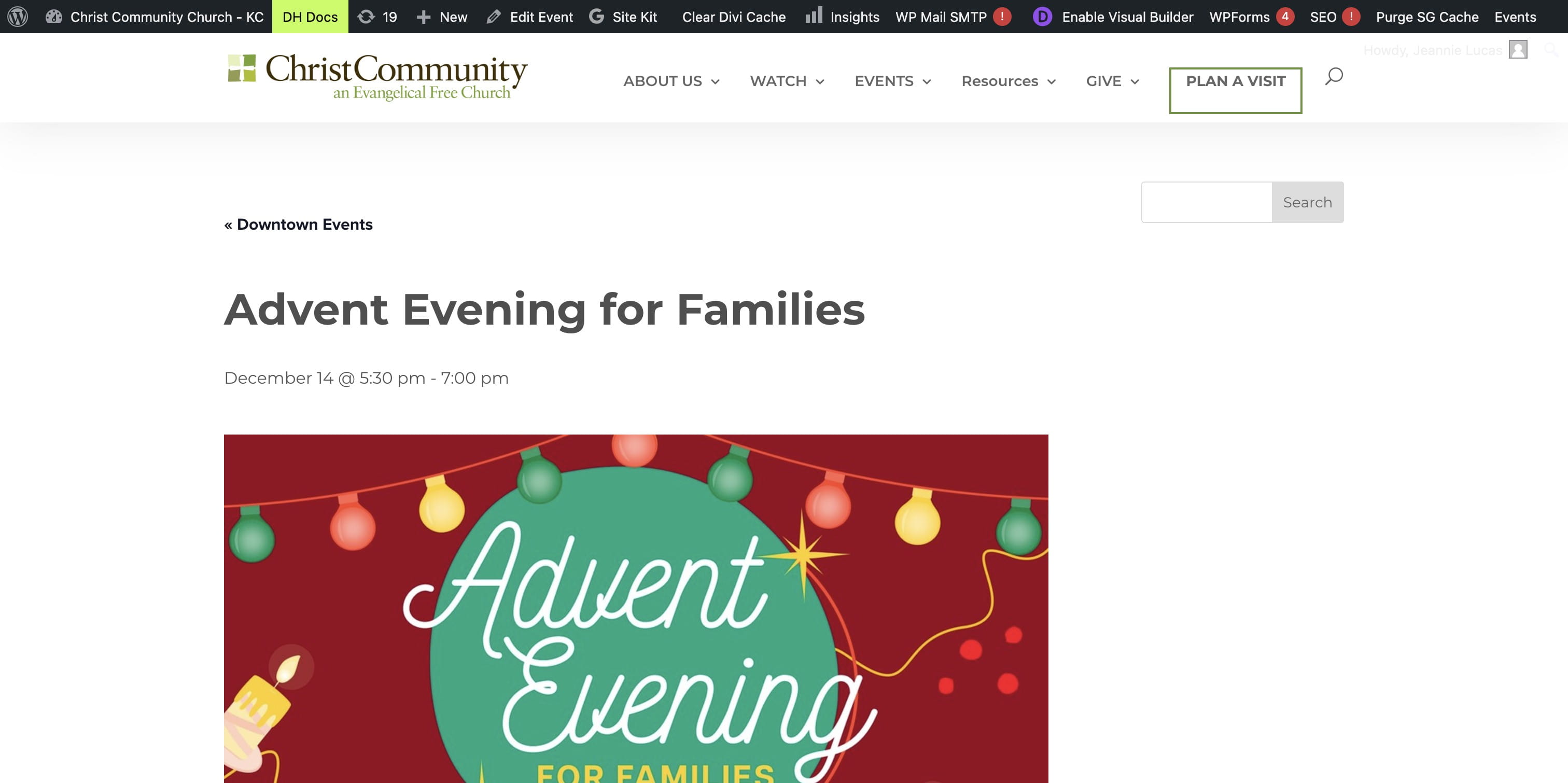
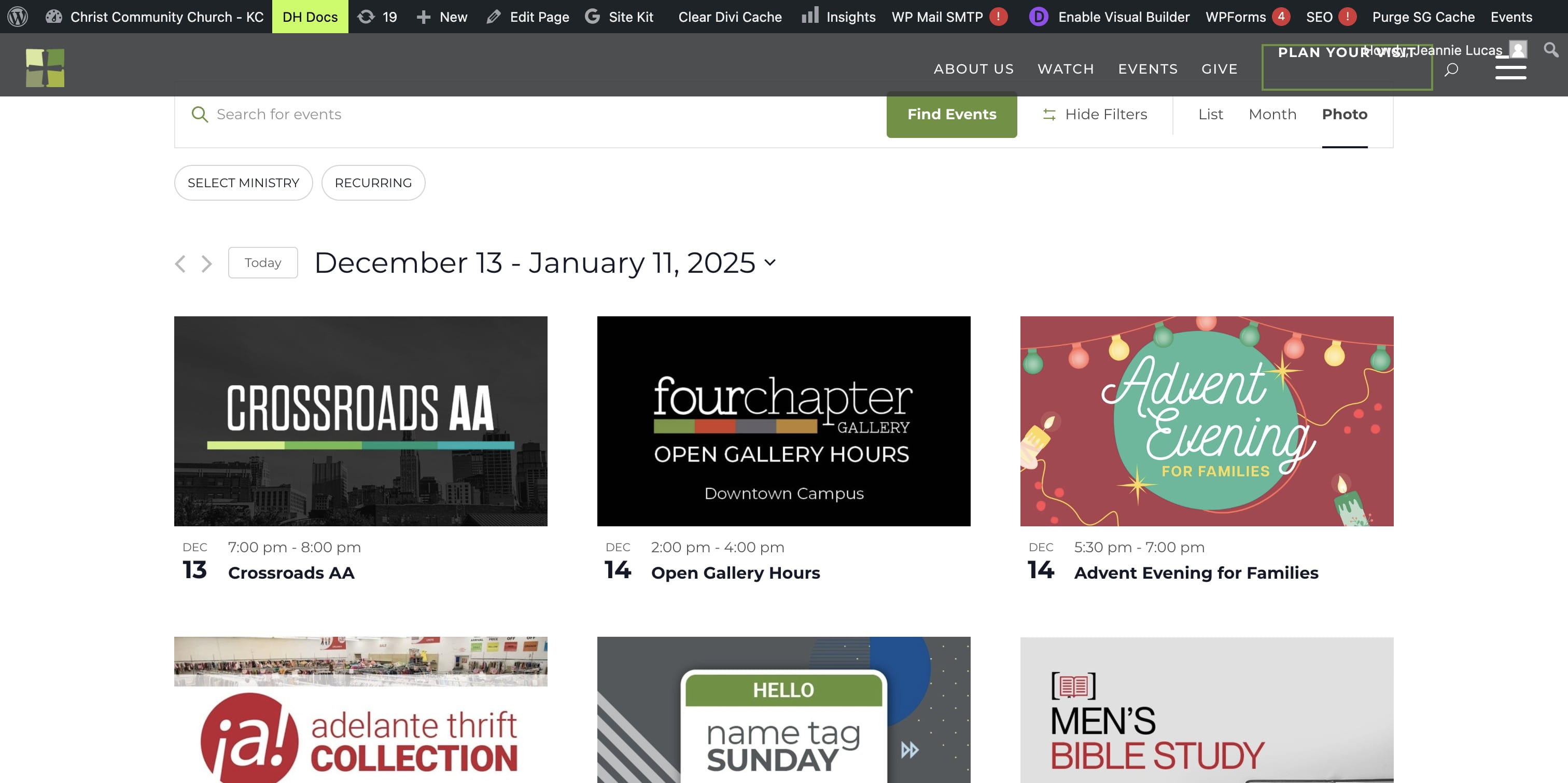
Navigate to the calendar or event that you want the REDIRECT to go to.
RIGHT CLICK on the event and COPY URL for that event. (This is the event or location you want the link or QR code to end up at.)
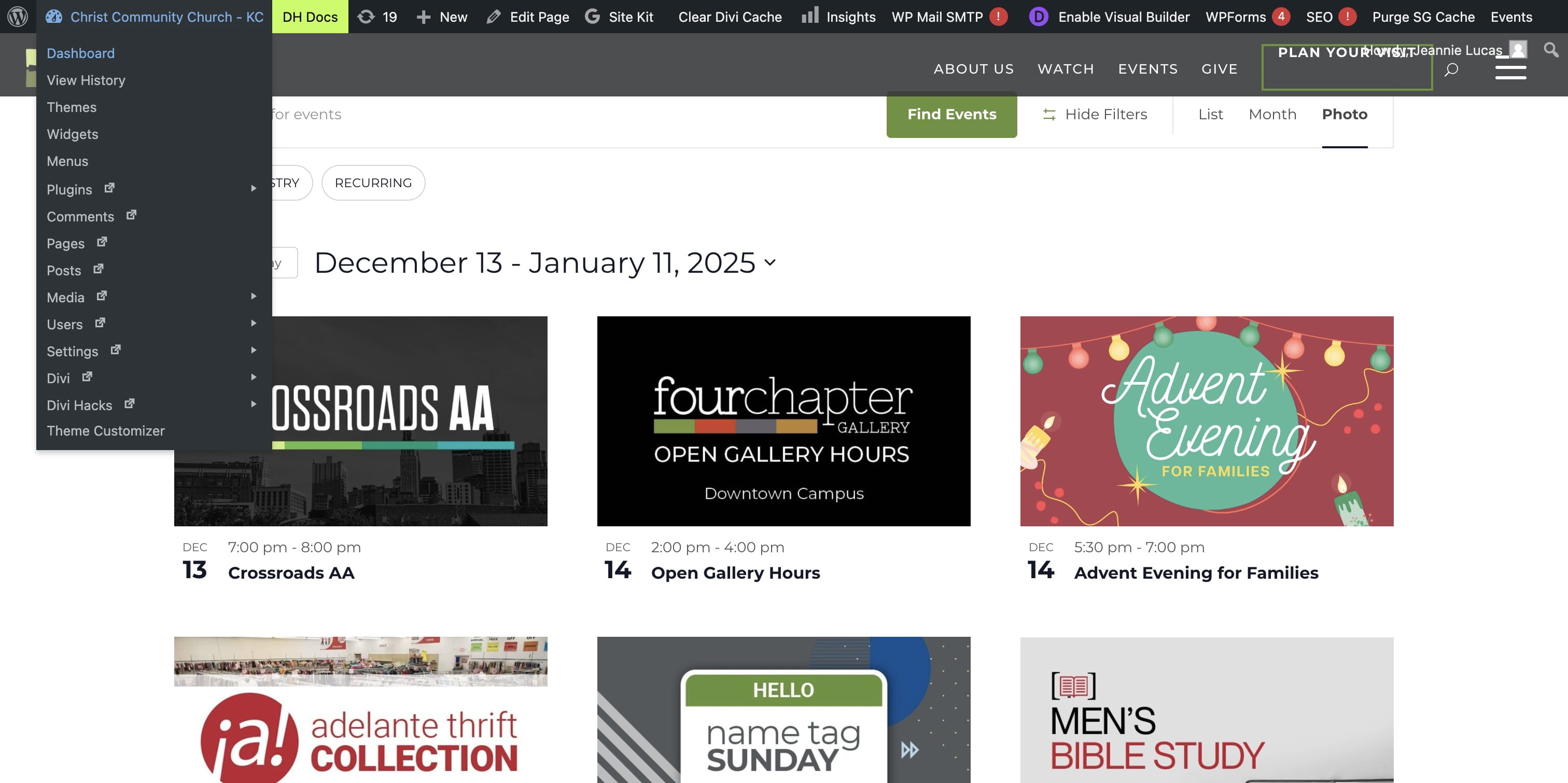
Go to the "Dashboard"
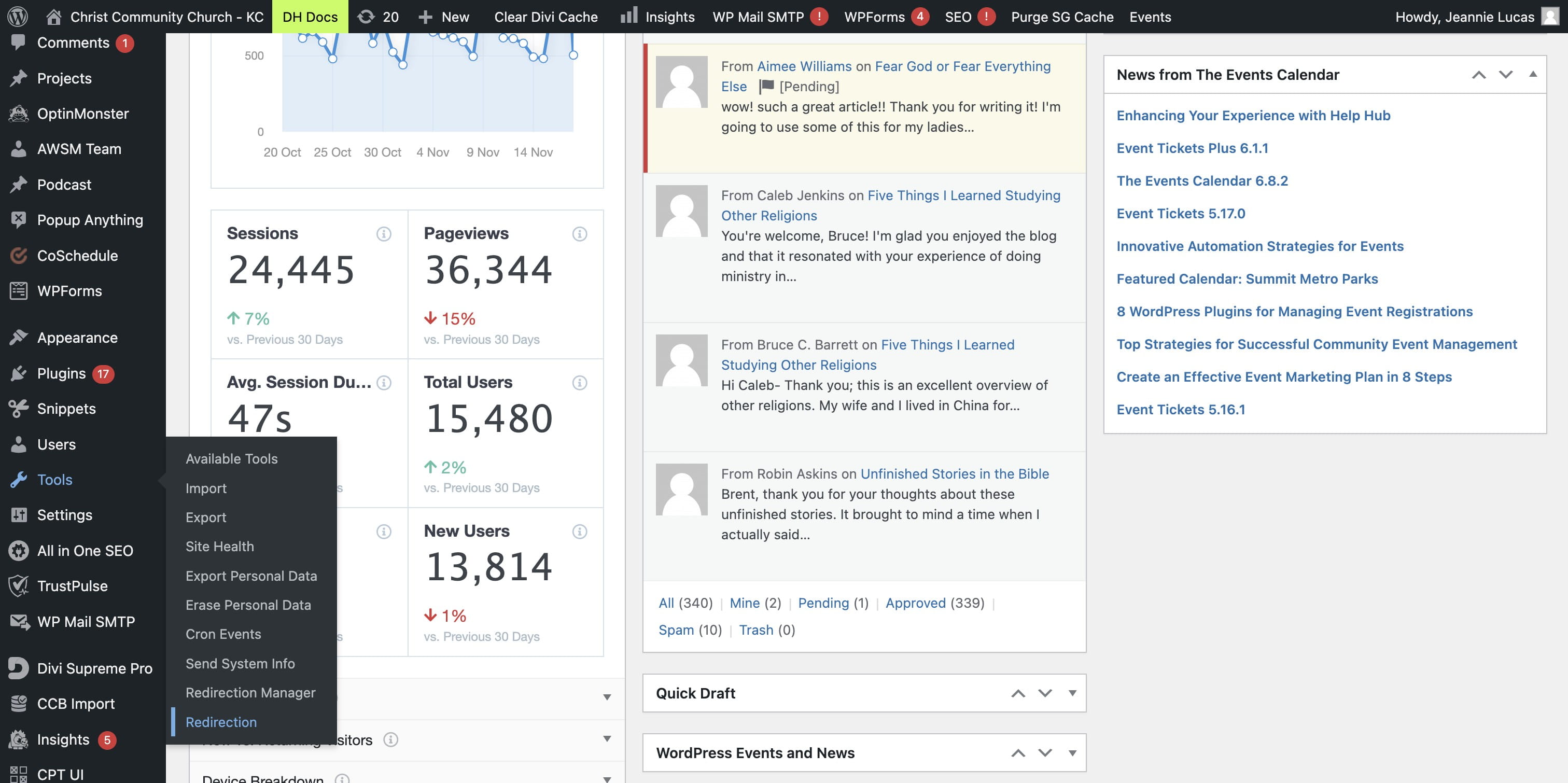
Under TOOLS select "Redirection"
In the REDIRECTION tool, scroll to the bottom of that first page.
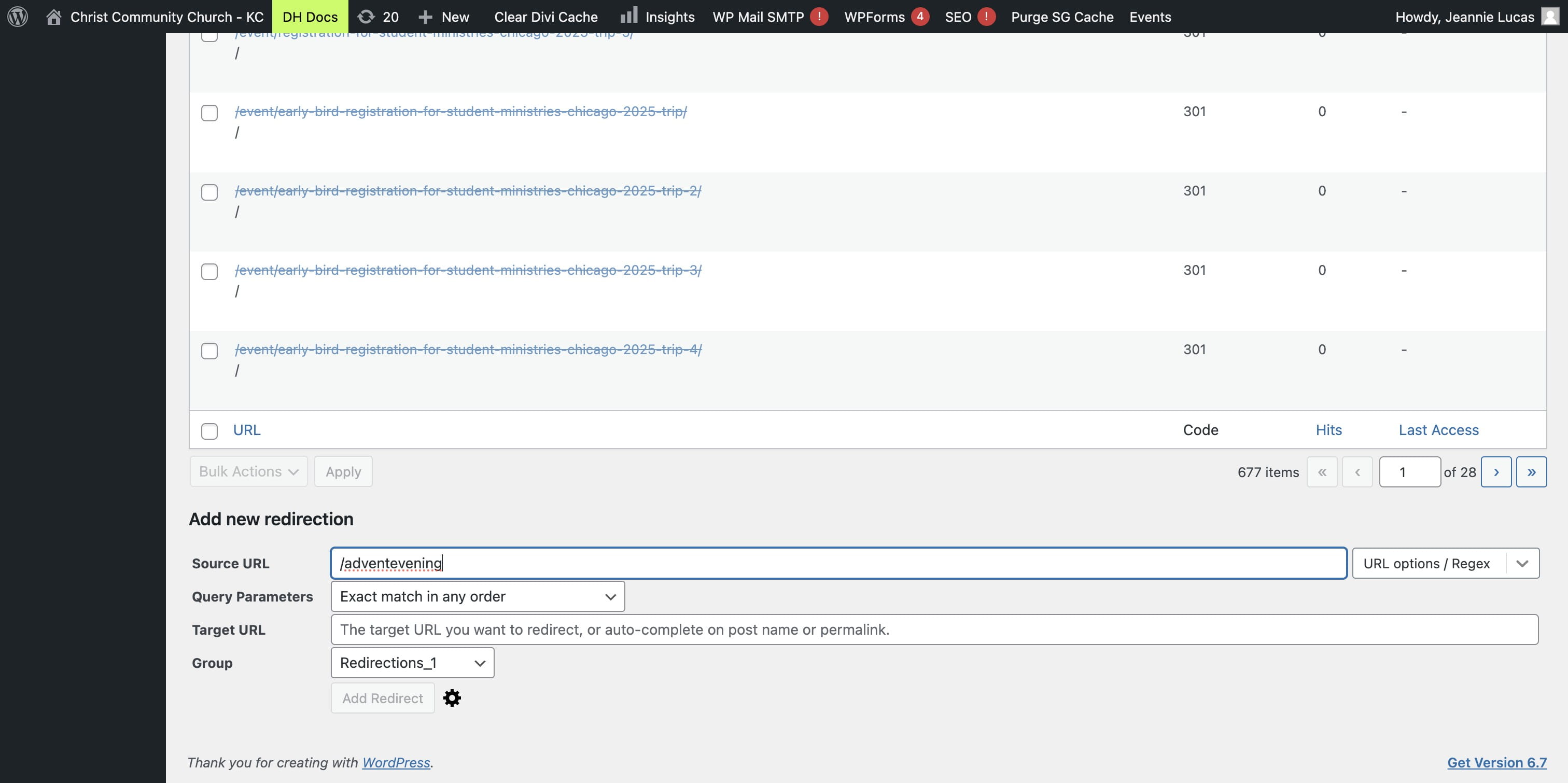
In the SOURCE URL put in the URL you WANT to create. i.e "/adventevening"
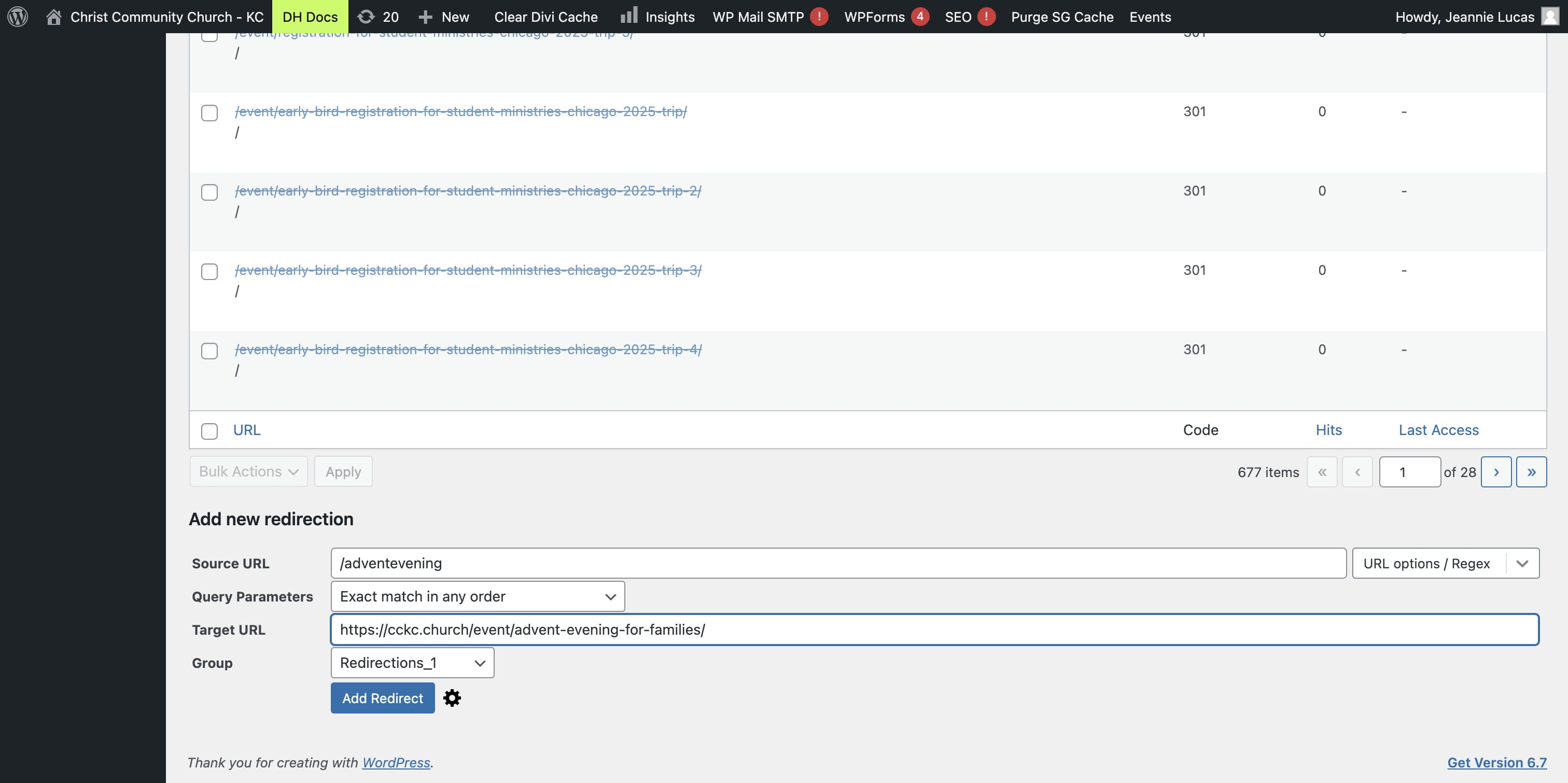
The TARGET URL is where you PASTE the existing event URL i.e. "https://cckc.church/event/advent-evening-for-families"
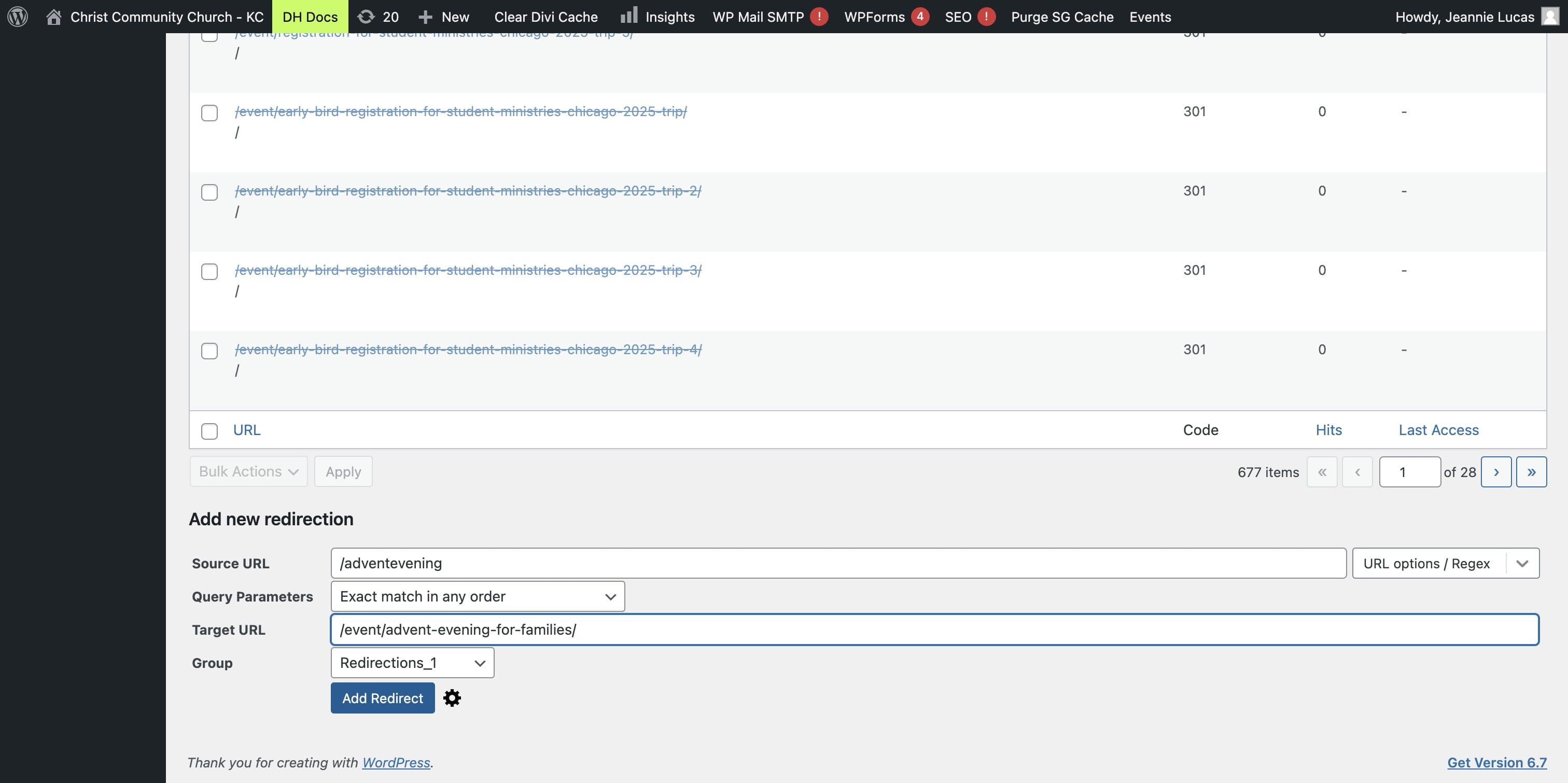
You can remove the "https://cckc.church/" from the beginning of the TARGET URL. It will work either way, but this will help the link resolve more quickly.
Click ADD REDIRECT to save the redirection.
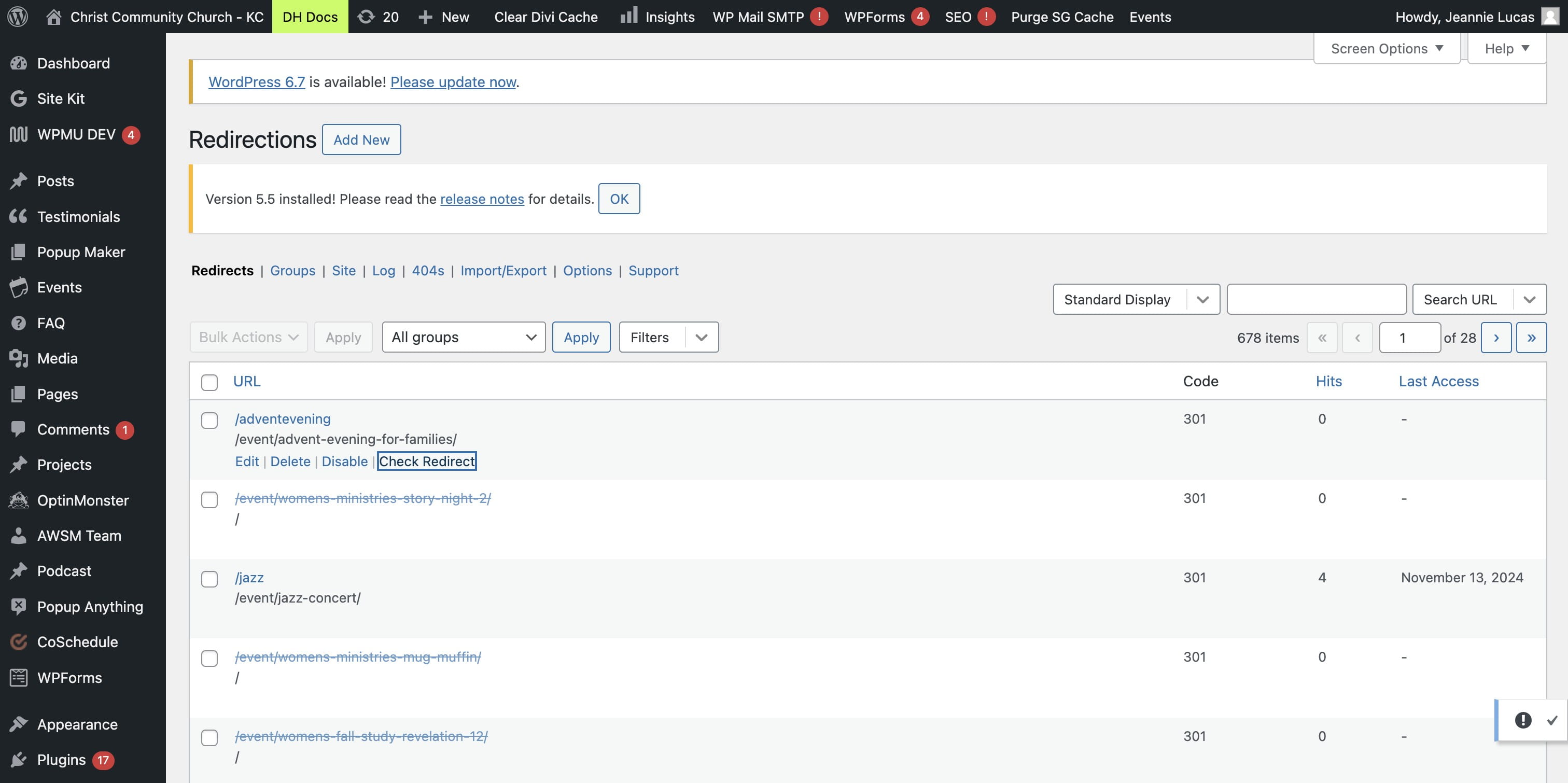
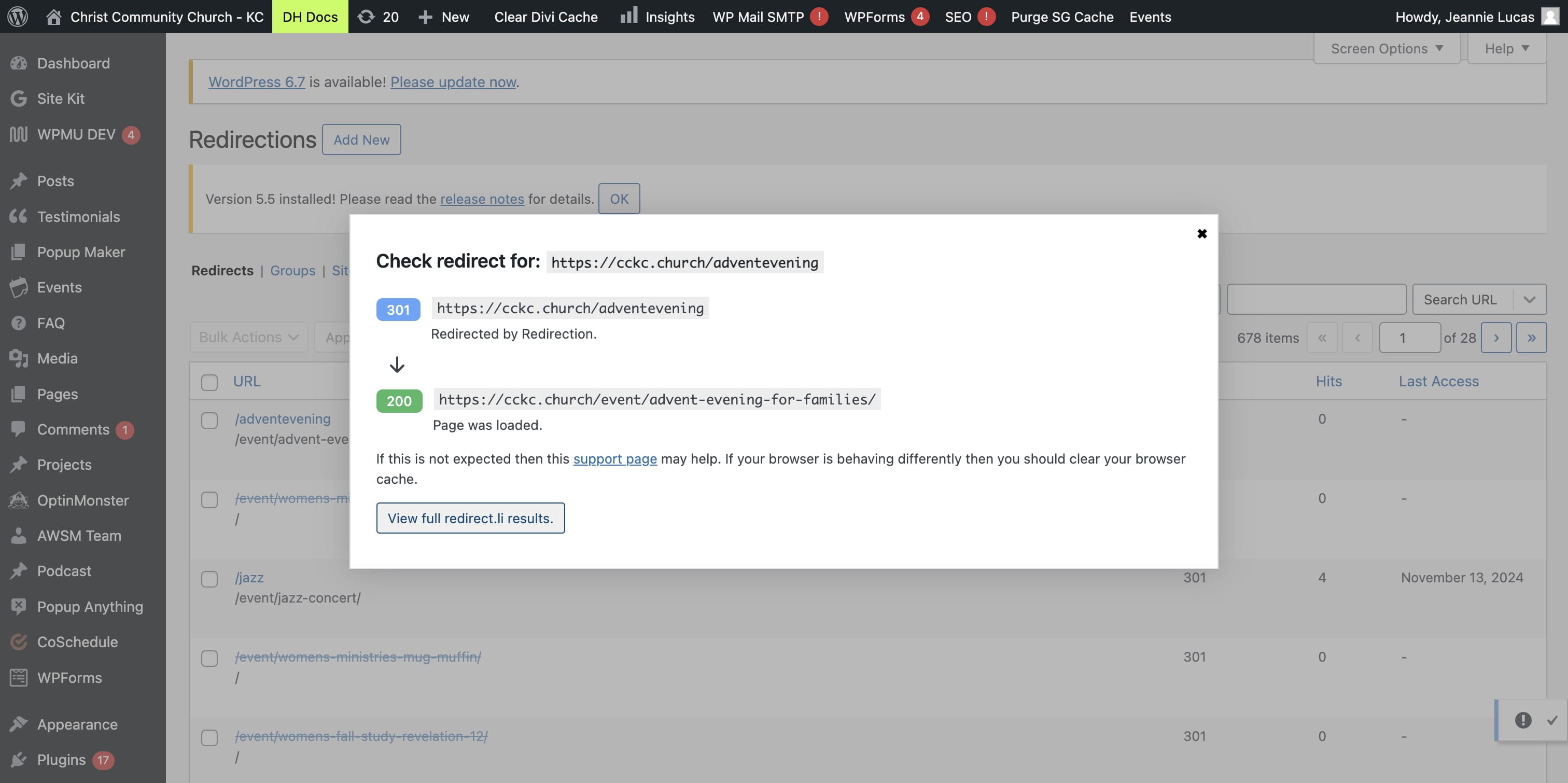
SCROLL to the top of the list and click on "Check Redirect"
Click on "View full redirect.li results."
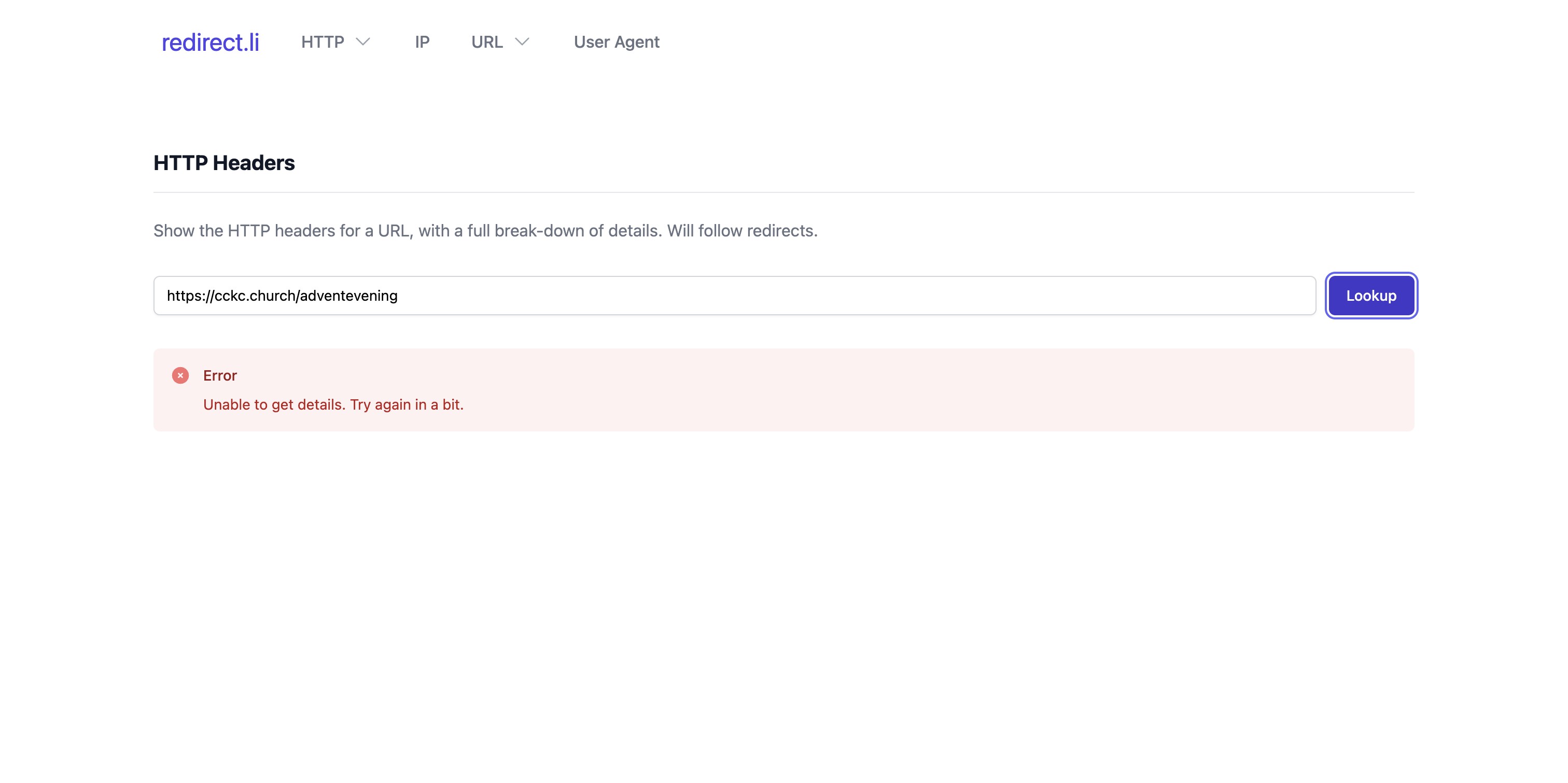
Click on "Lookup"
Click on the link to double-check that your redirection is working.
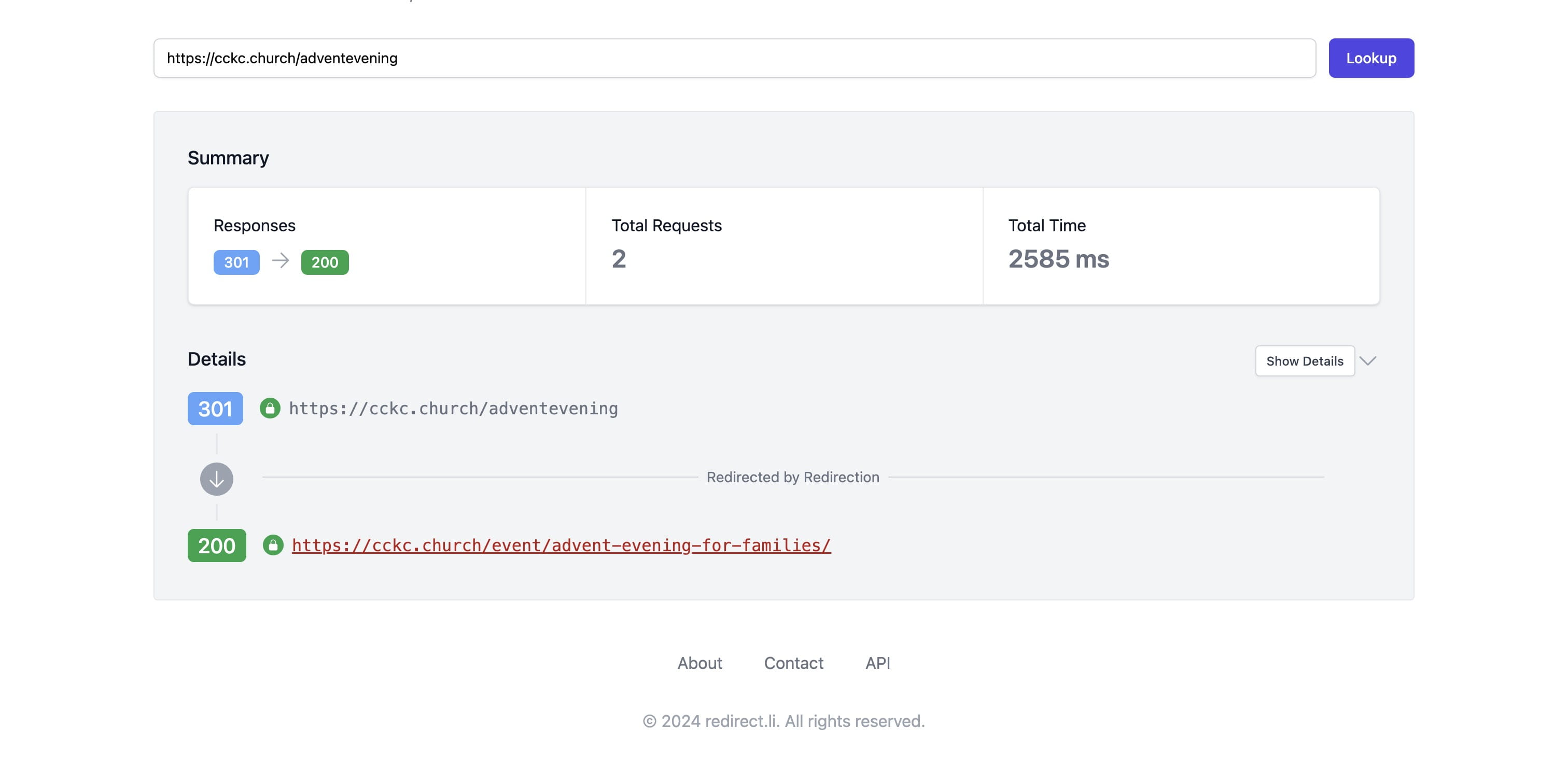
Done 🚀