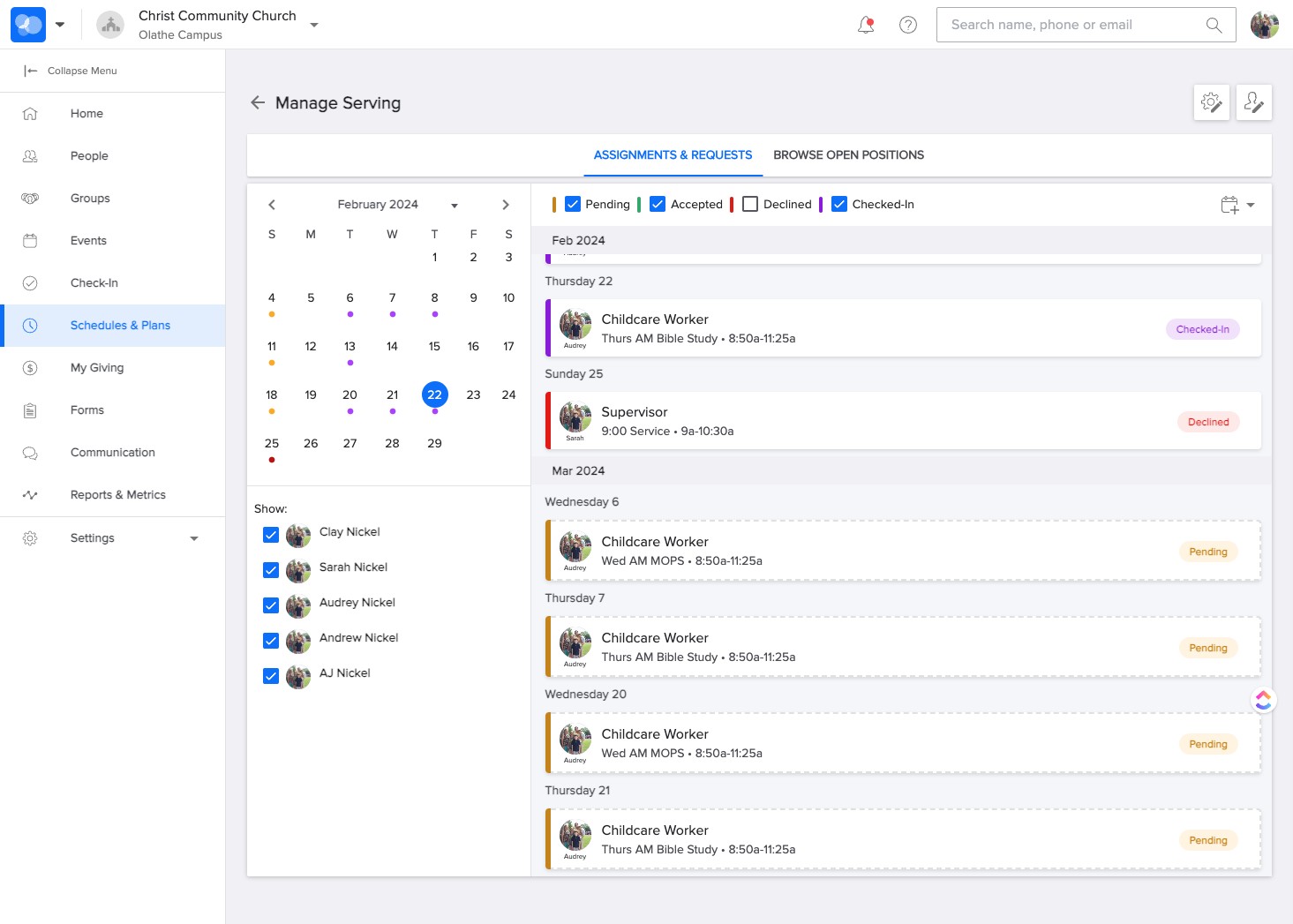
Accept or Decline - Serving Opportunities
How to Accept or Decline volunteer serving opportunities in CCB from a computer.
Feb 22, 2024●
1
Navigate to CCB: https://ccefc.ccbchurch.com/index.php
2
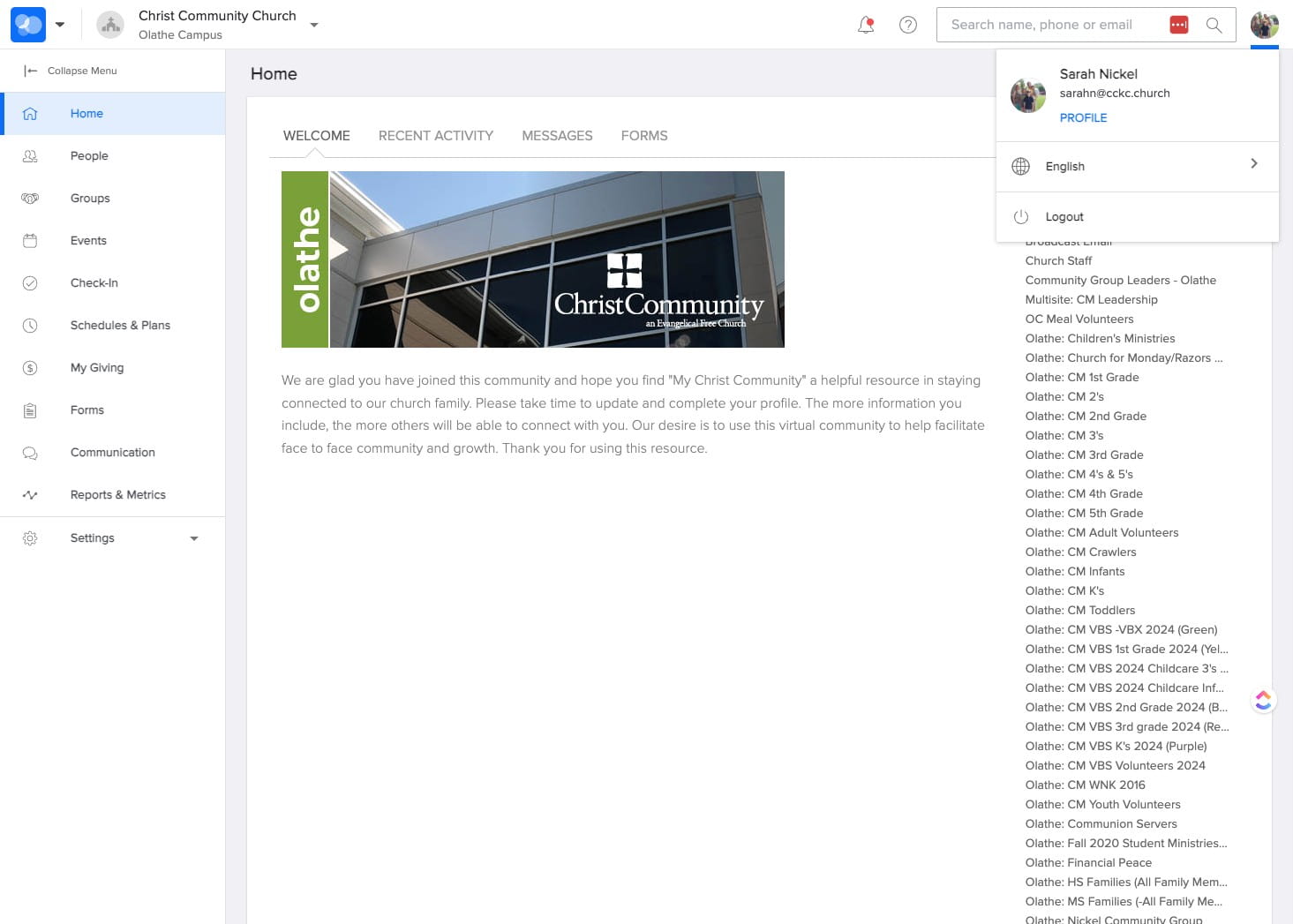
SELECT your profile in the upper right of the window.
3
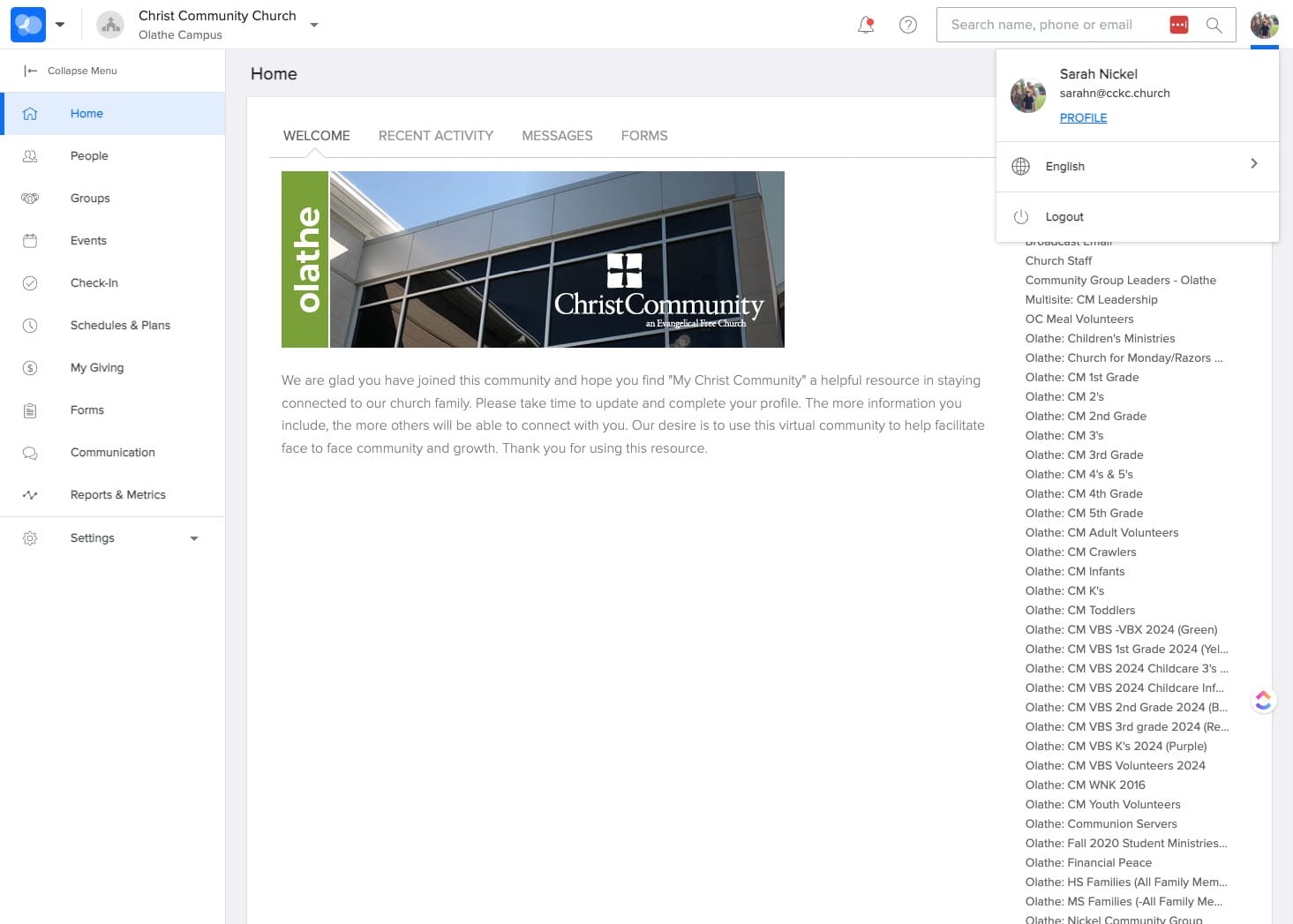
CLICK "Profile" under your name.
4
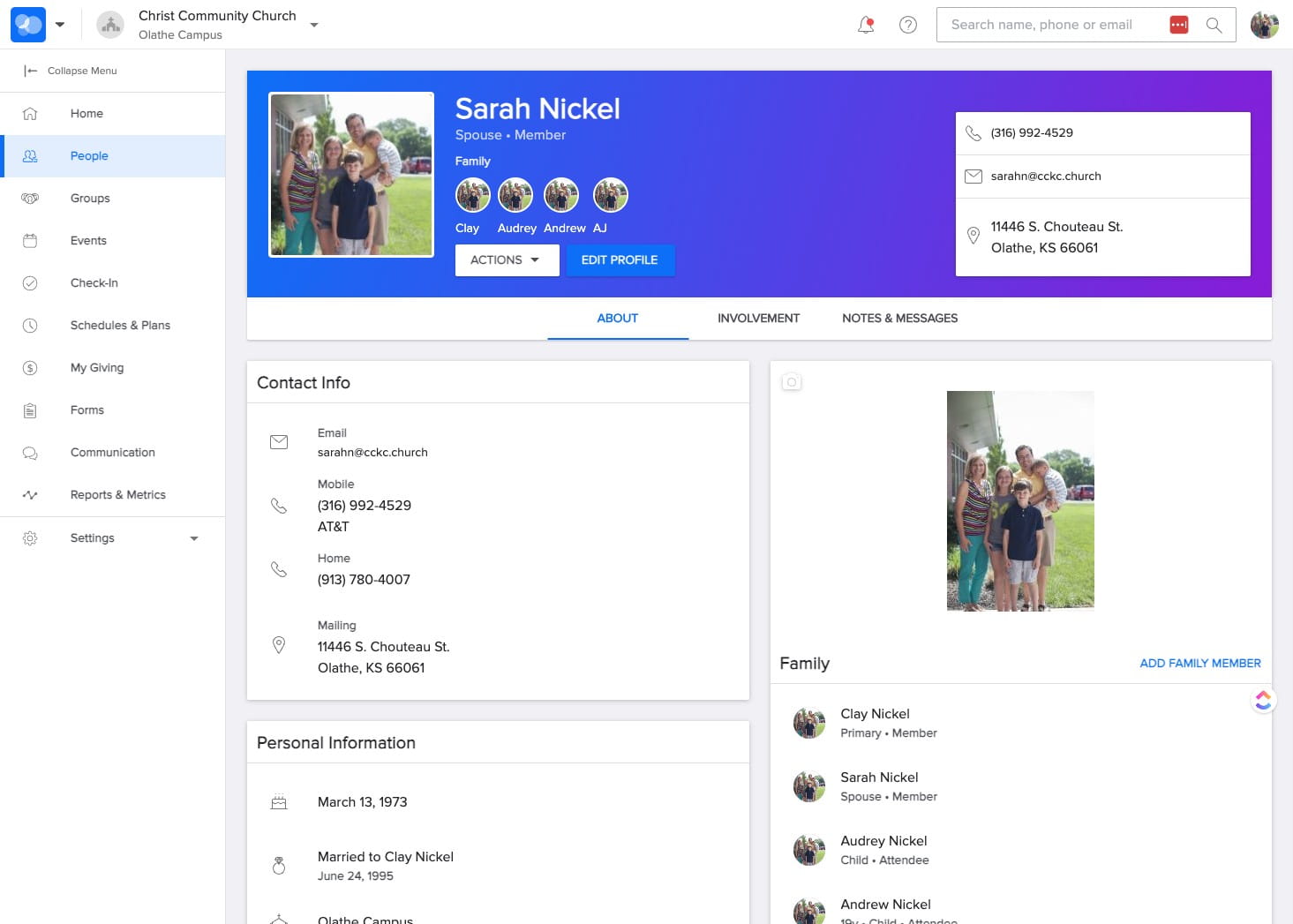
SELECT "Involvement"
5
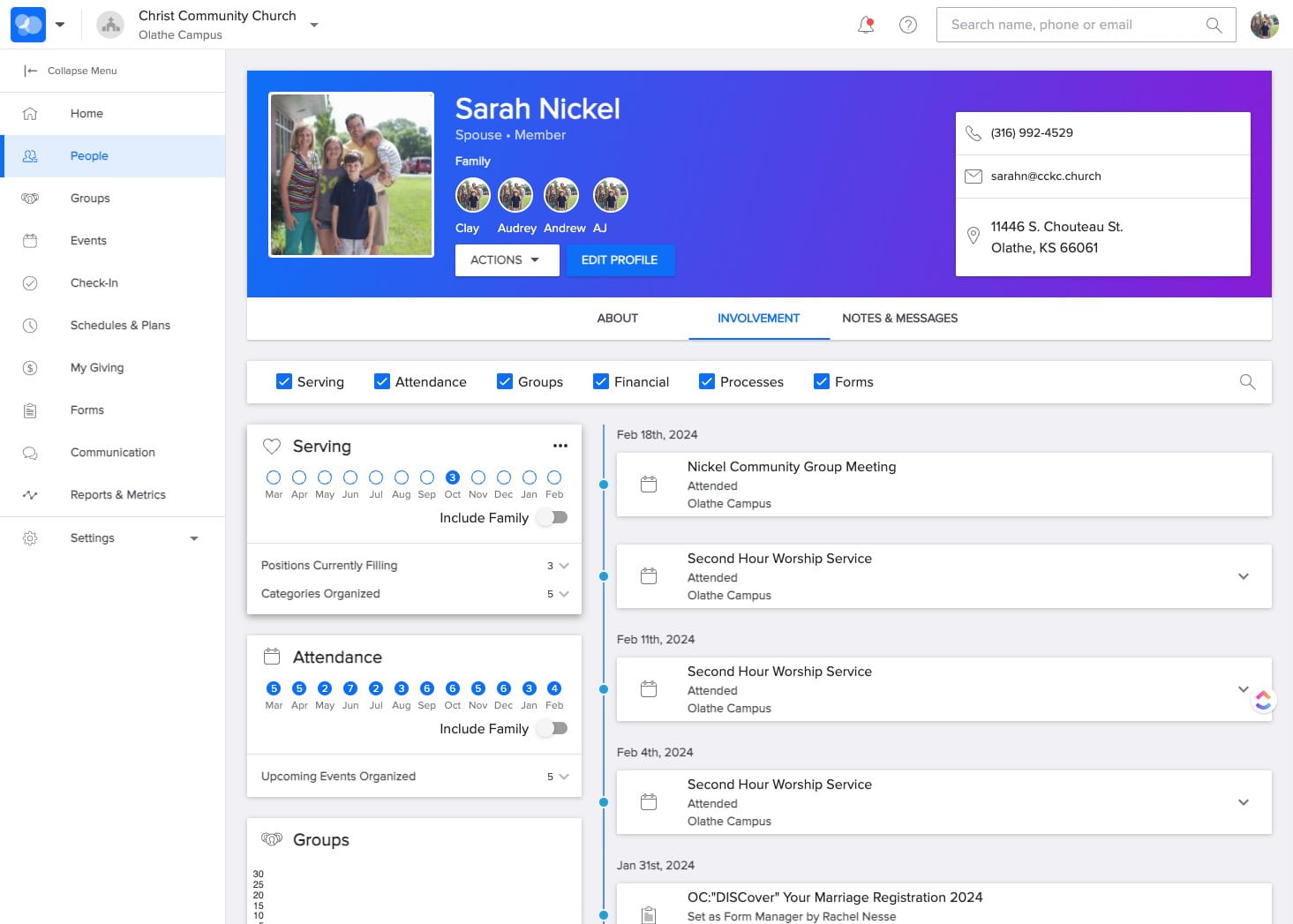
In the Serving section, SELECT the icon with three dots in the upper right of that area.
6
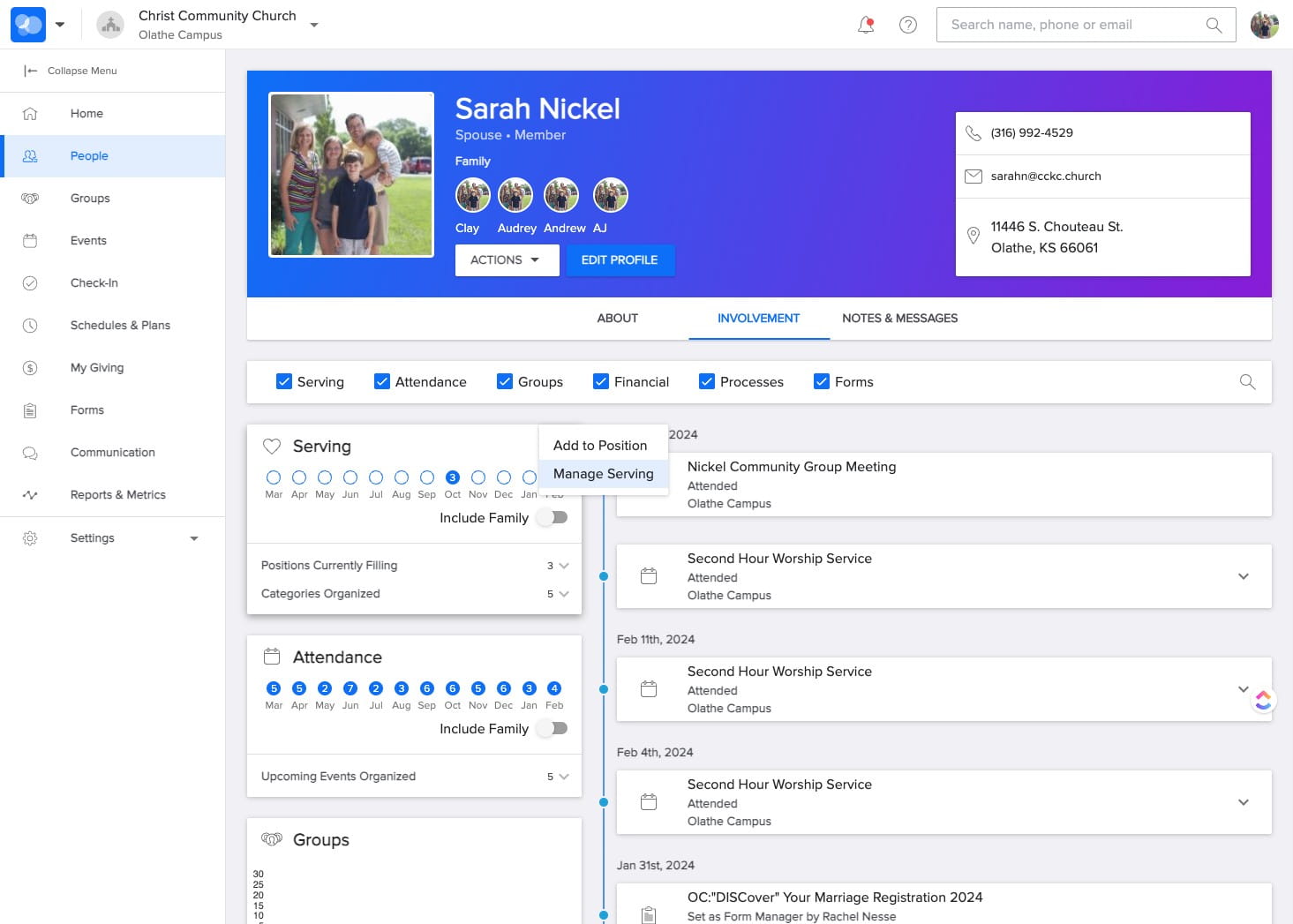
SELECT "Manage Serving"
7
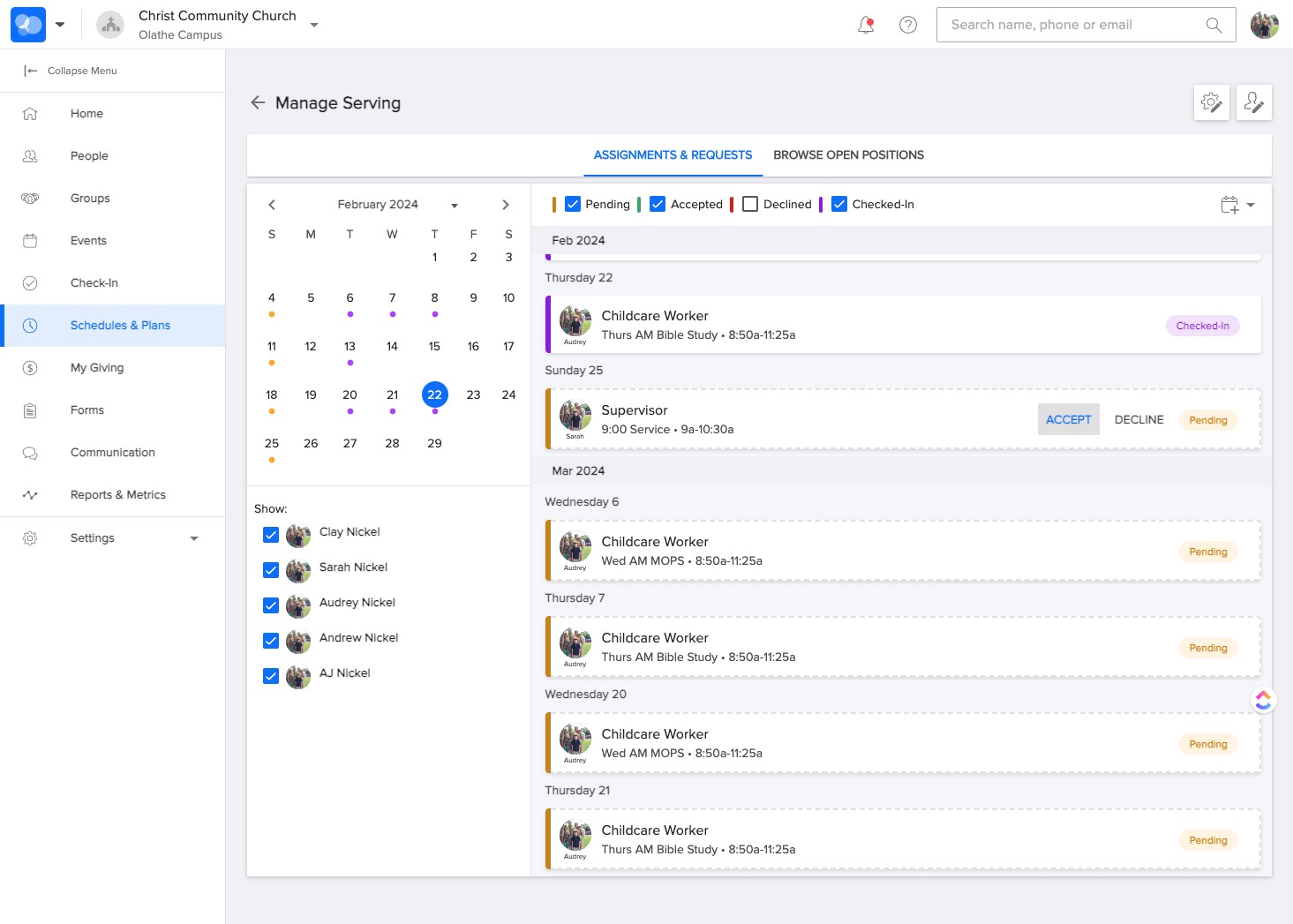
SELECT "Accept" or "Decline as appropriate.
8
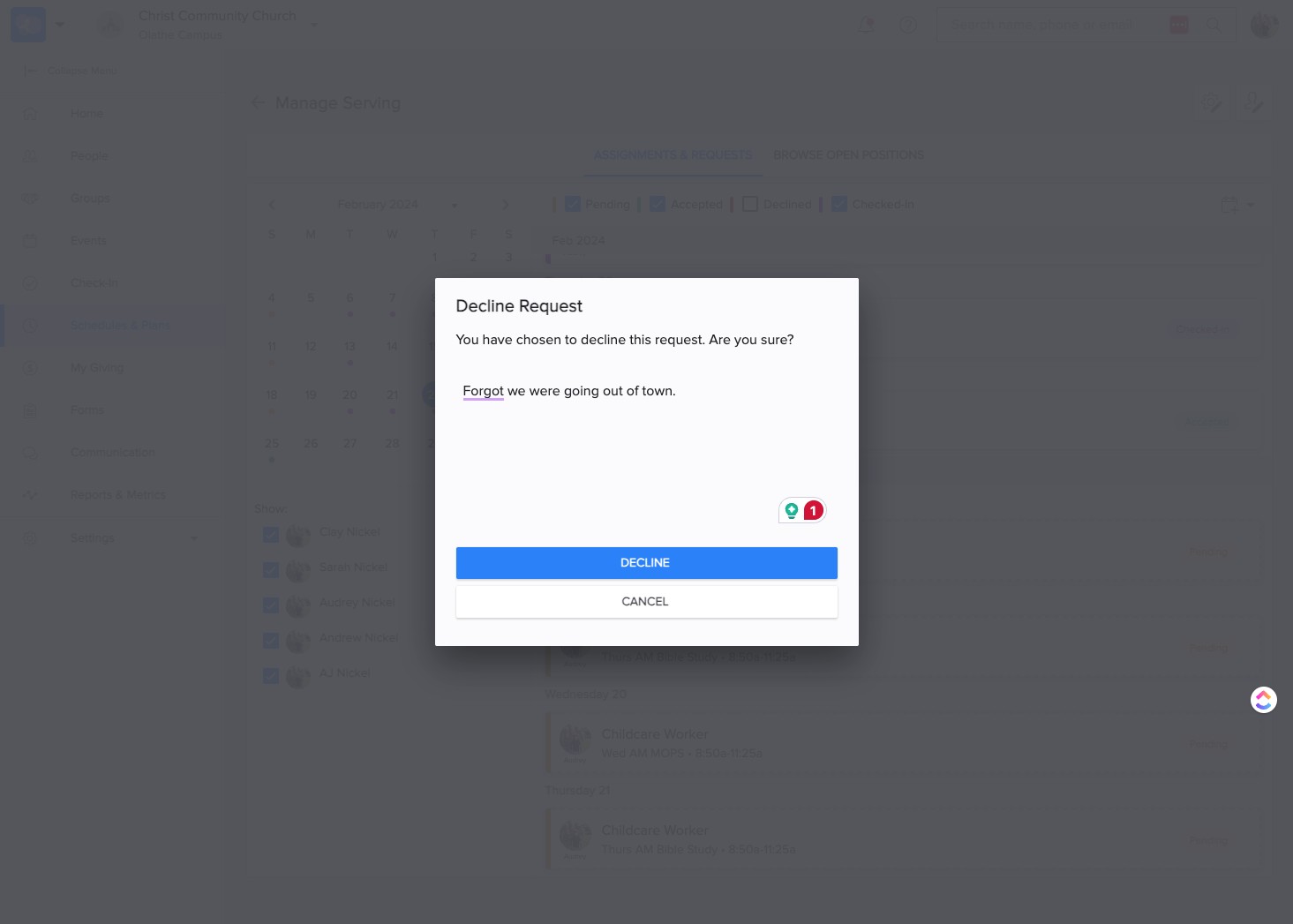
If you "Decline" you can make a note for your request. SELECT "Decline"
9
Done 🚀