Adding Blockout Dates - Serving Opportunities
Feb 22, 2024●
1
Navigate to CCB: https://ccefc.ccbchurch.com/index.php
2
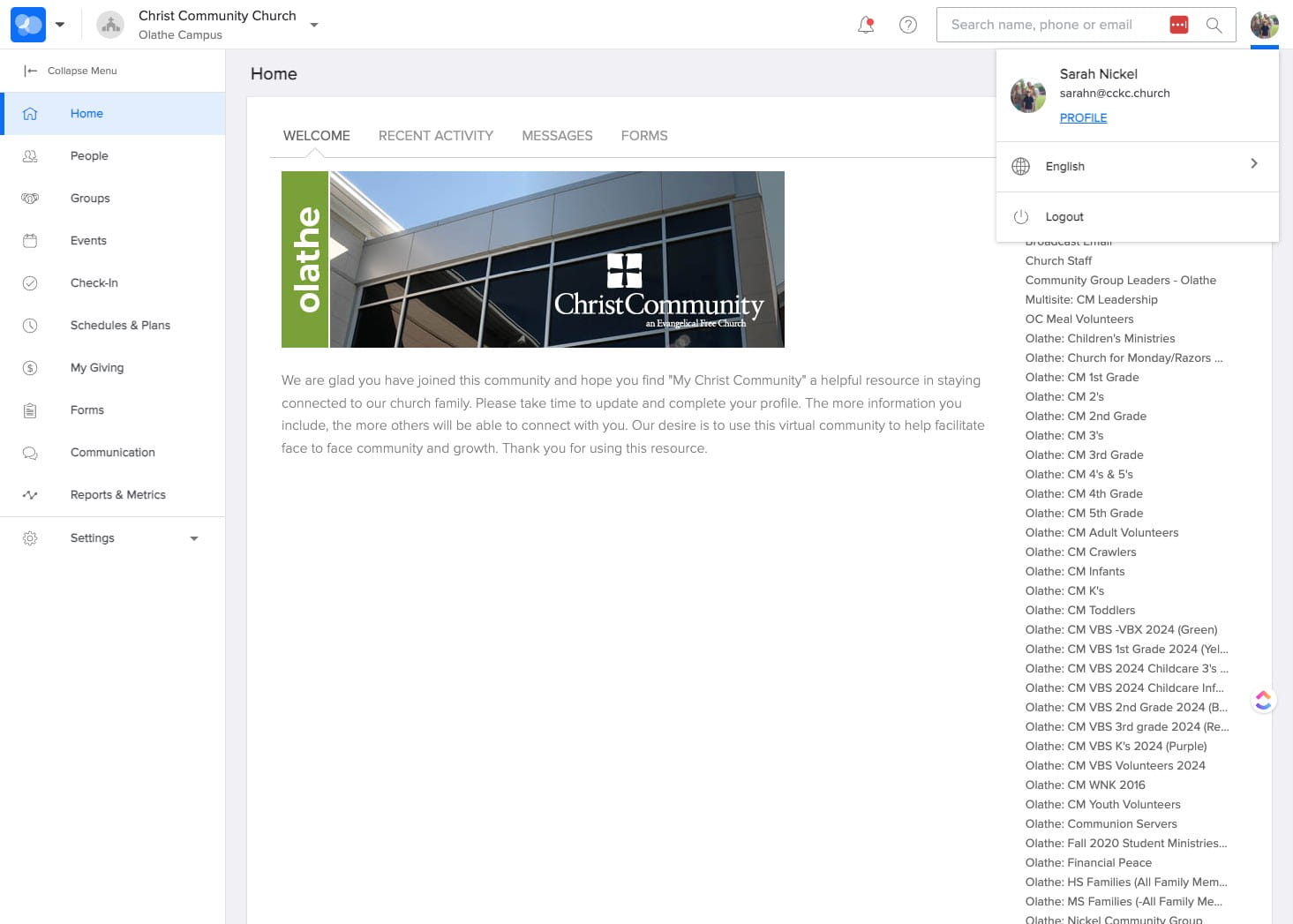
SELECT your profile icon and CLICK "Profile"
3
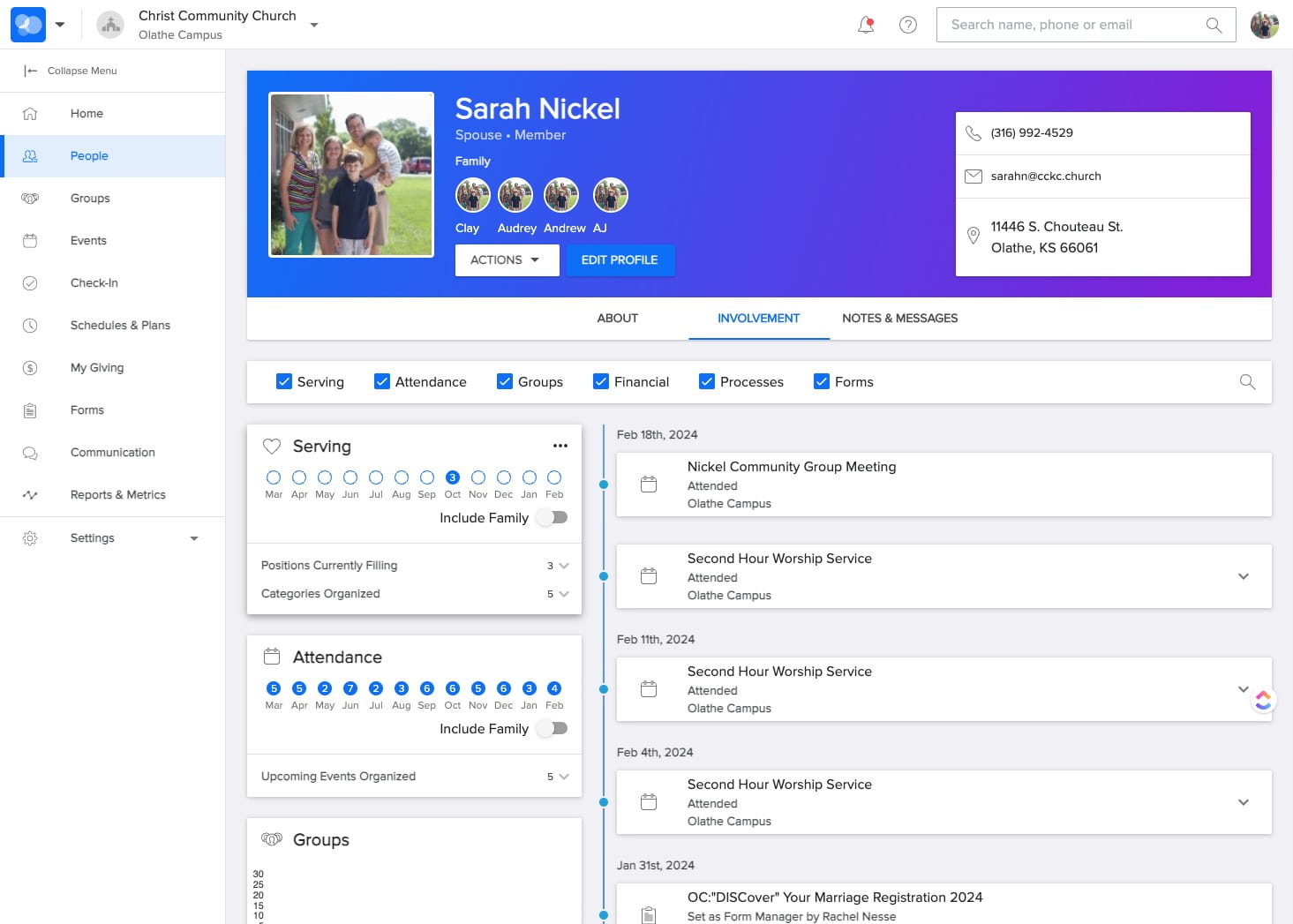
In the Serving section under your profile, CLICK the three dots icon.
4
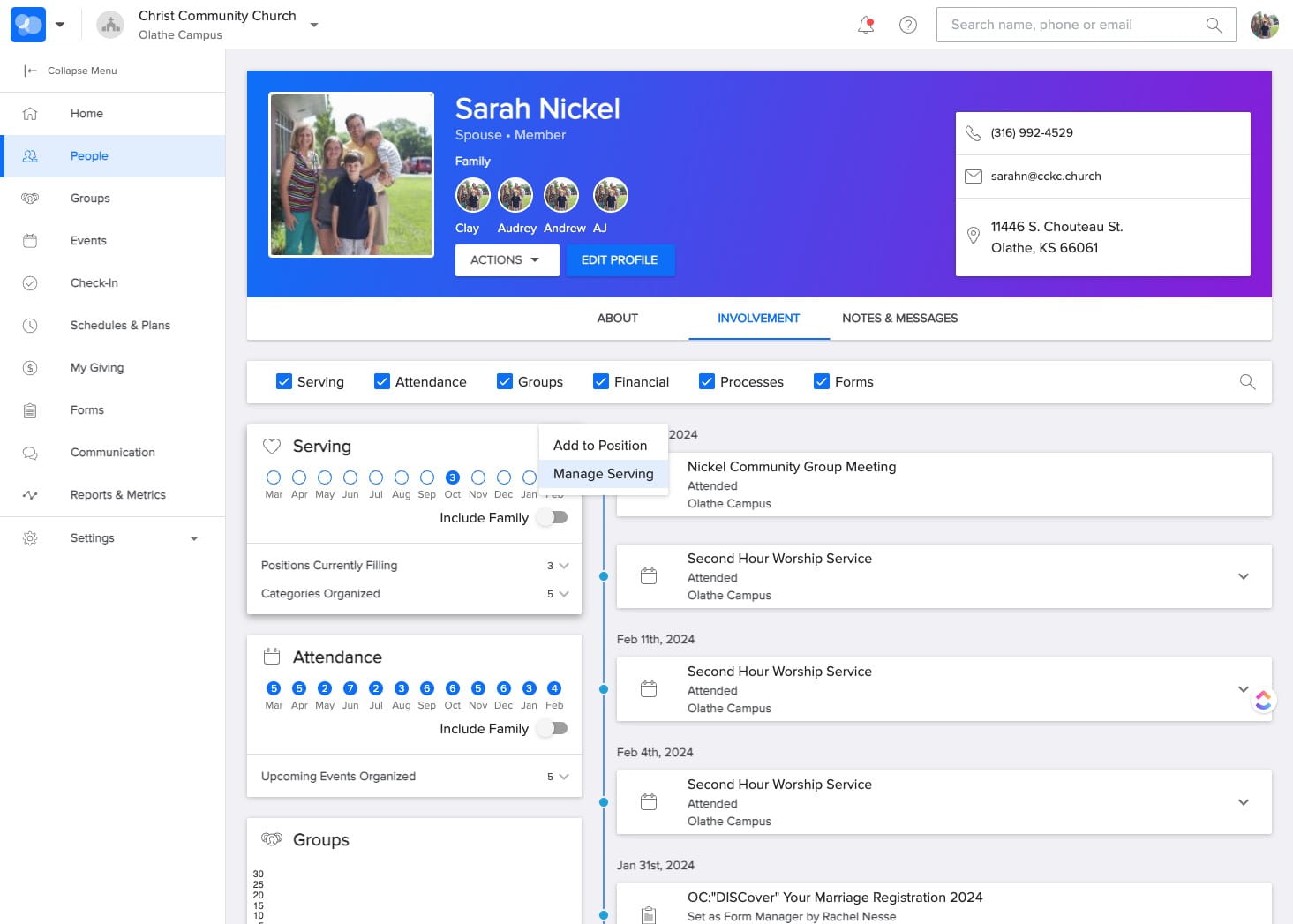
SELECT "Manage Serving"
5
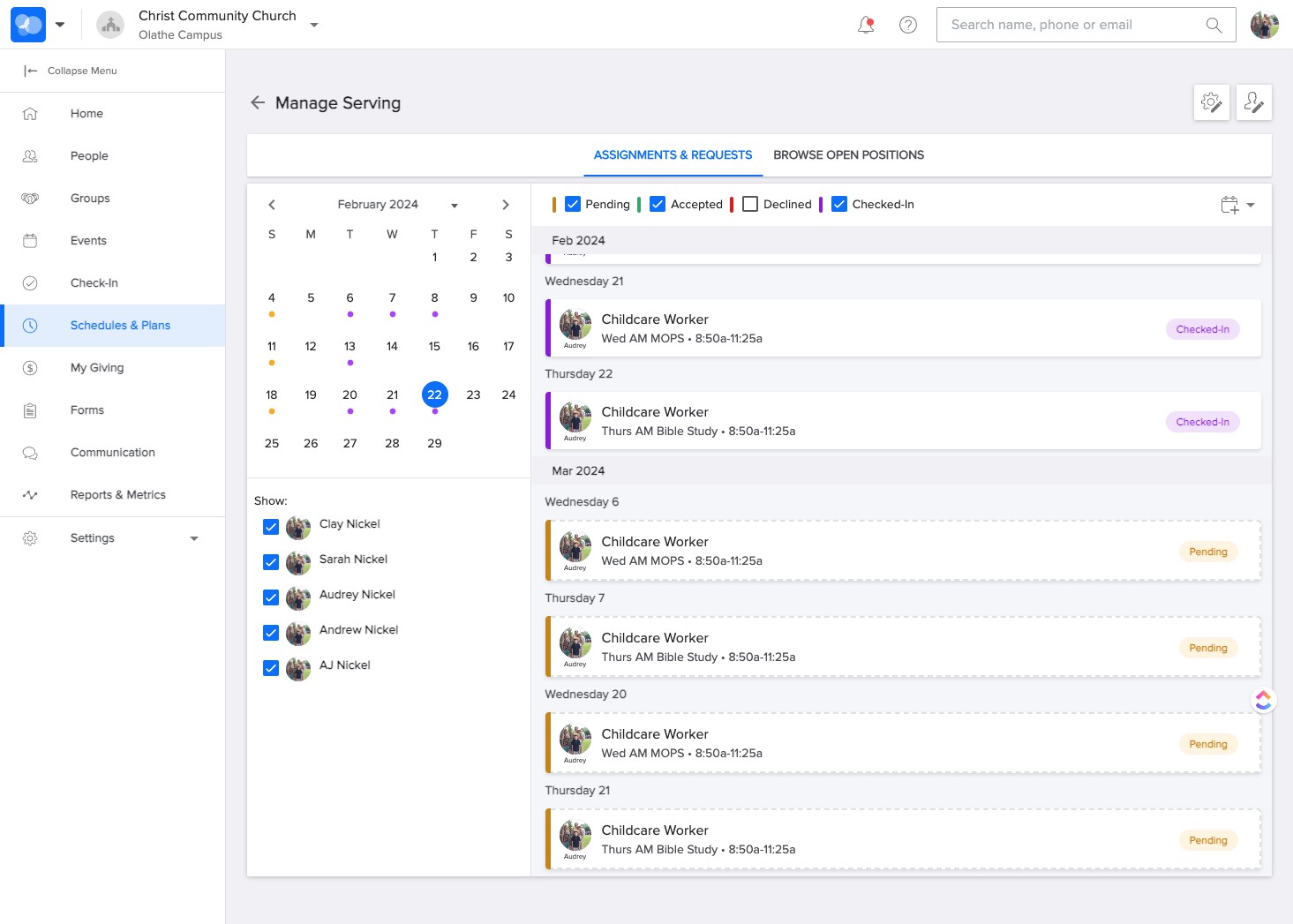
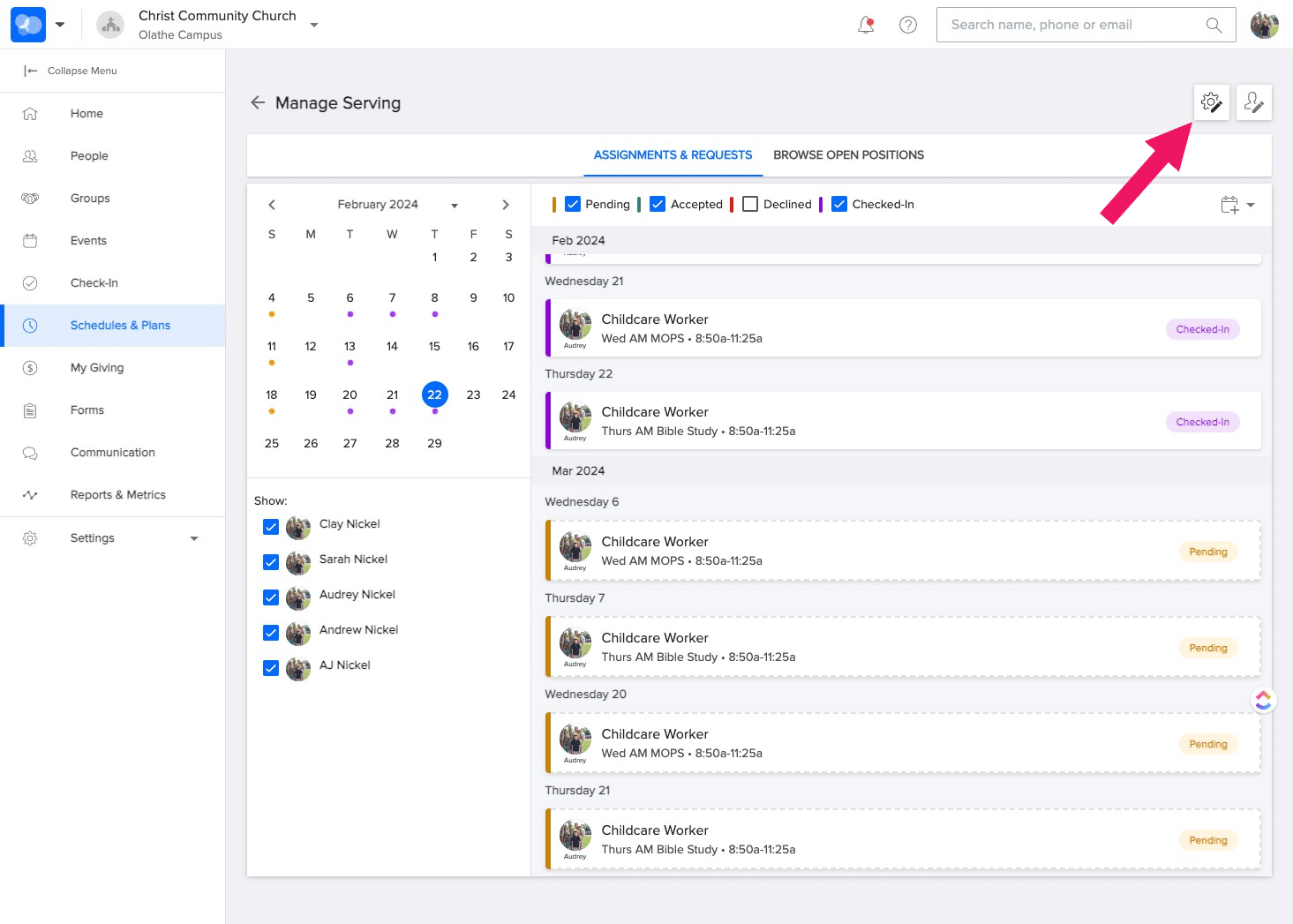
SELECT the cog edit icon in the upper right corner.
6
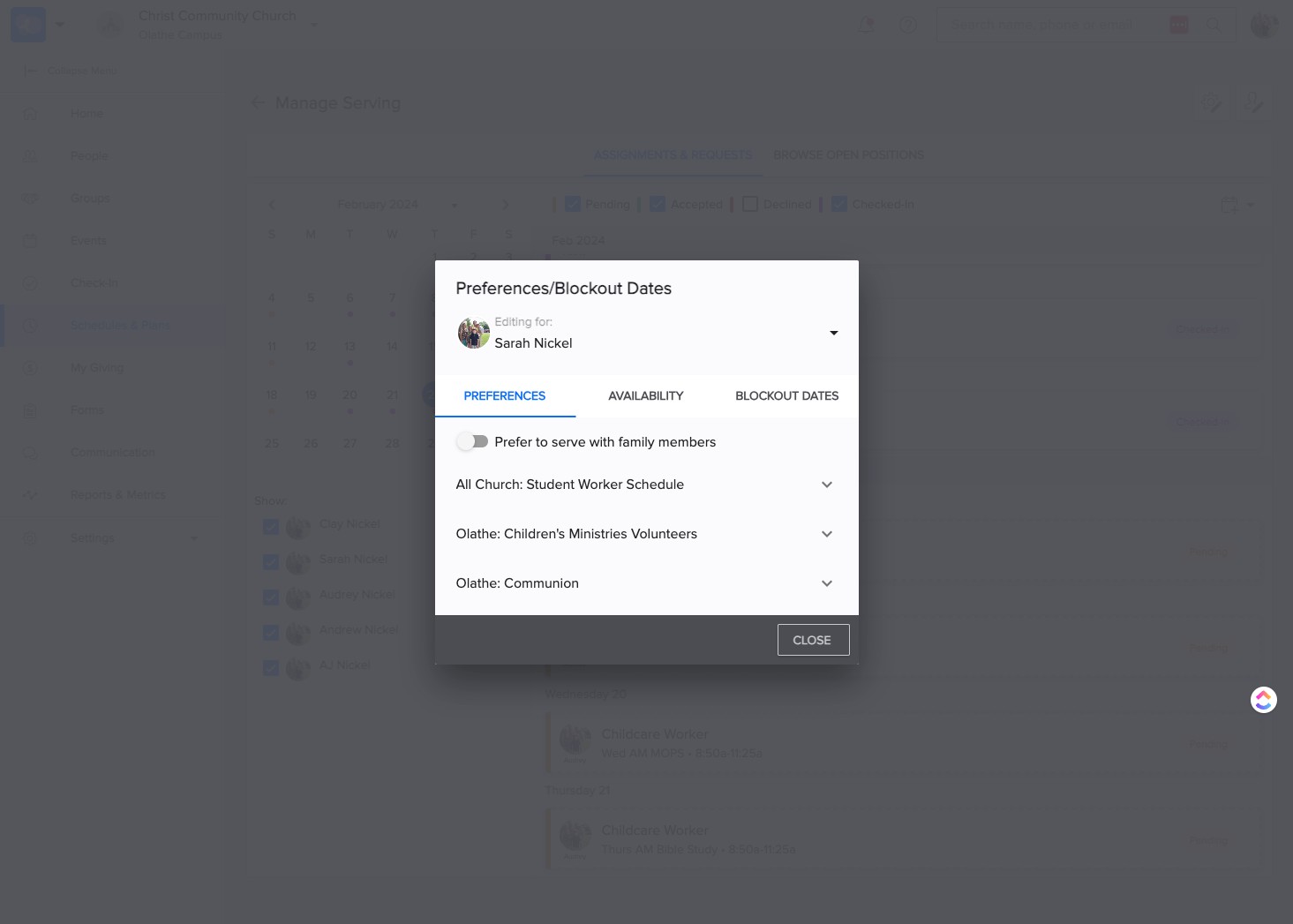
SELECT the toggle down arrow to select your name.
7
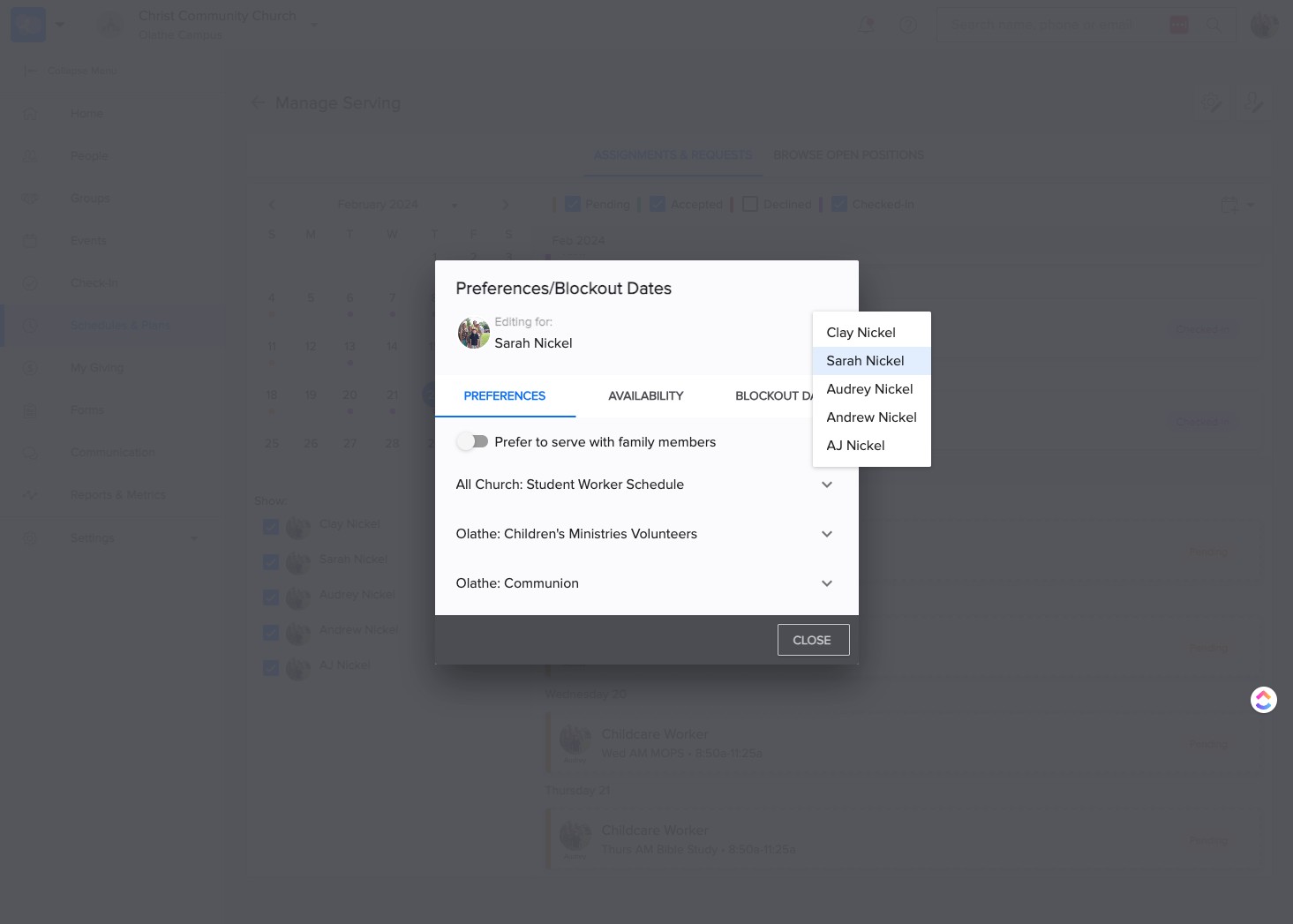
Select your name.
8
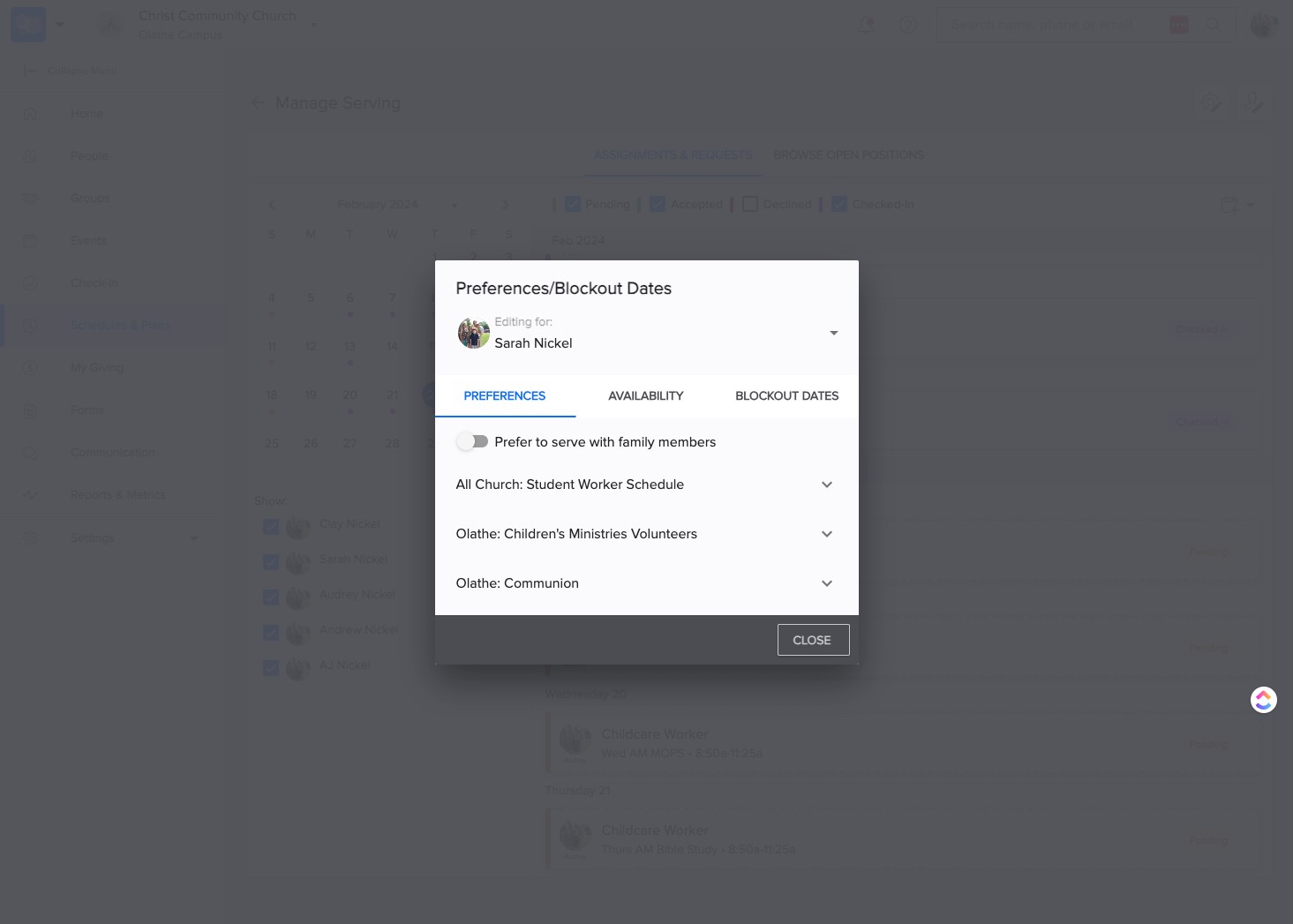
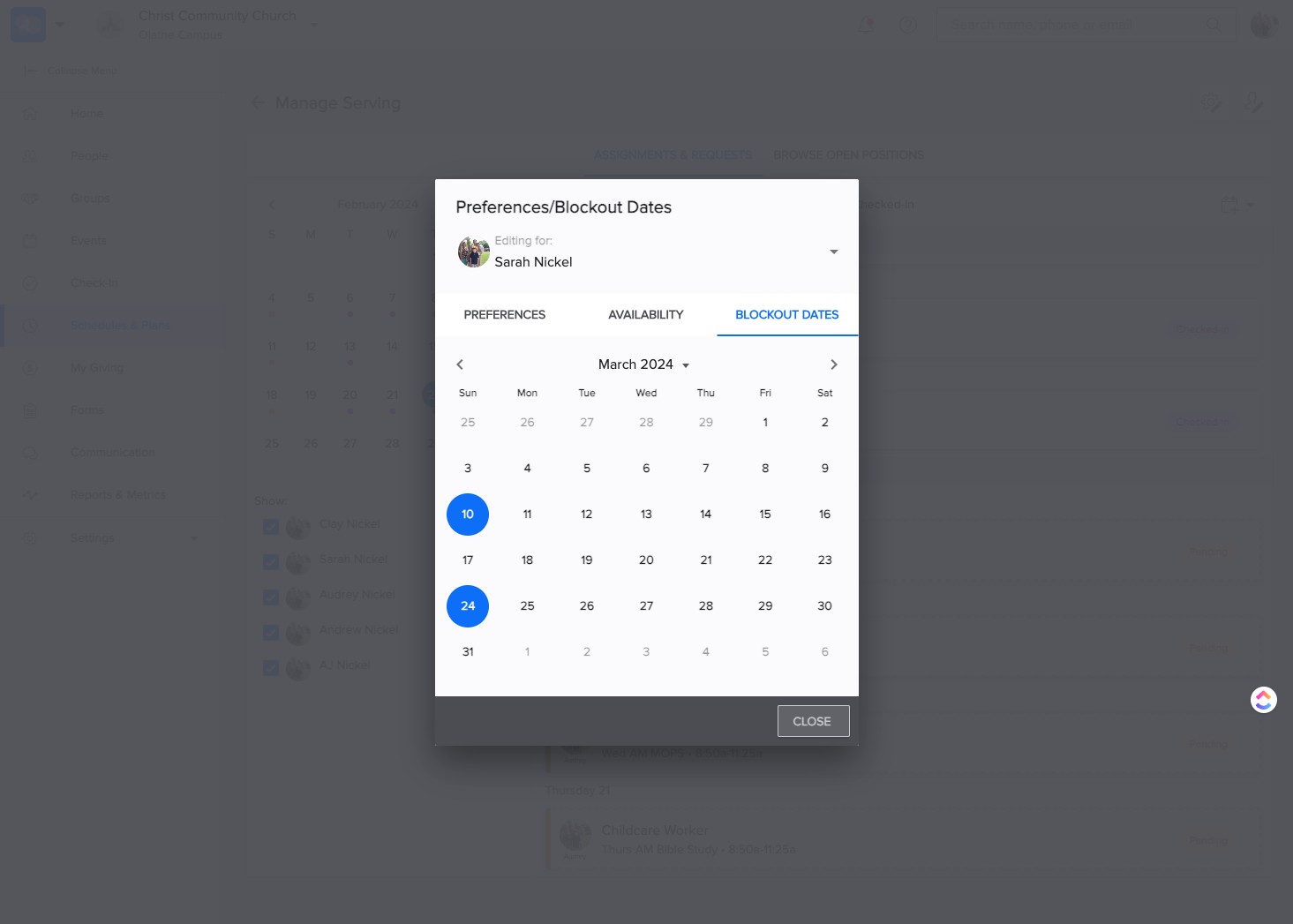
SELECT "Blockout Dates"
9
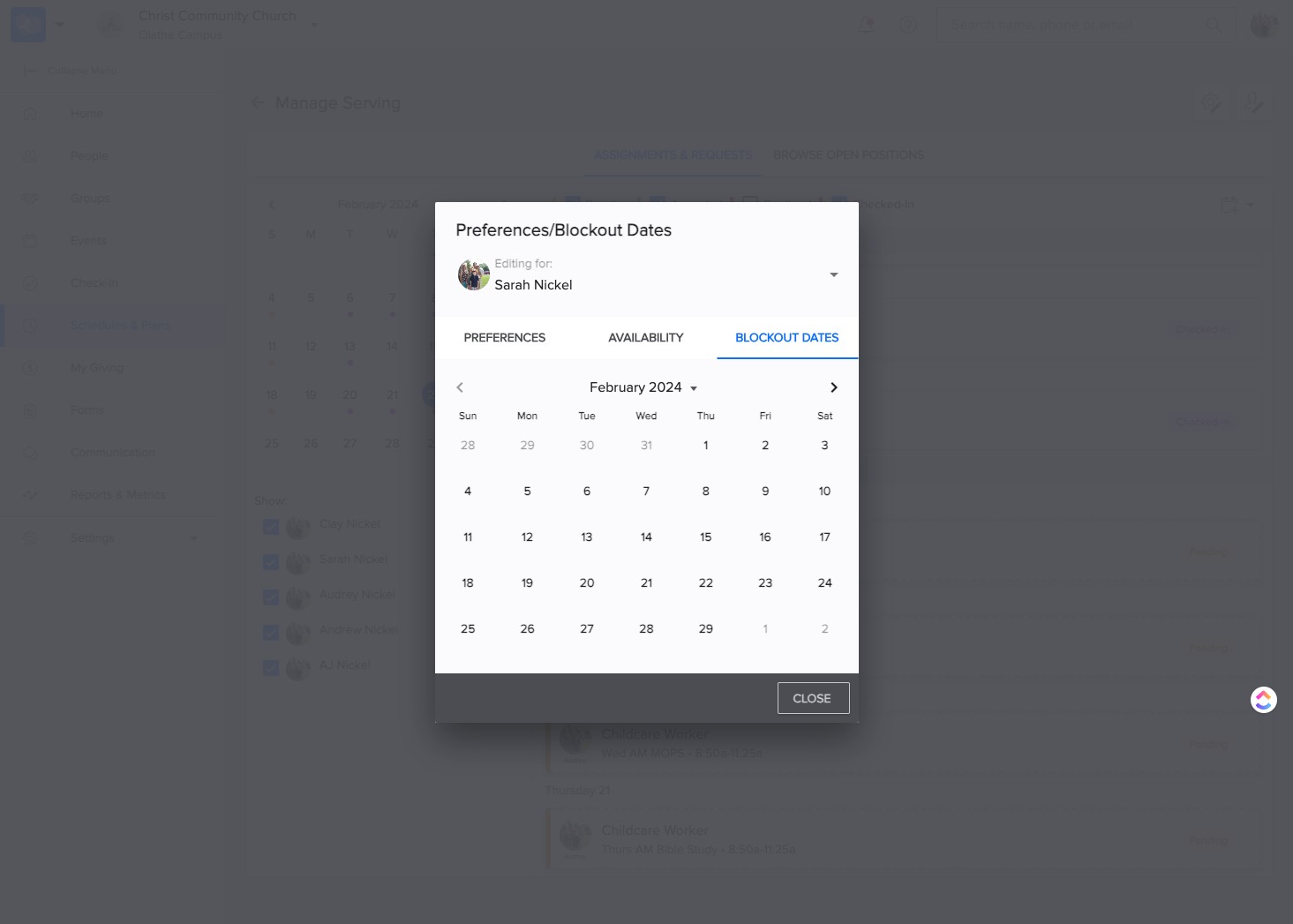
Navigate to the month and day to block out.
10
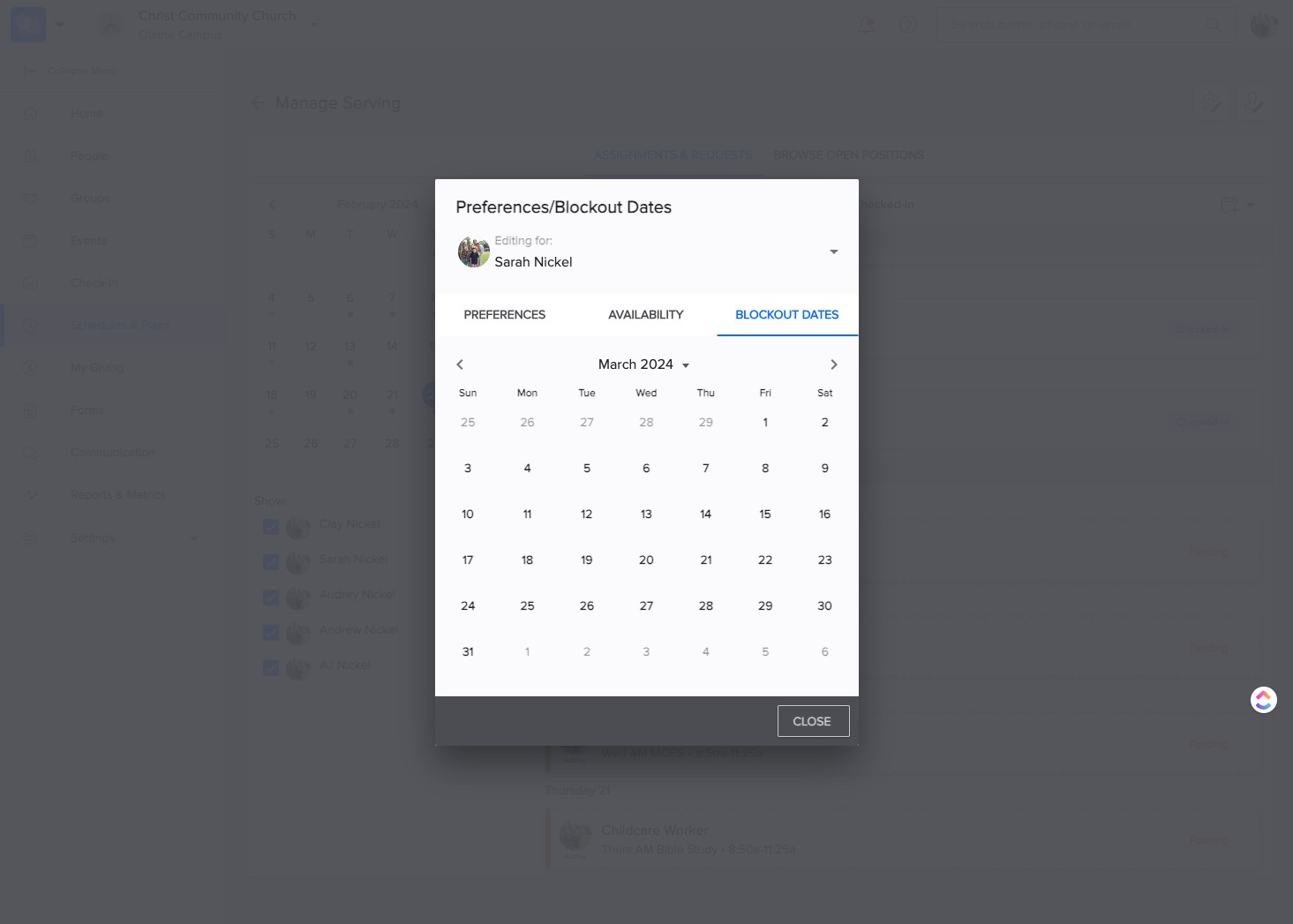
Click on the appropriate day.
11
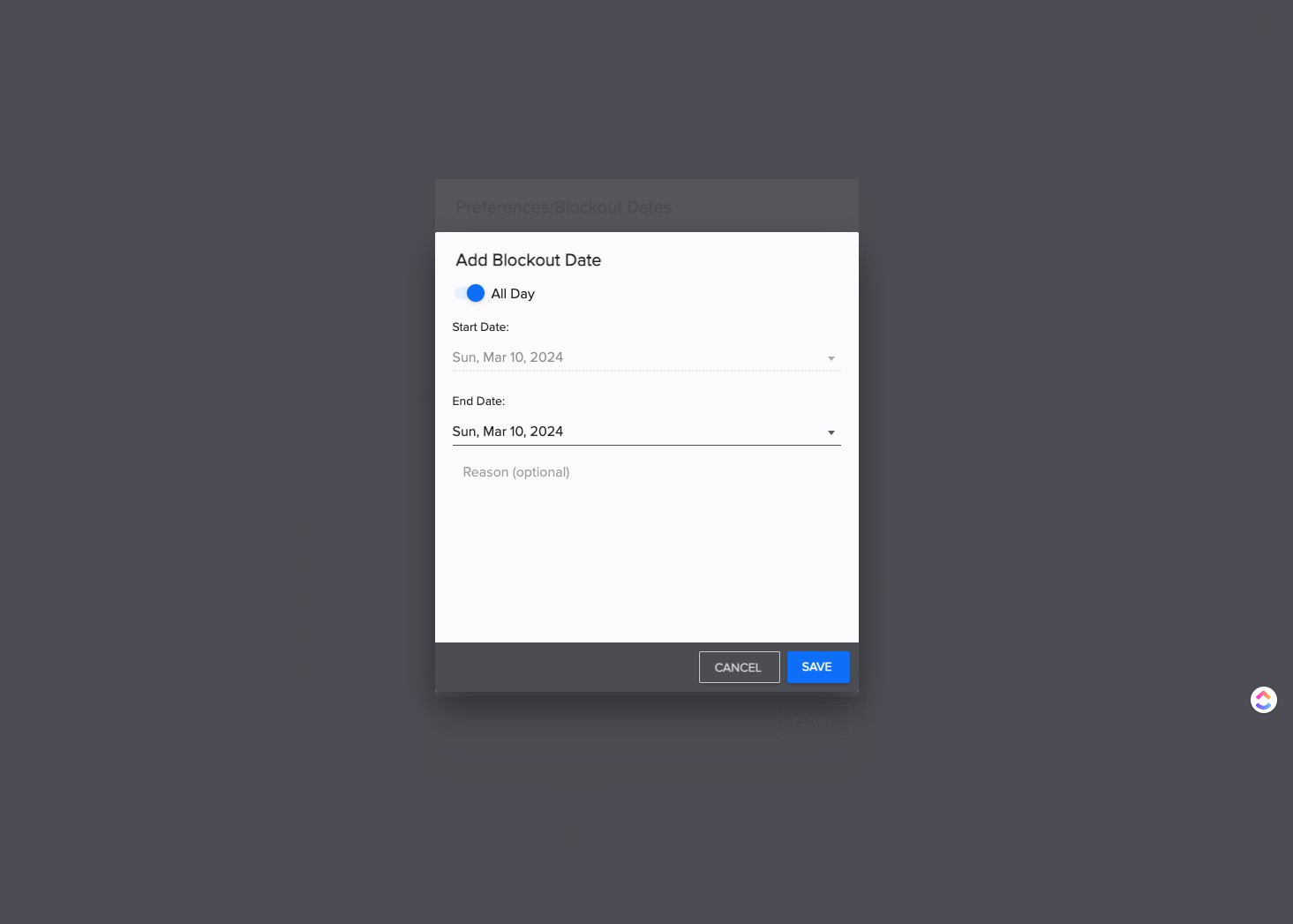
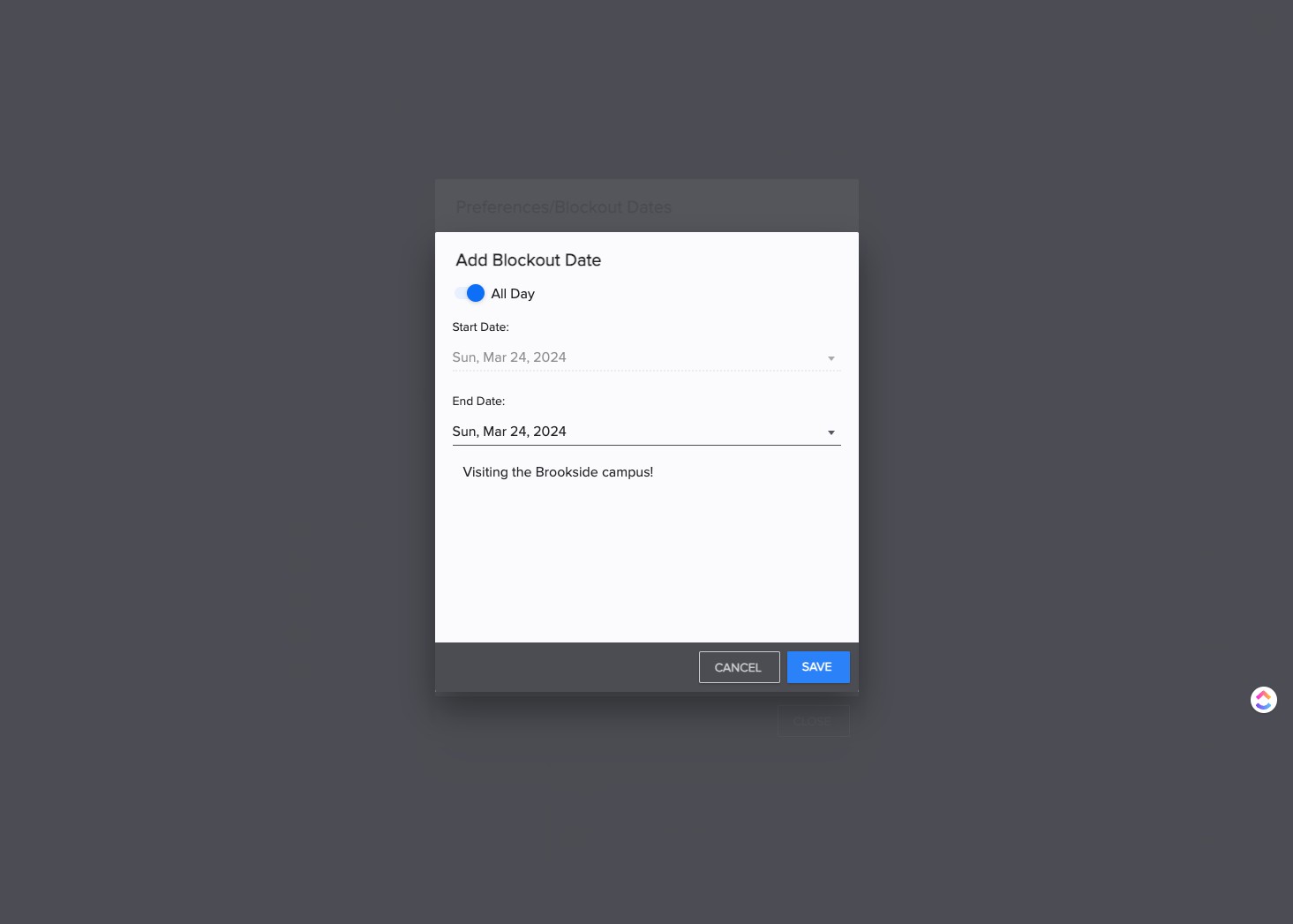
If appropriate, add a reason on the next screen, or SELECT "SAVE."
12
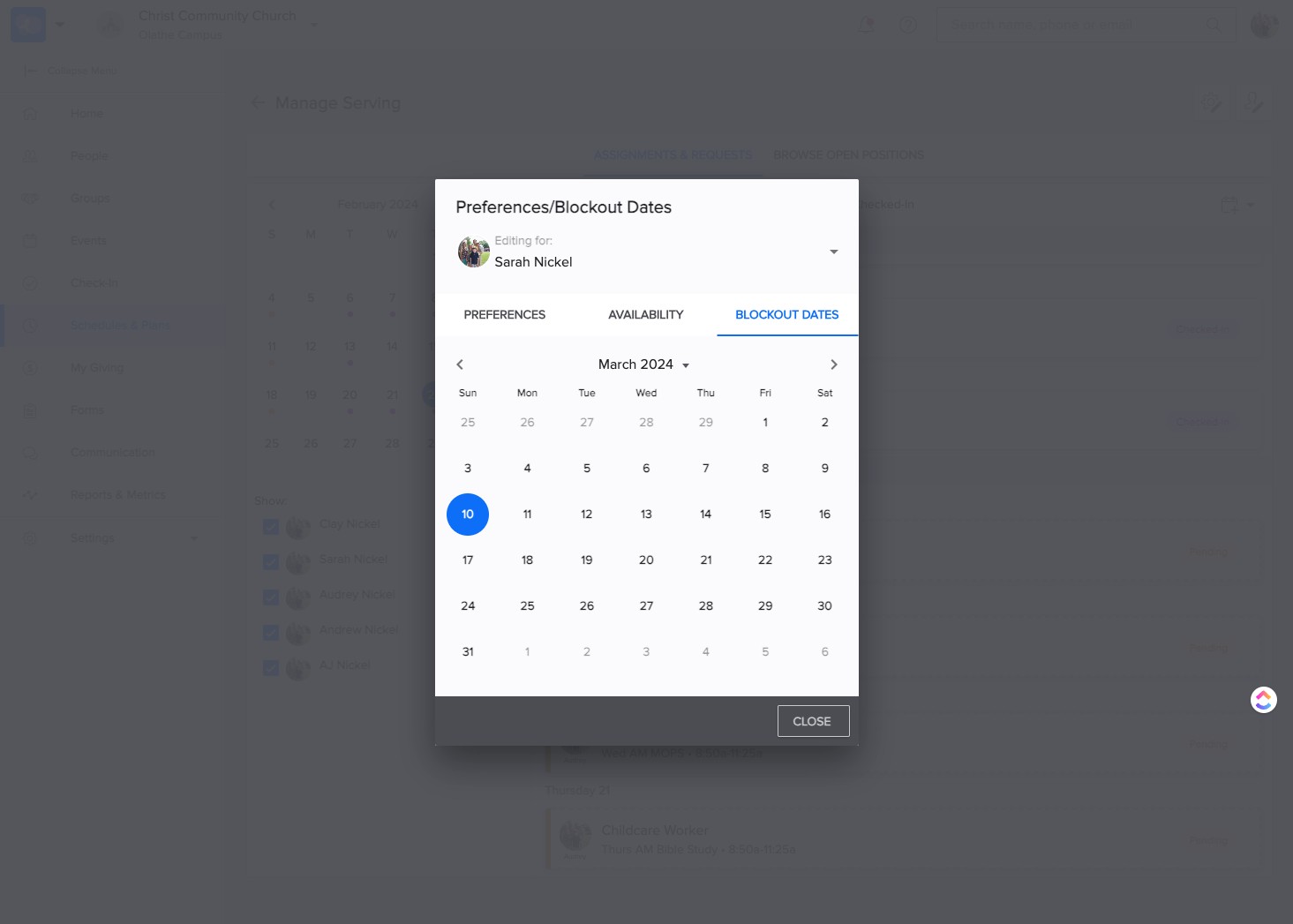
To select more block out days, CLICK on the date.
13
SELECT "Save"
14
SELECT "Close" to complete the process.
15
That's It! You're done 🚀