Requesting a Swap or Substitute Volunteer in CCB
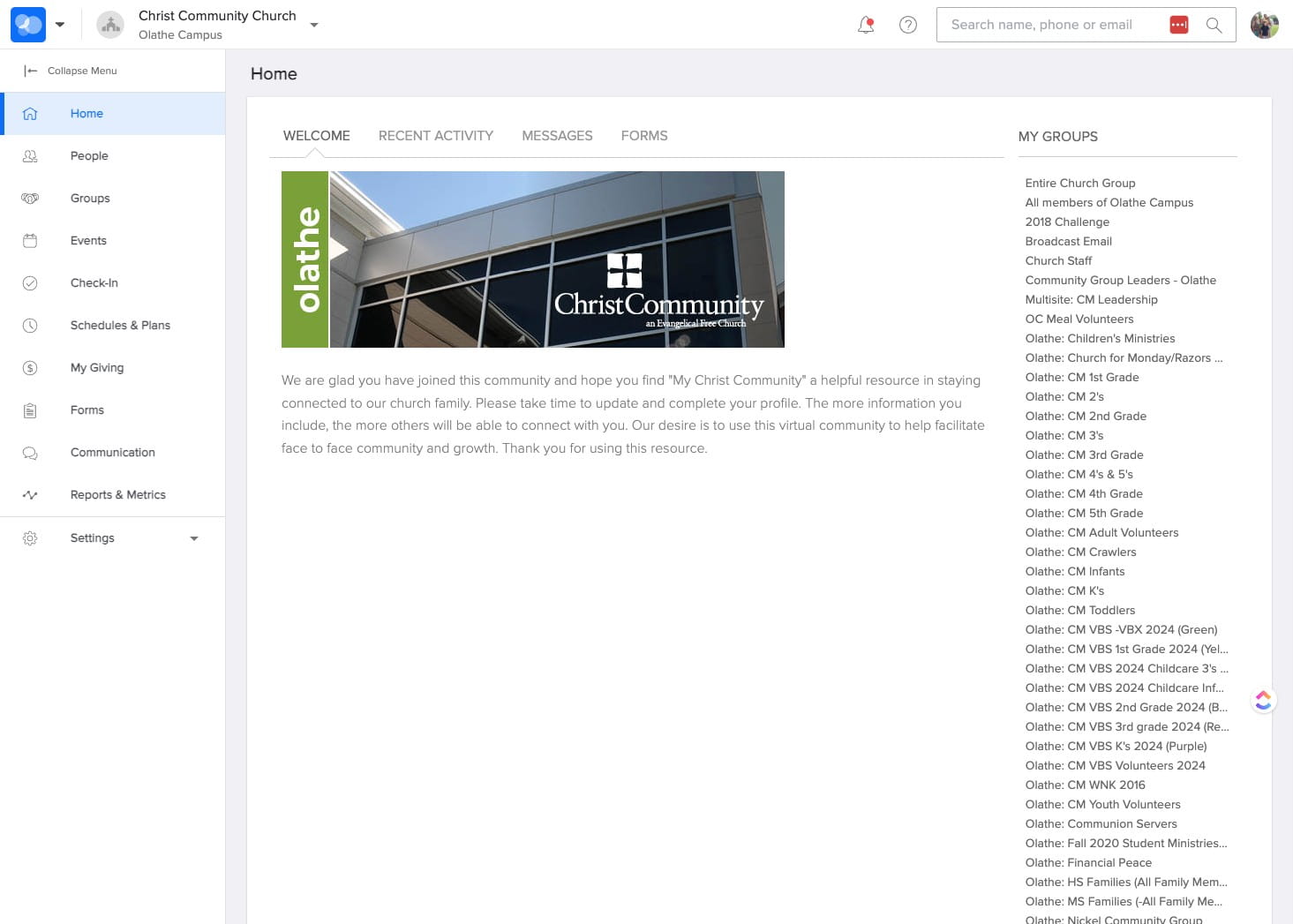
Navigate to https://ccefc.ccbchurch.com/index.php
LOGIN to CCB
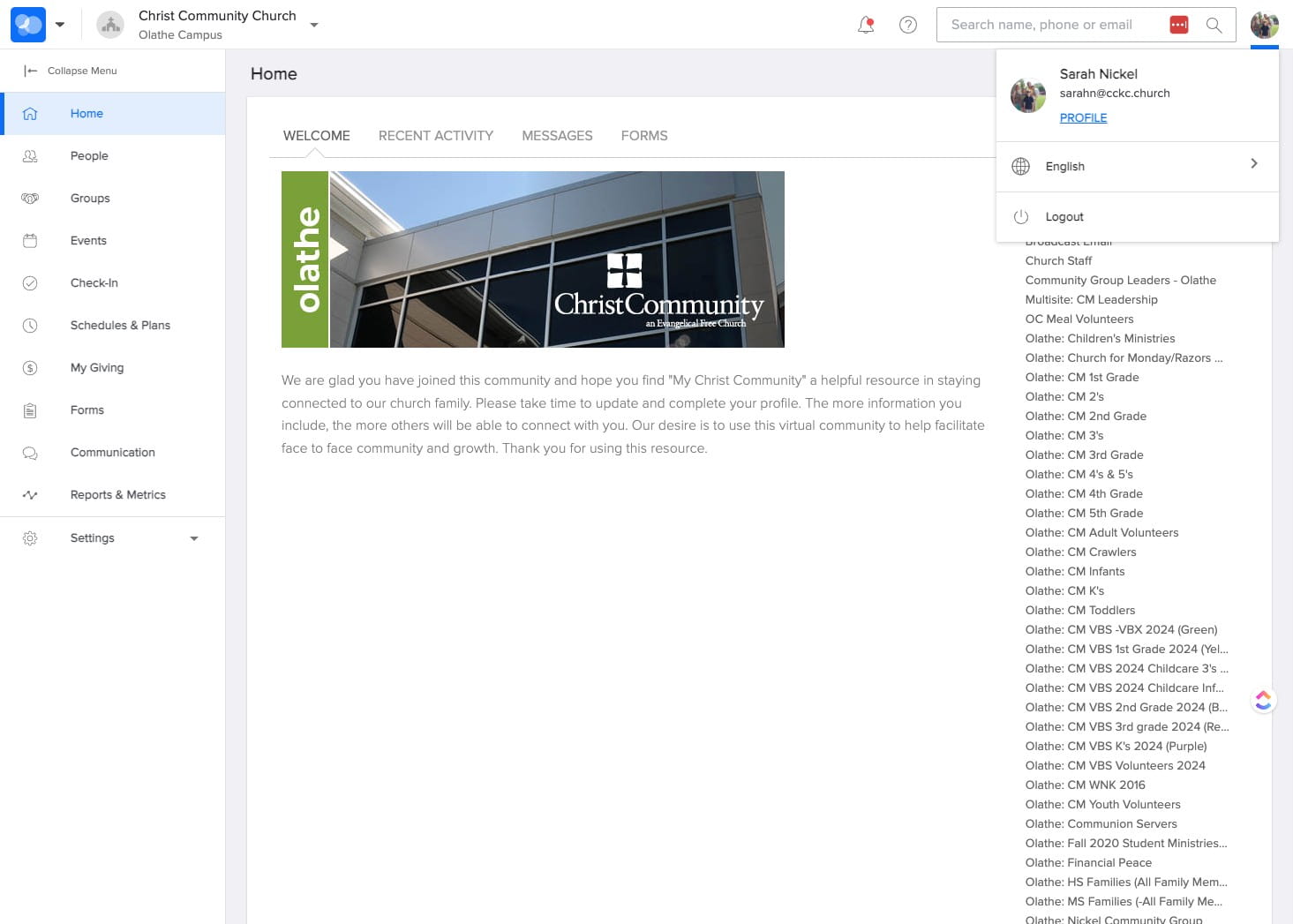
SELECT your "Profile" from the upper right.
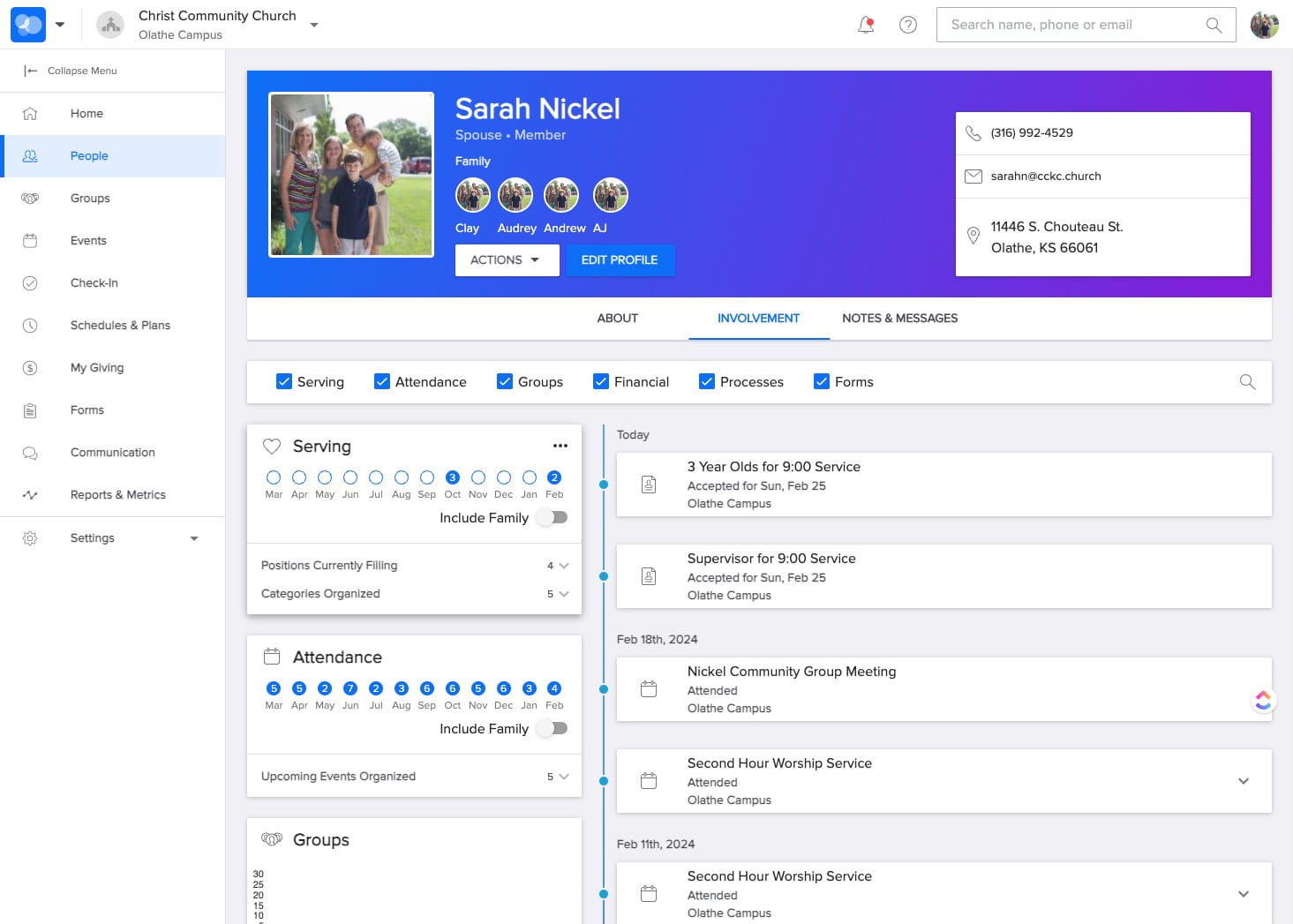
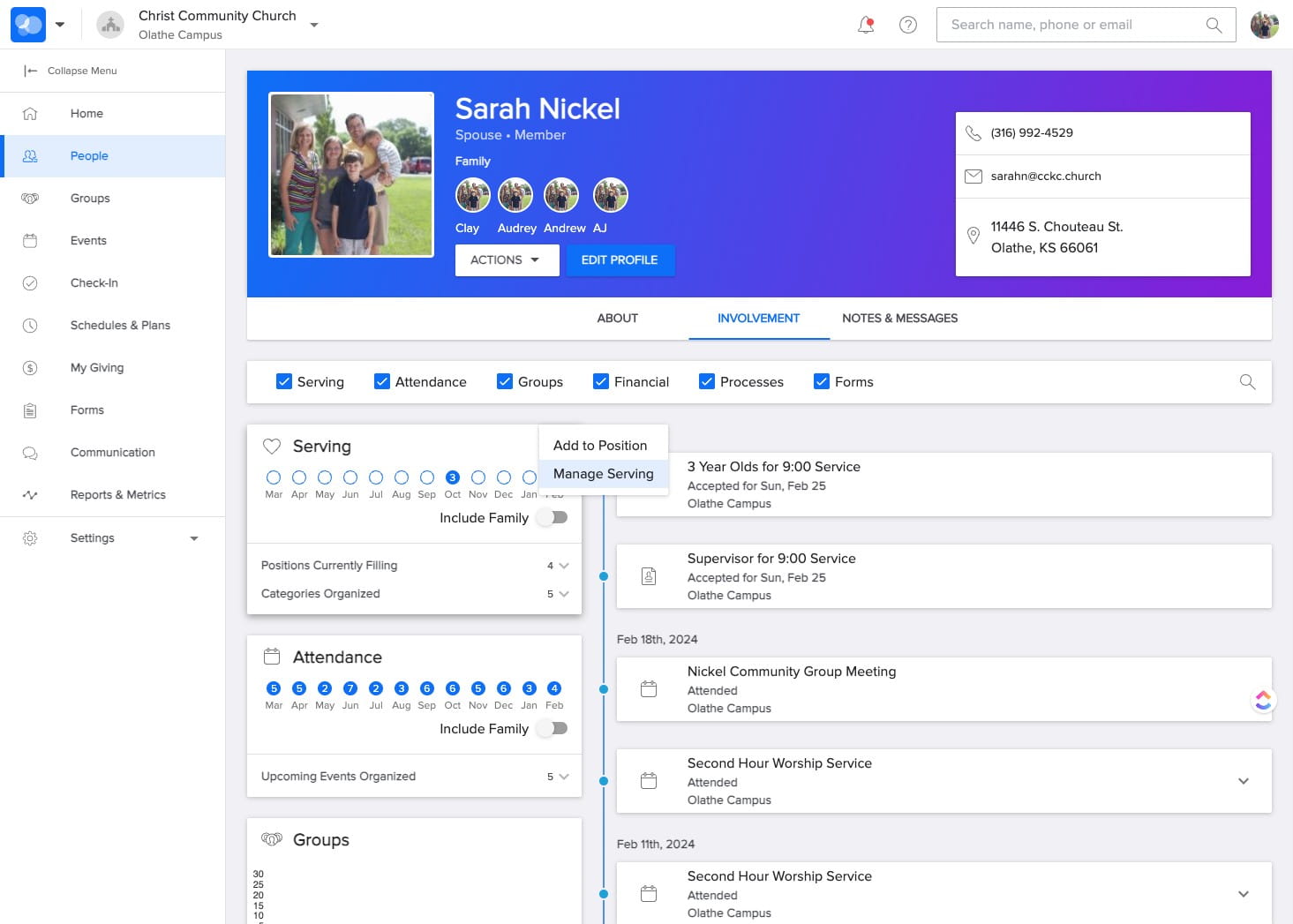
In the Serving section of your profile, SELECT the three dots icon in the upper right.
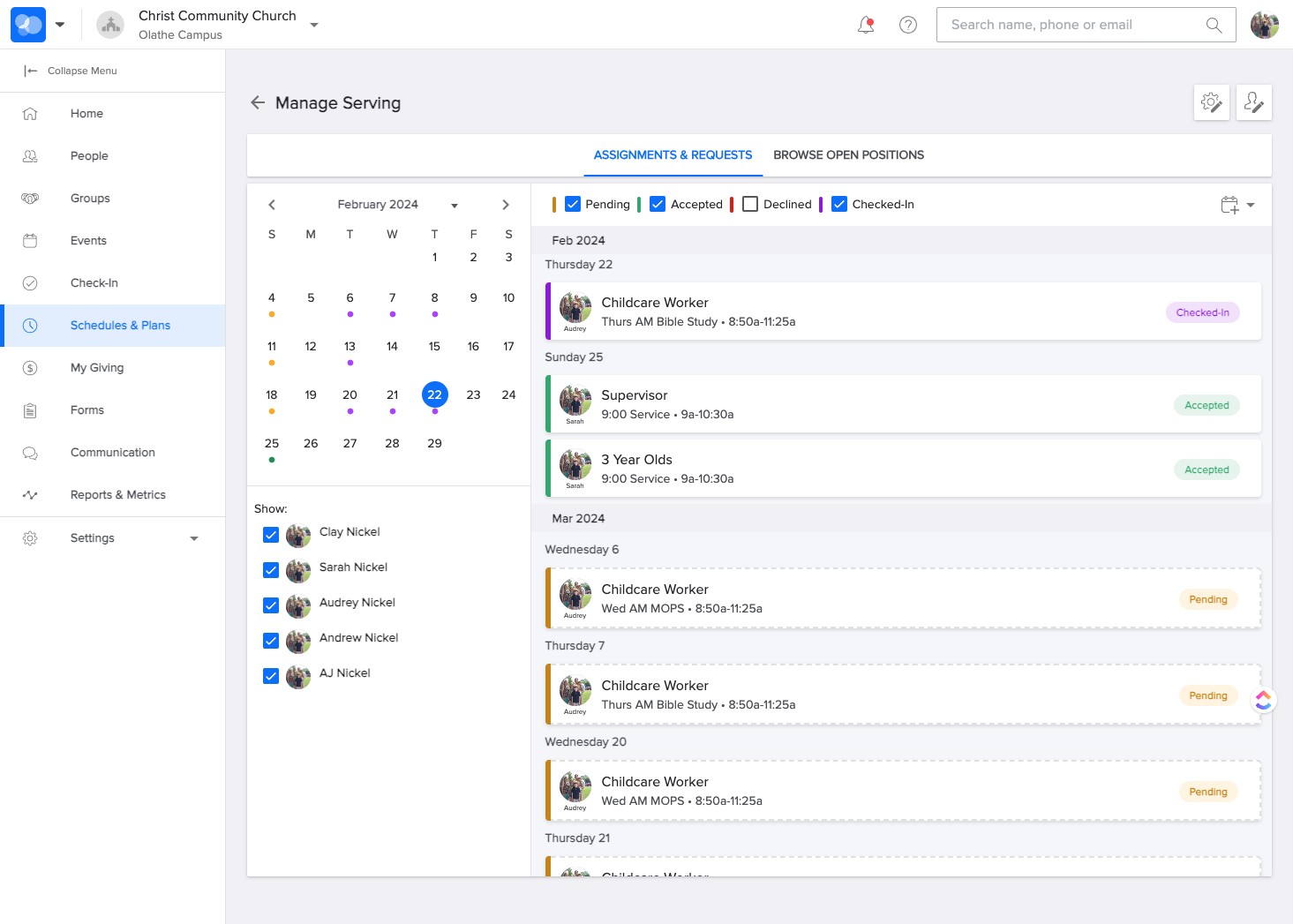
SELECT "Manage Serving"
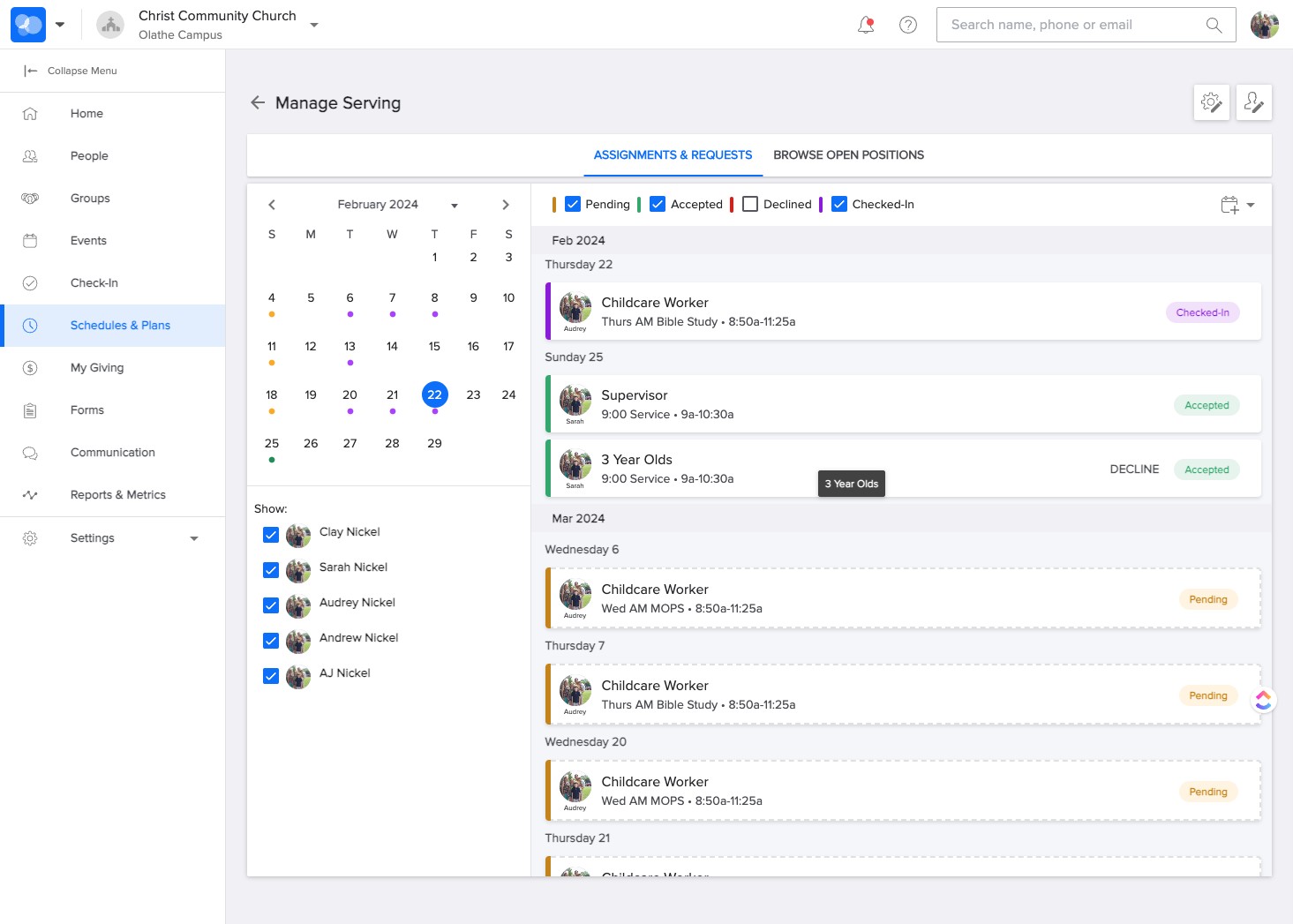
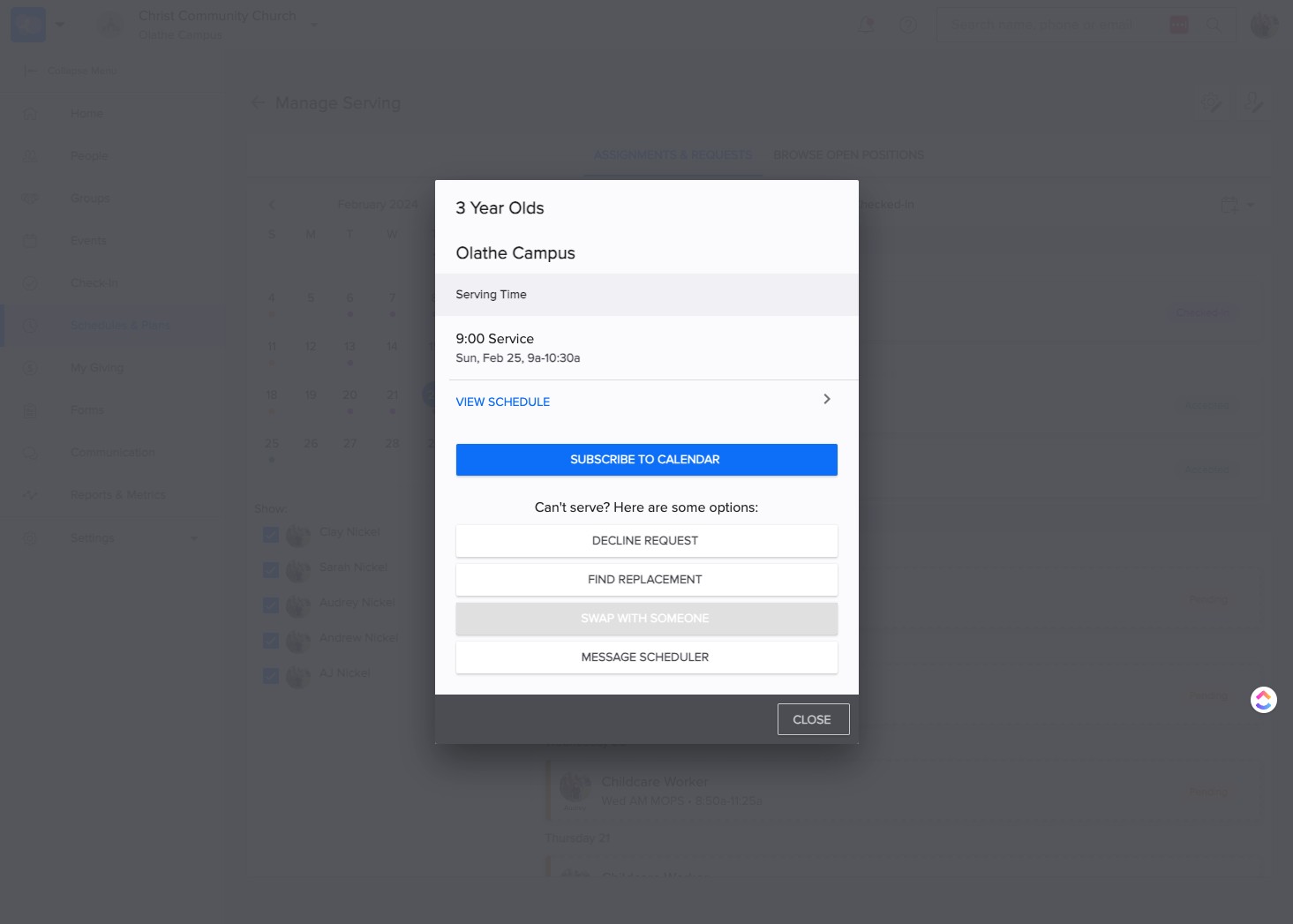
SELECT the event that needs a substitution. (in this example "3 Year Olds")
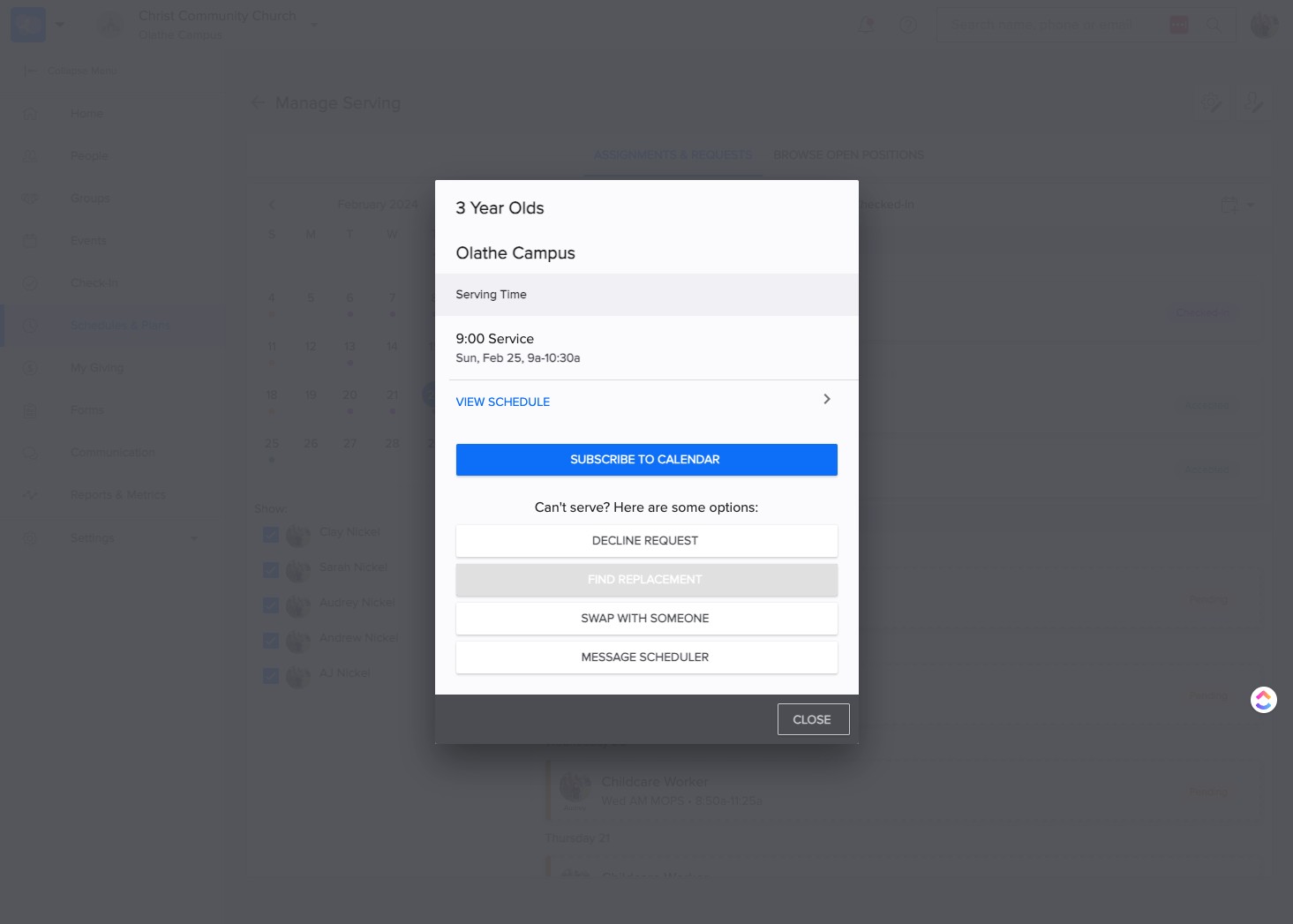
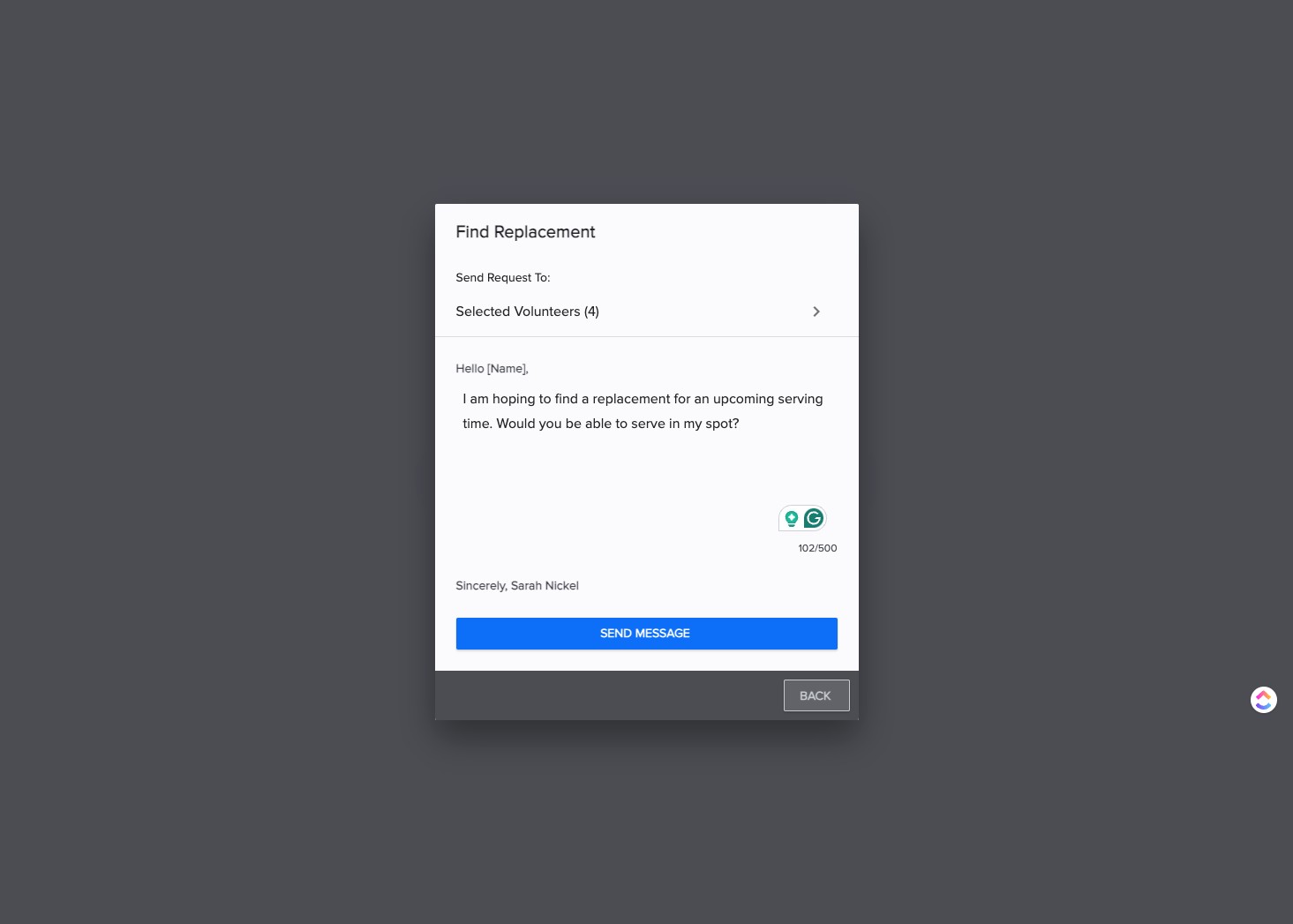
SELECT the appropriate option. (in this example "Find Replacement")
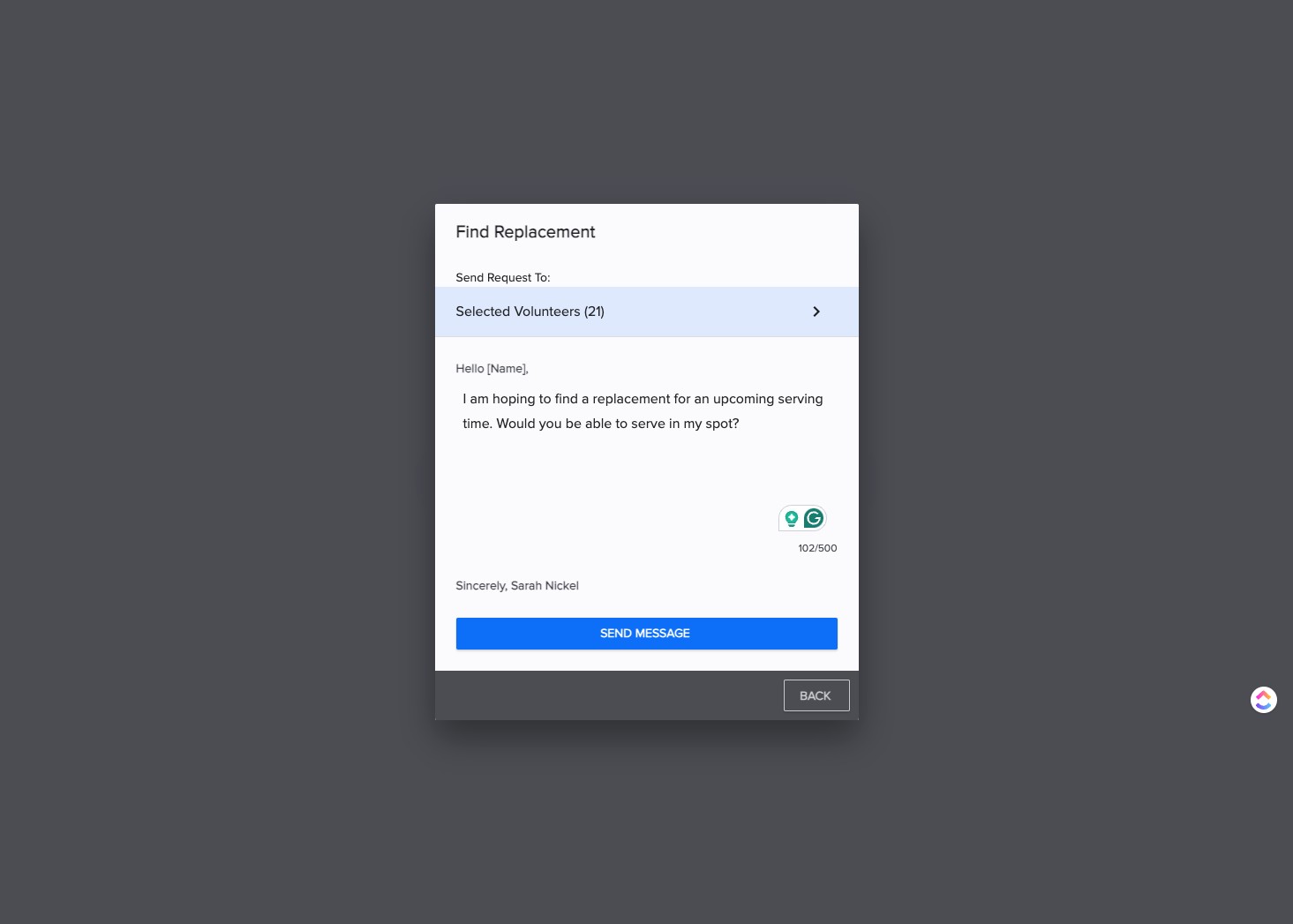
CLICK "Selected Volunteers" to Select the specific volunteers you want request. You can also change the message that will send to these volunteers.
CLICK the check box to UN-Select a volunteer.
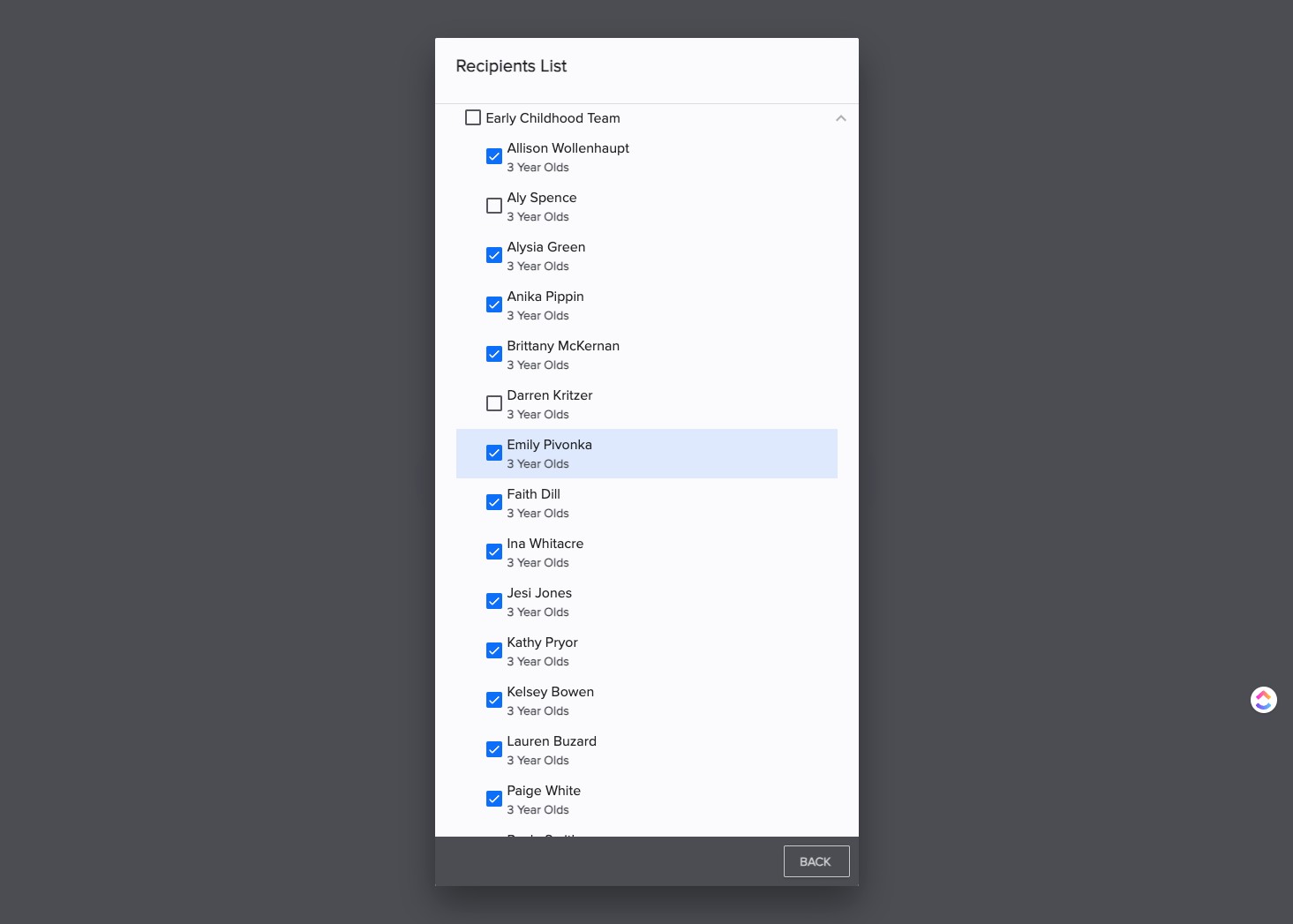
or CLICK the top box to UN-Select all volunteers.
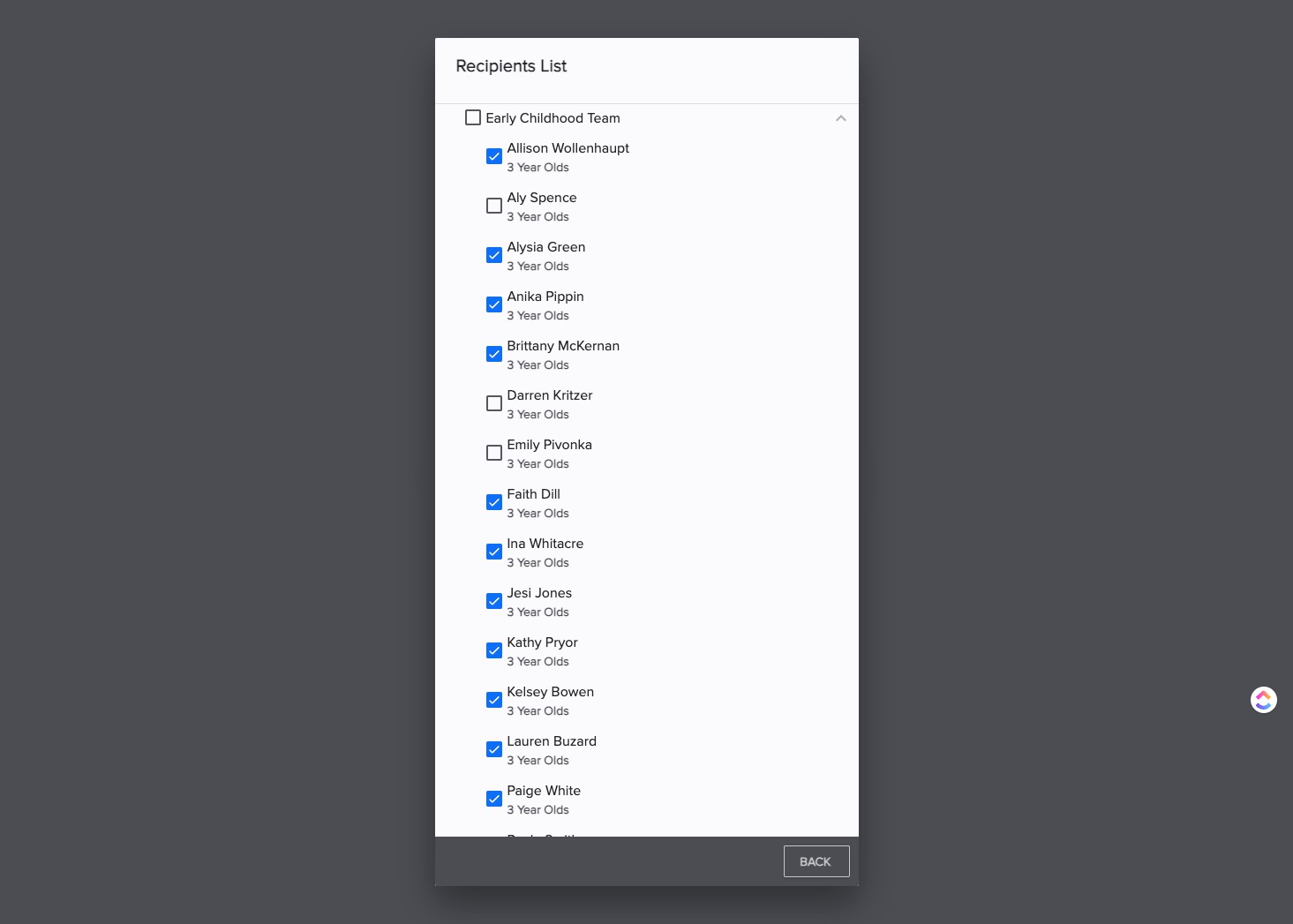
CLICK the box next to volunteers to select.
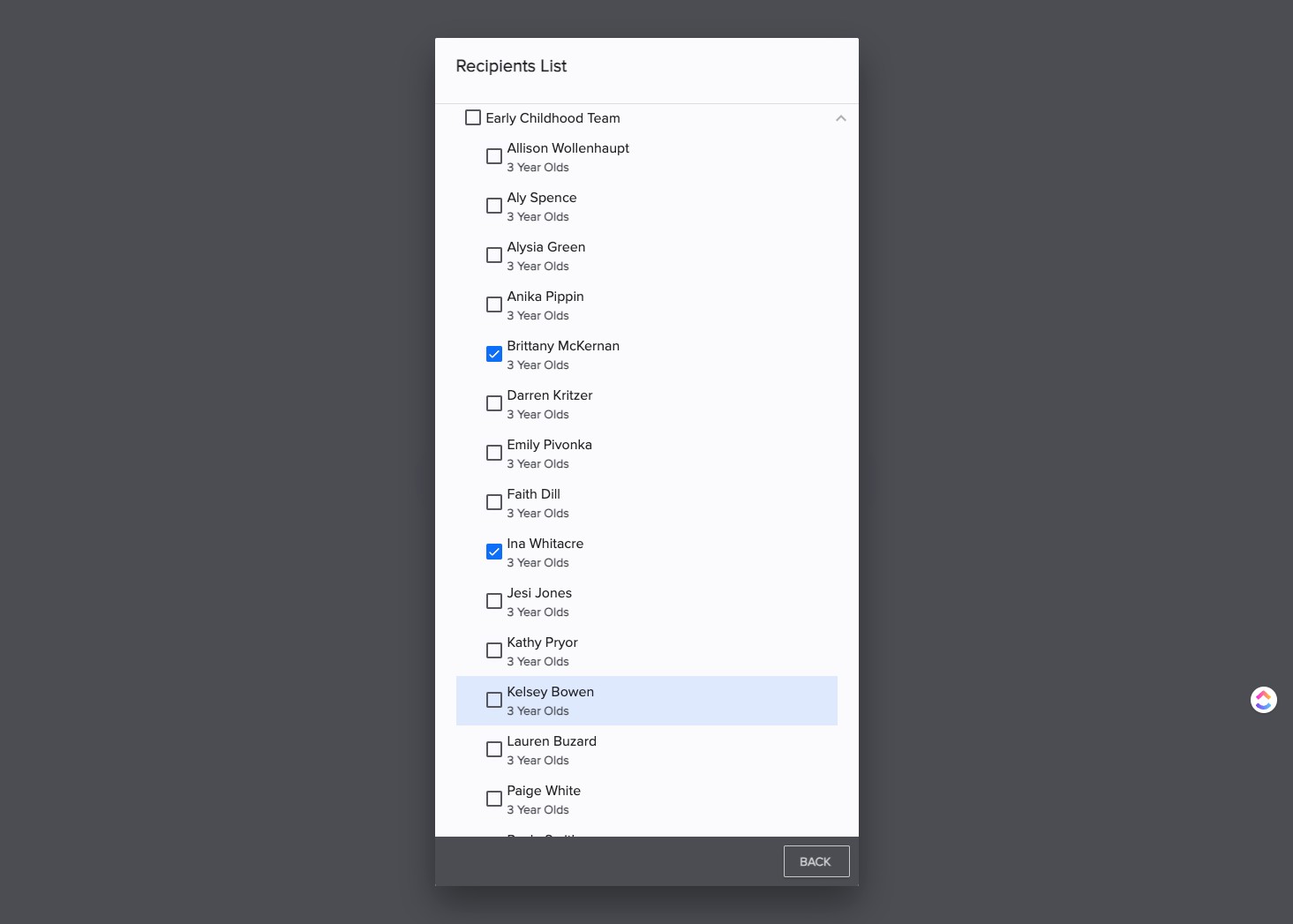
SELECT "back" to return.
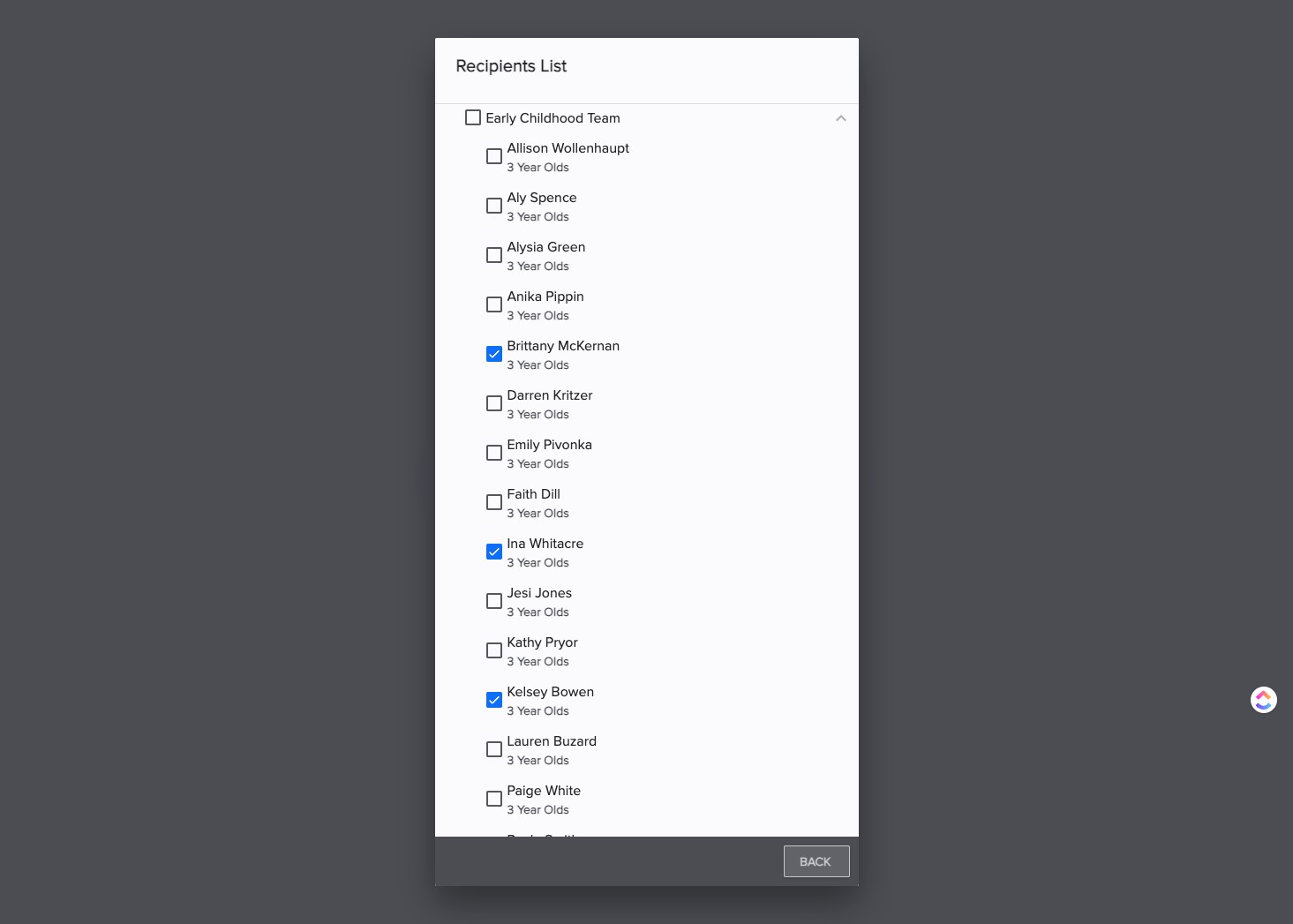
SELECT "Send Message" to send this message to requested volunteers.
To request a time to "Swap With Someone," select that option.
Swap option(s) will appear. Select the event you want to swap for.
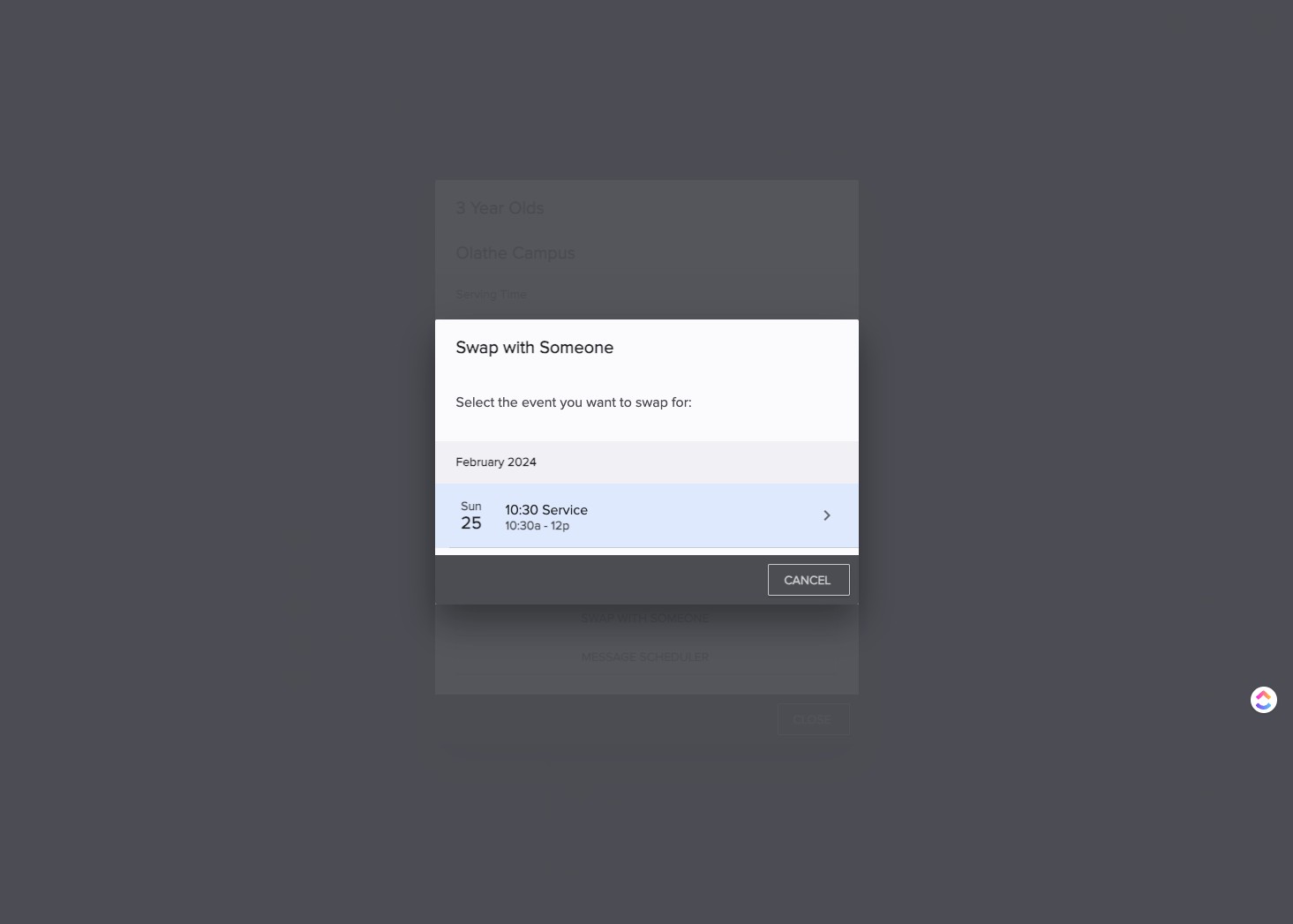
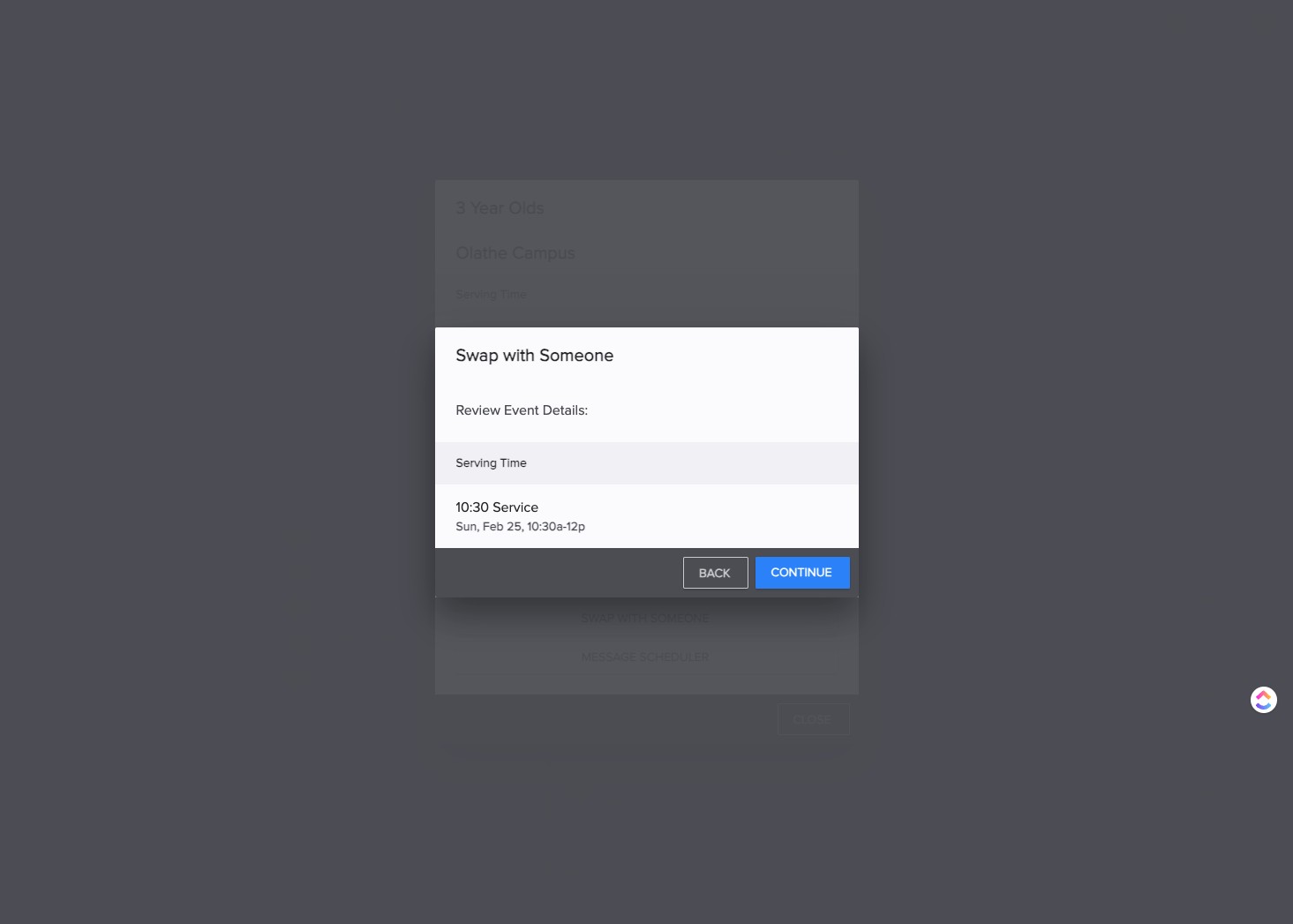
SELECT the appropriate service time. (in this example "10:30 Service")
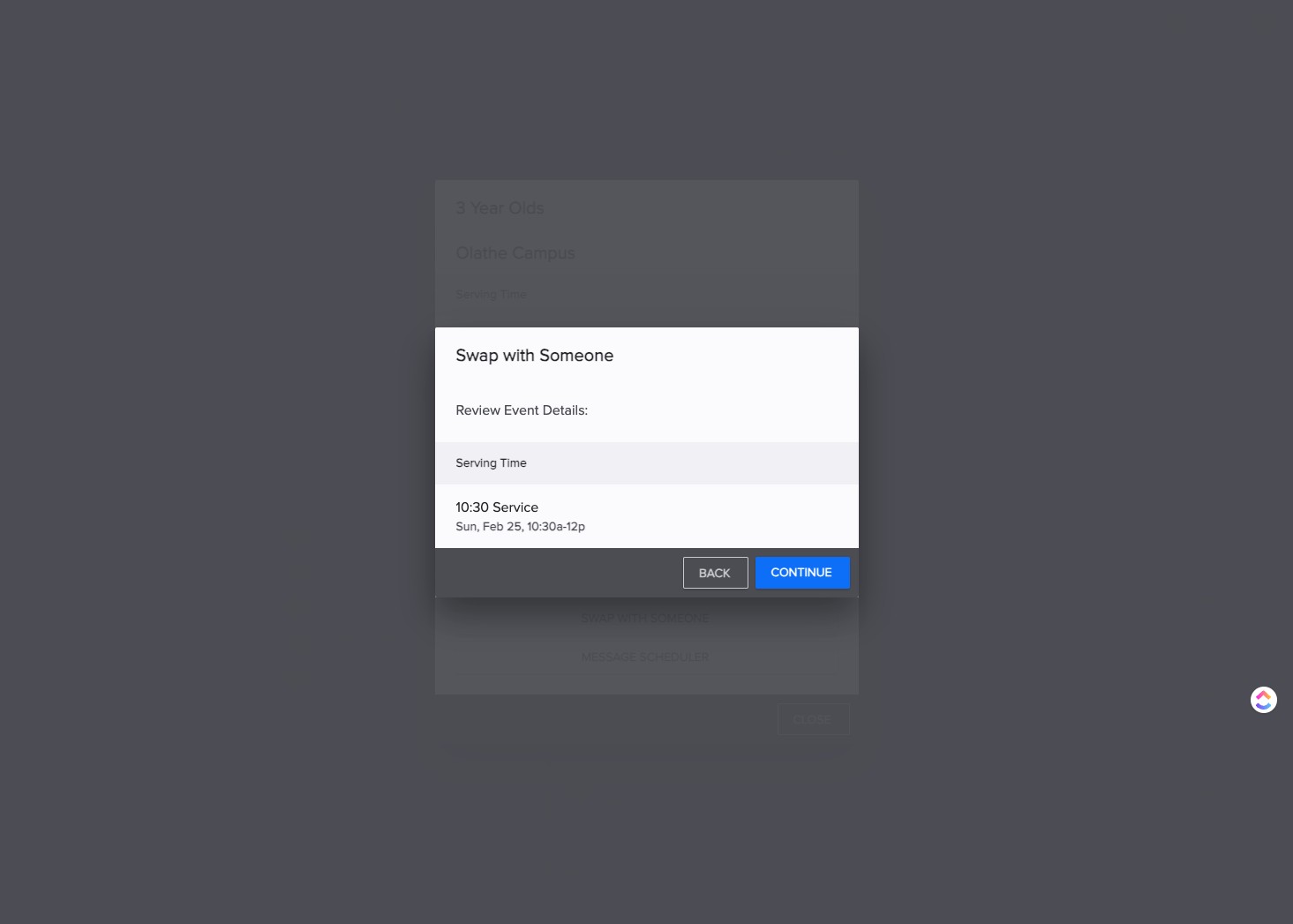
SELECT "Continue"
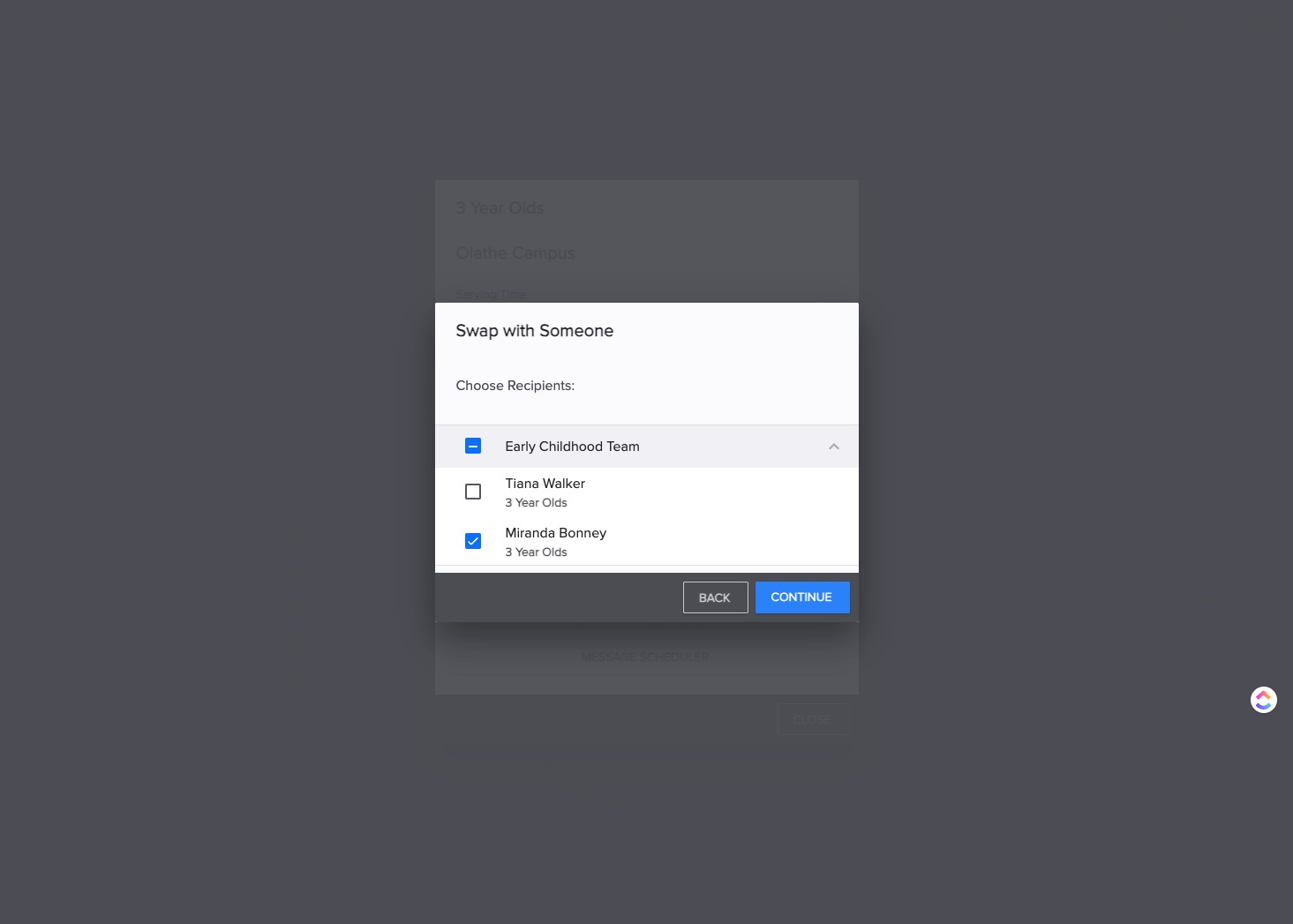
SELECT (or UN select) the volunteer or team to send swap request.
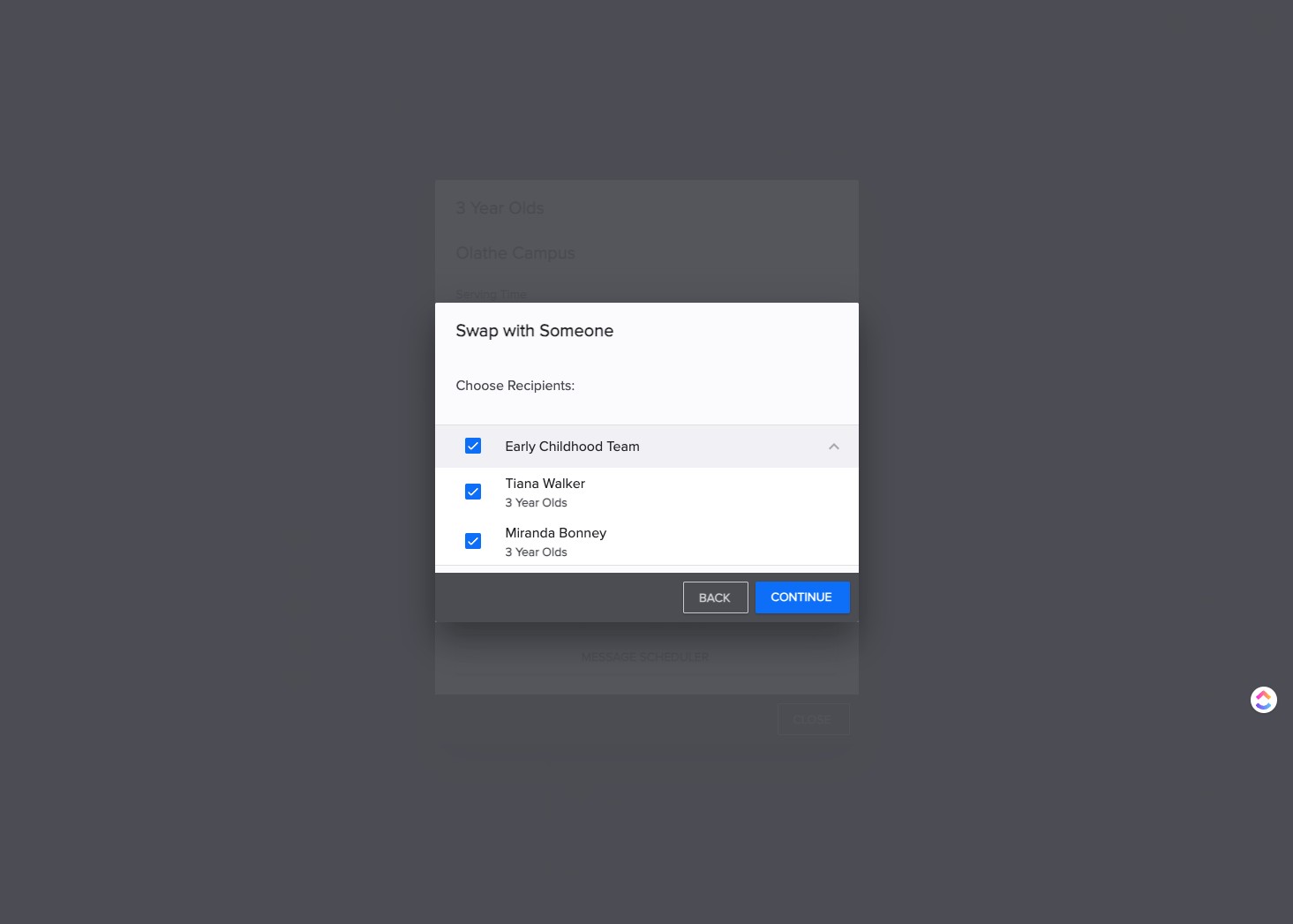
CLICK "Continue"
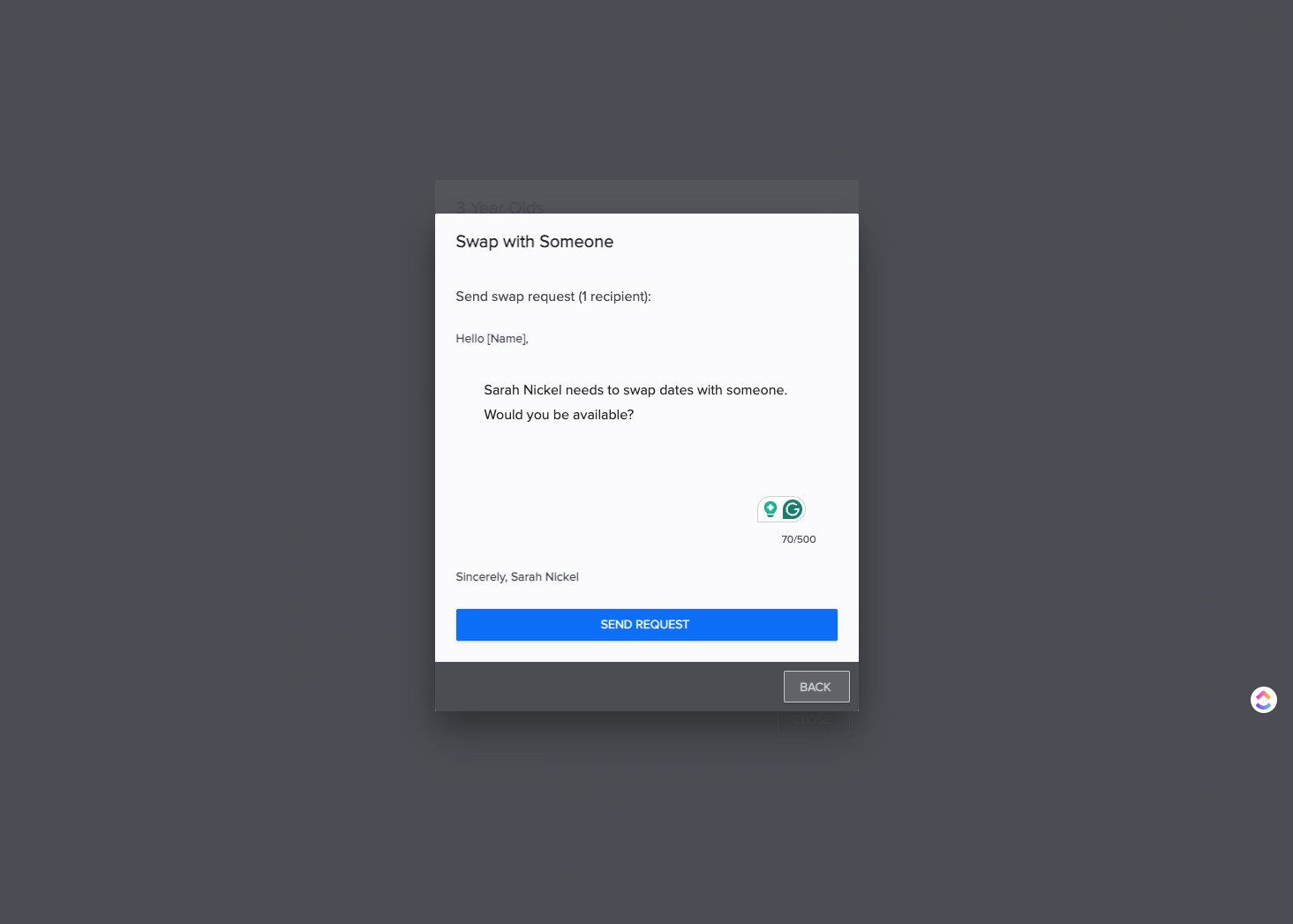
CLICK "Send Request"
Done 🚀