FourChapter.gallery–Update CURRENT EXHIBIT Web Page: STEP THREE
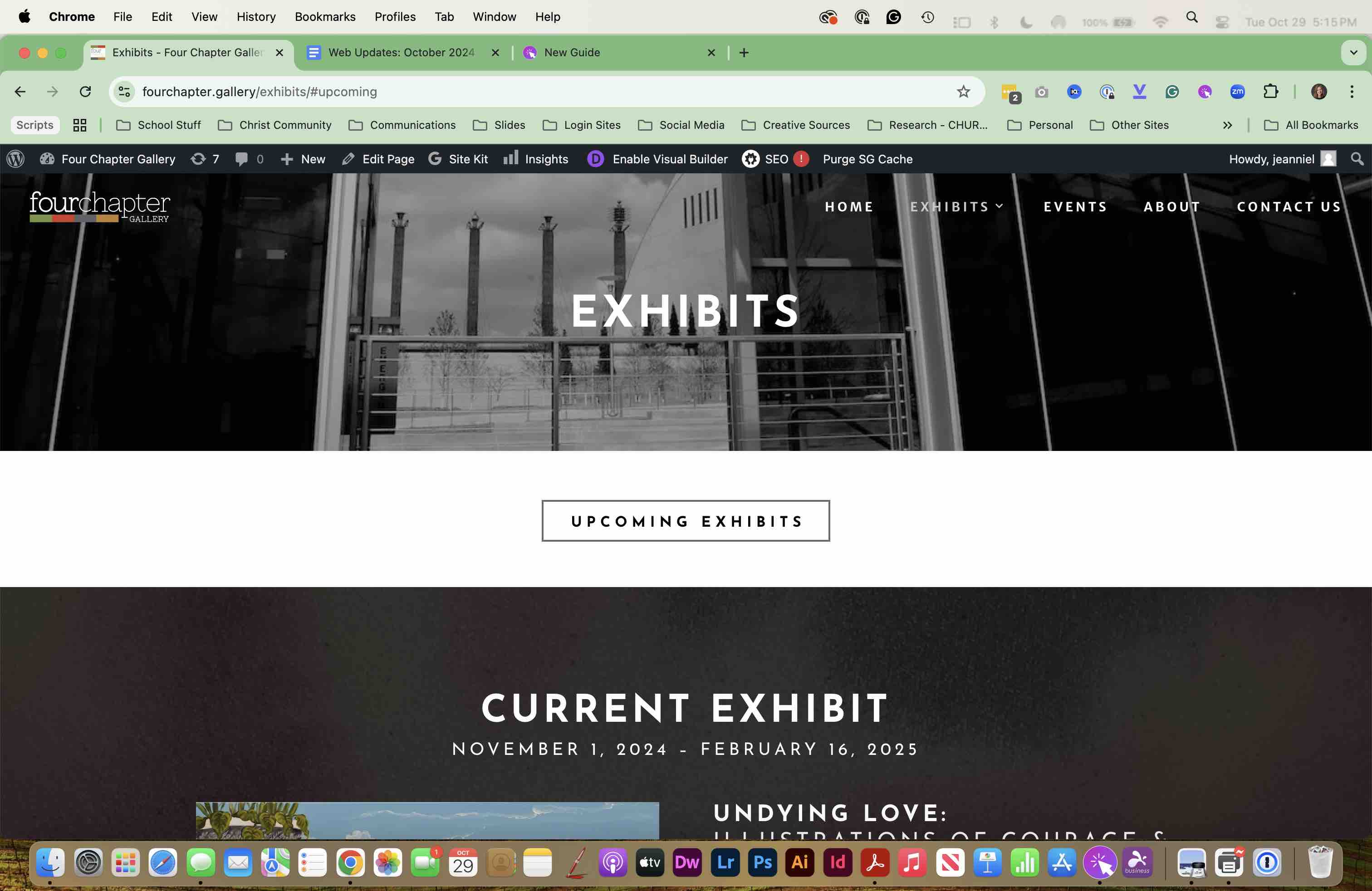
Navigate to the CURRENT EXHIBIT page and ENABLE VISUAL BUILDER
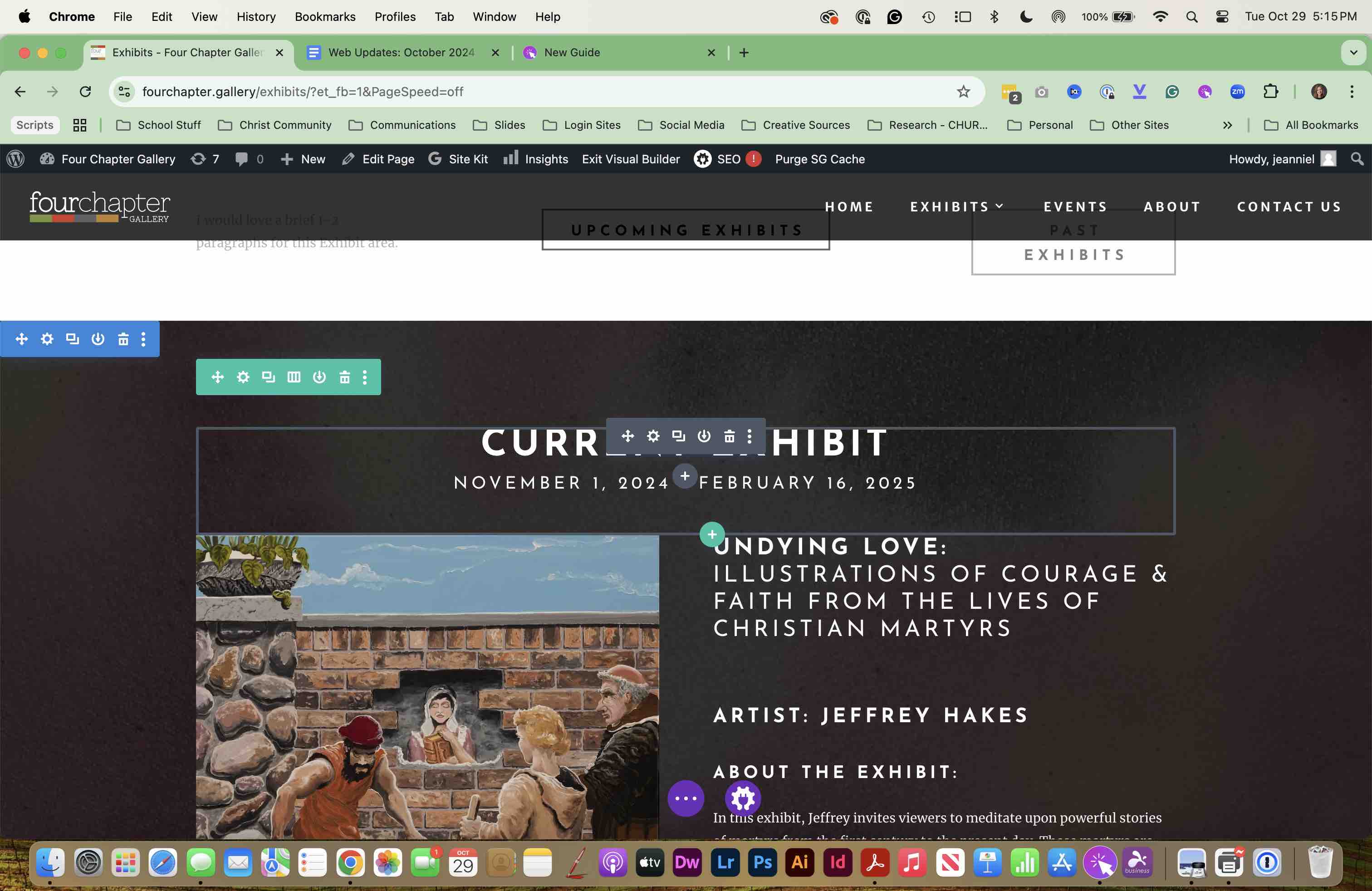
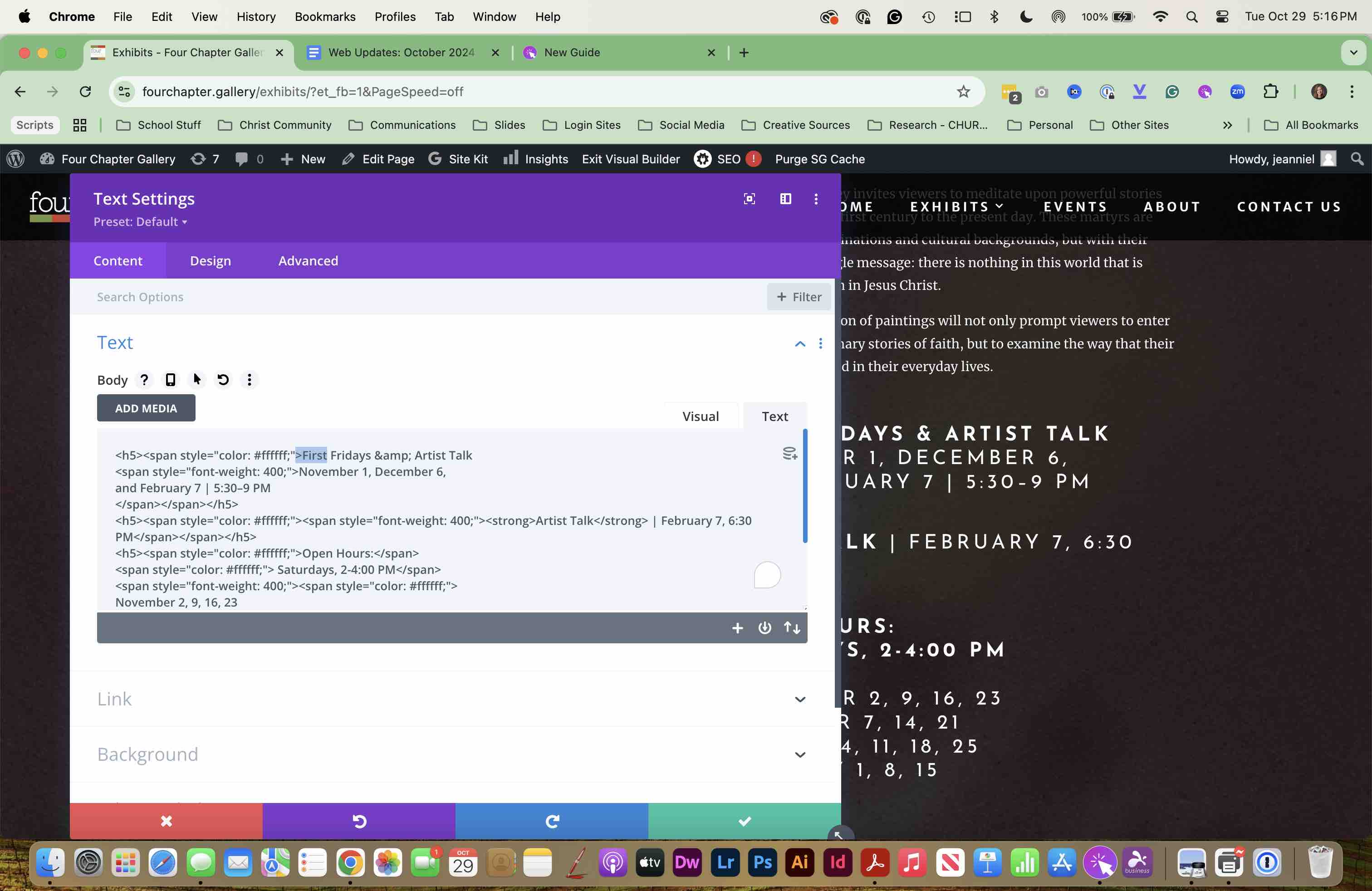
UPDATE all dates and content, including images, on this page.
UPDATE all dates and content, including images, on this page.
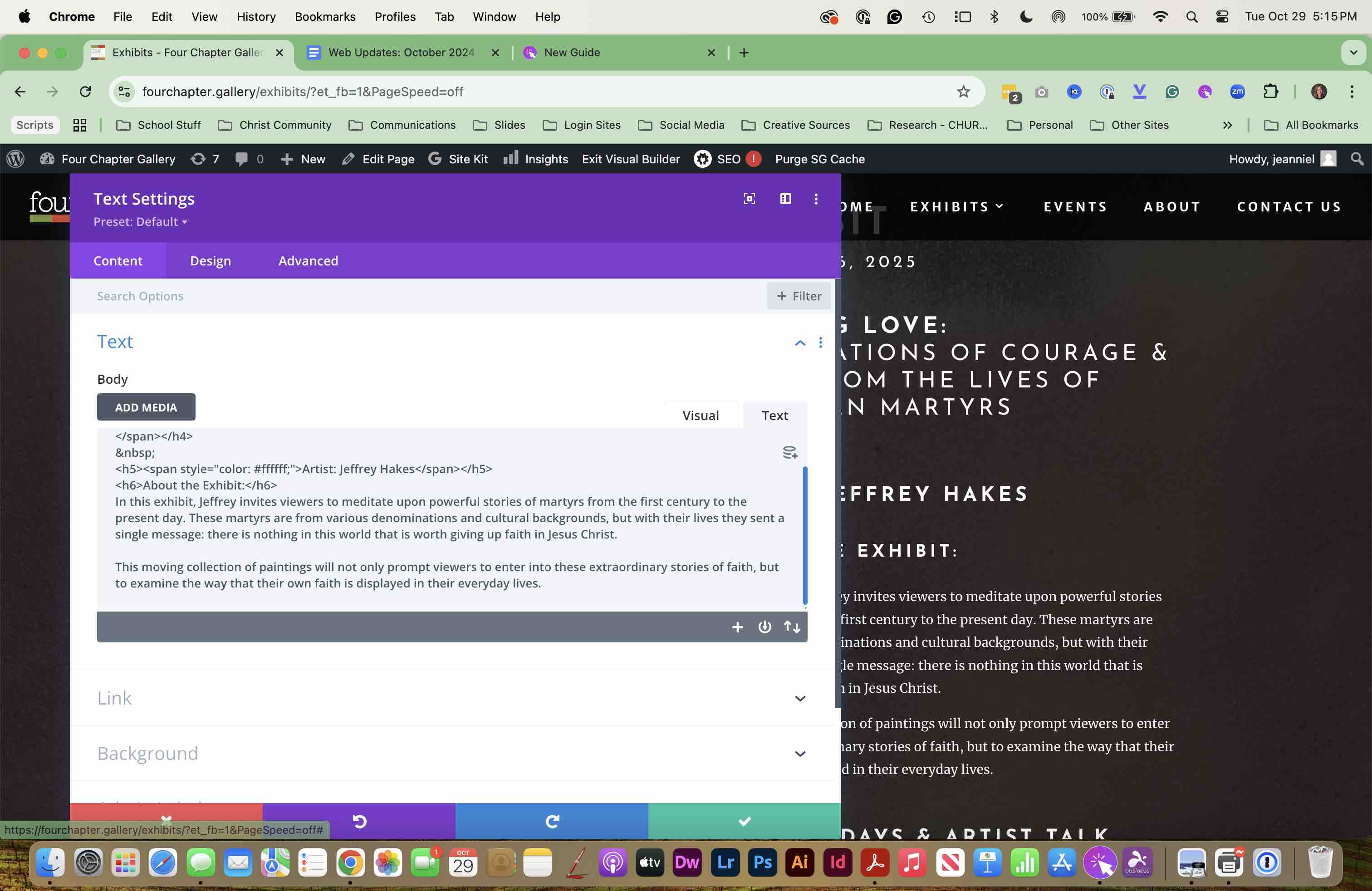
UPDATE all dates and content, including images, on this page.
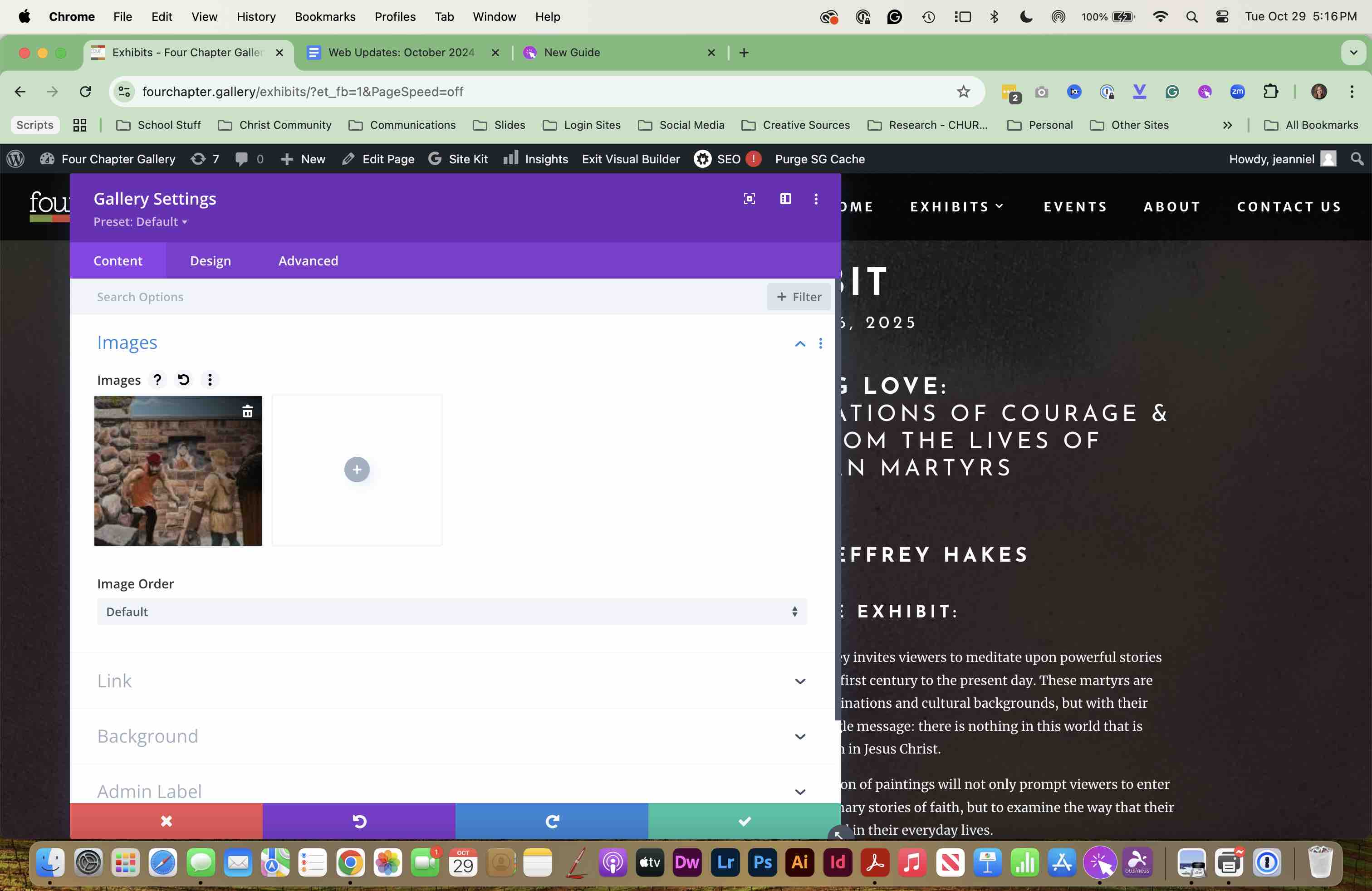
UPDATE all images on this page.
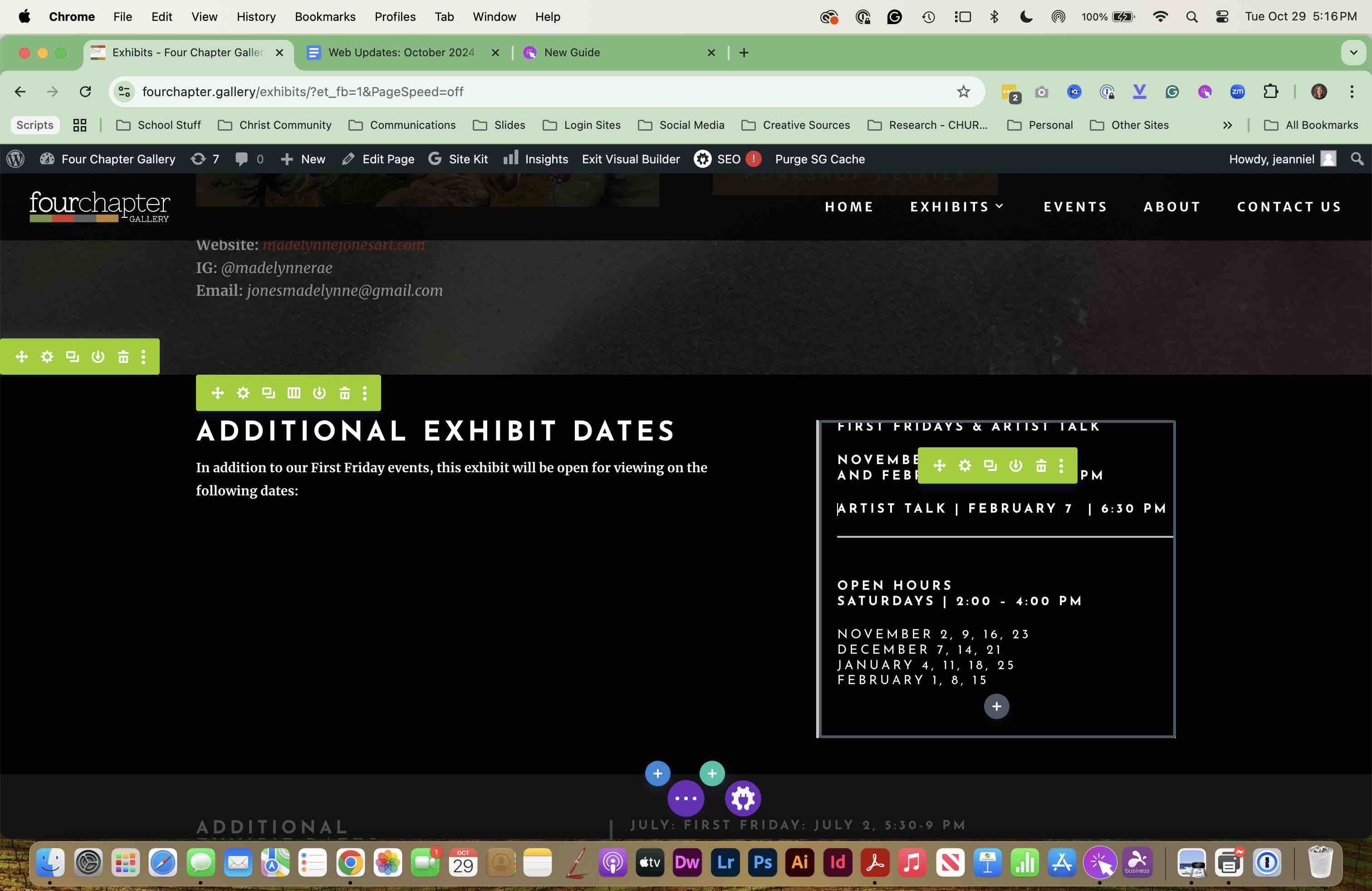
NOTE: the footer should be updated already if you did this in STEP ONE: Updating the home page.
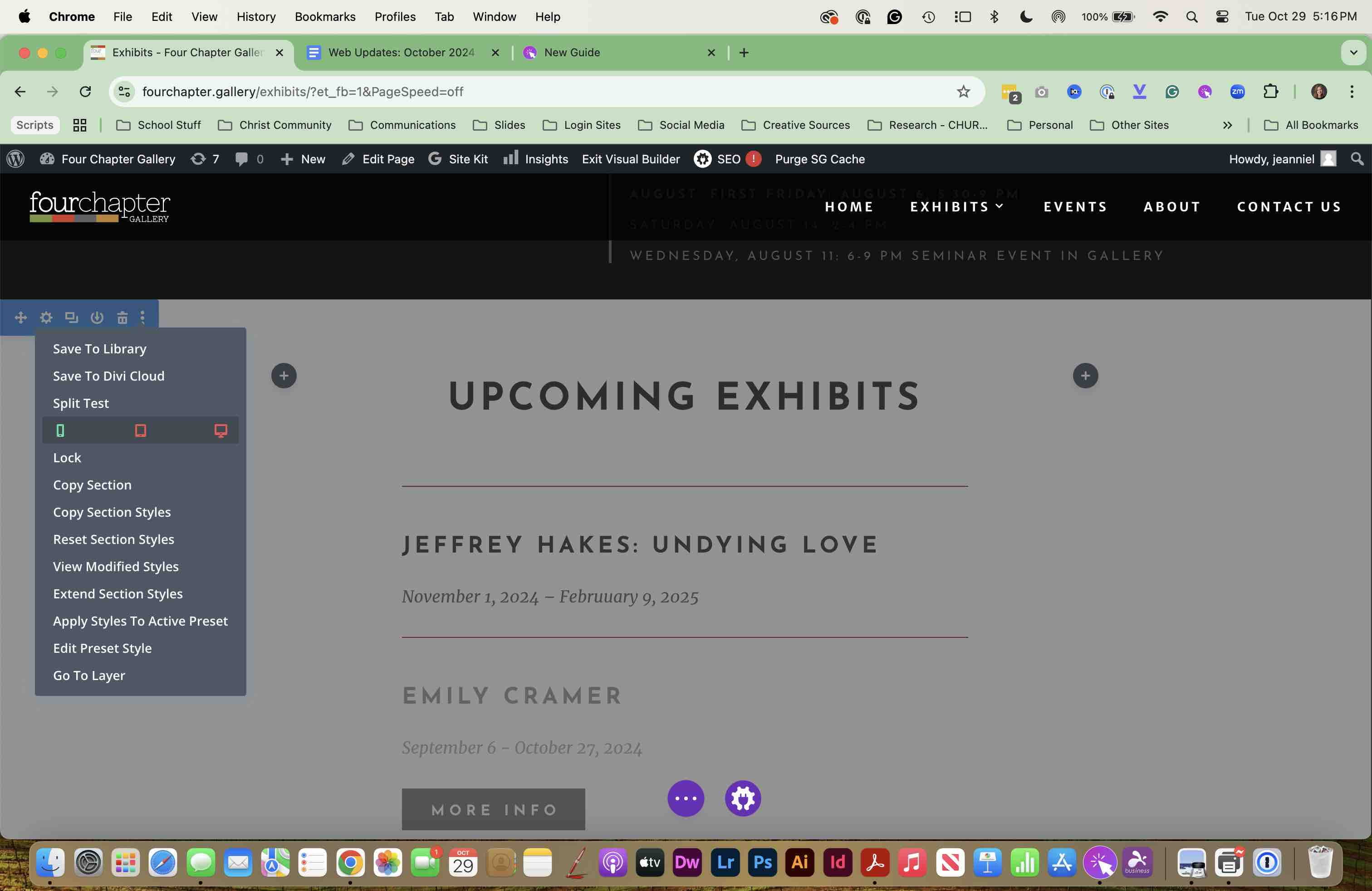
If the Google Doc supplied UPCOMING EXHIBIT information, add it to this section and ENABLE this. If no information is supplied, DISABLE this section.
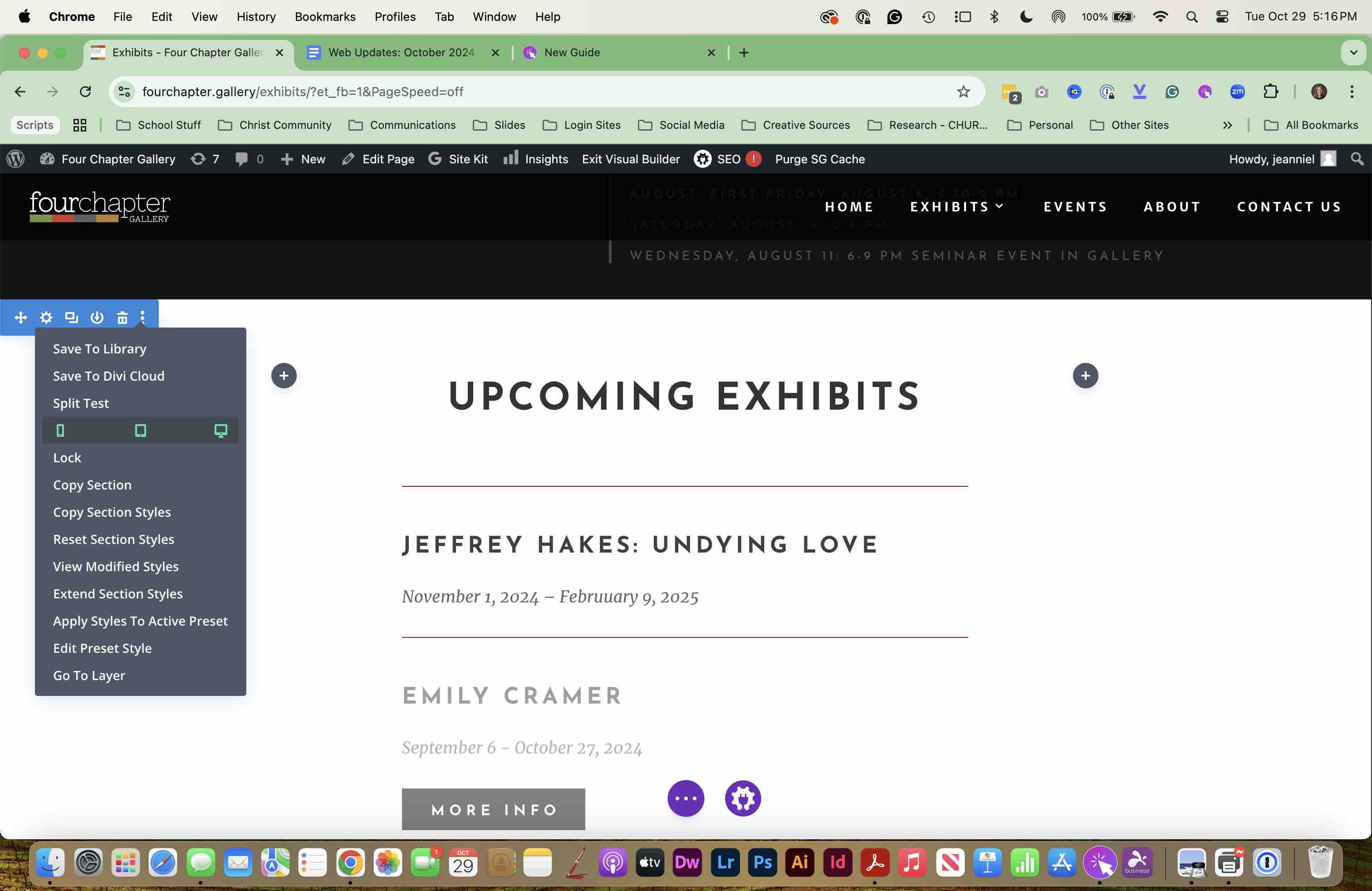
If the Google Doc supplied UPCOMING EXHIBIT information, add it to this section and ENABLE this. Please DISABLE this section* if no information is supplied. *
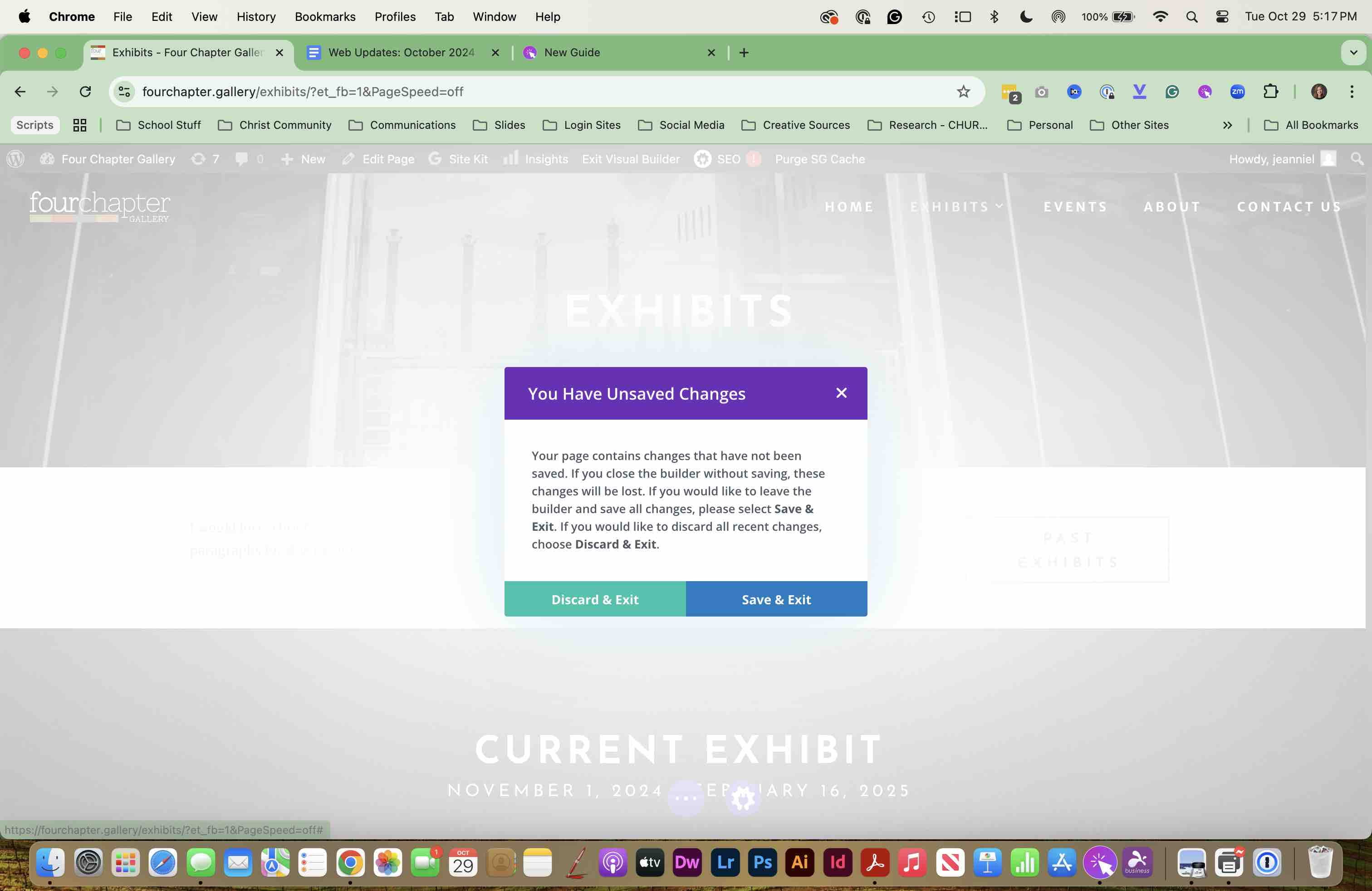
That's it. You may SAVE and EXIT the page. Double-check your work. Thanks for helping!