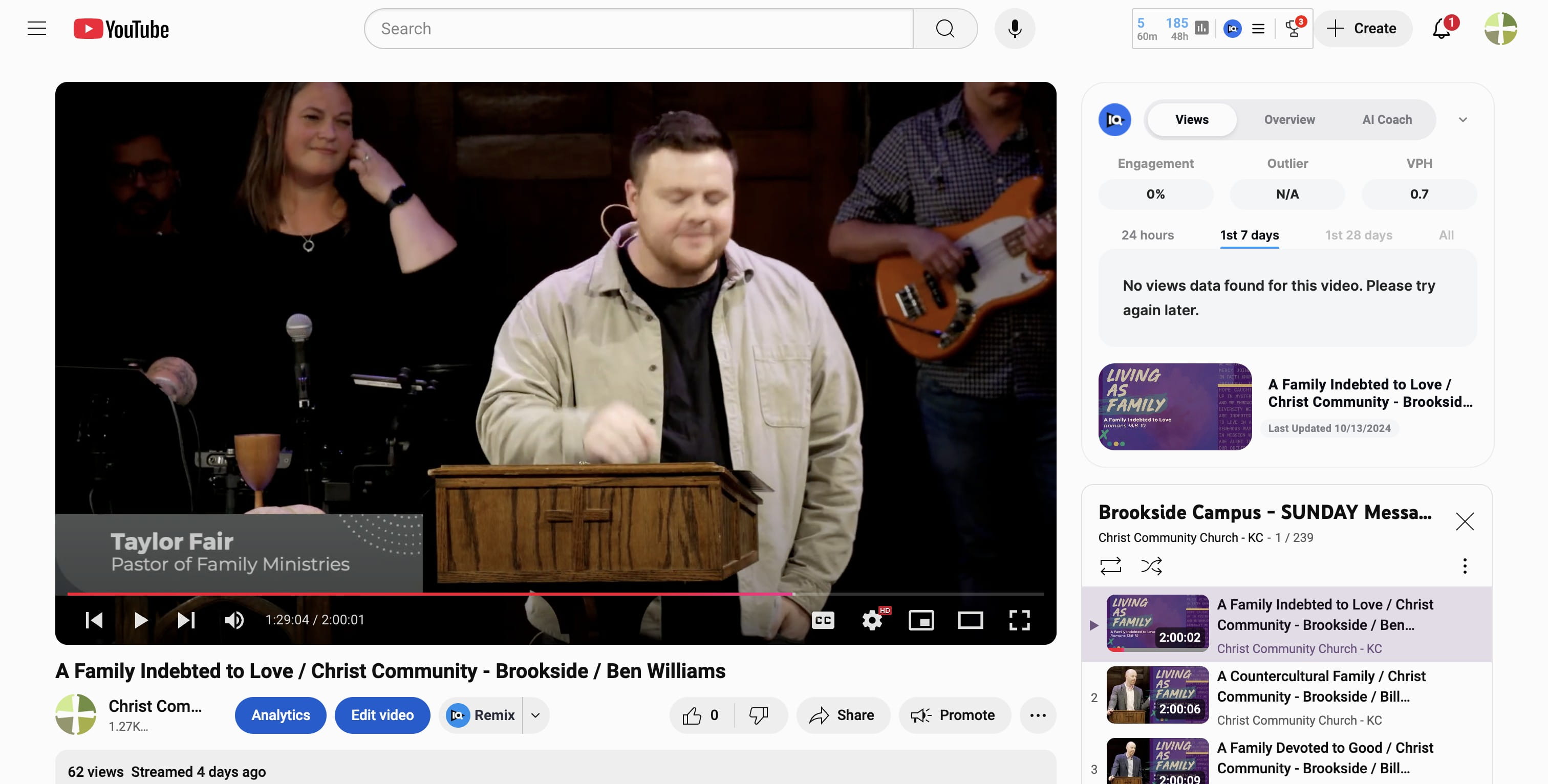
How to get a YouTube Link at SPECIFIC TIME in Video Service
How to get a URL that goes to a very specific part of a Sunday worship service.
Oct 17, 2024●
1
Navigate to https://www.youtube.com/@ChristCommunityKC
2
Click on "Brookside Campus - SUNDAY Messages"
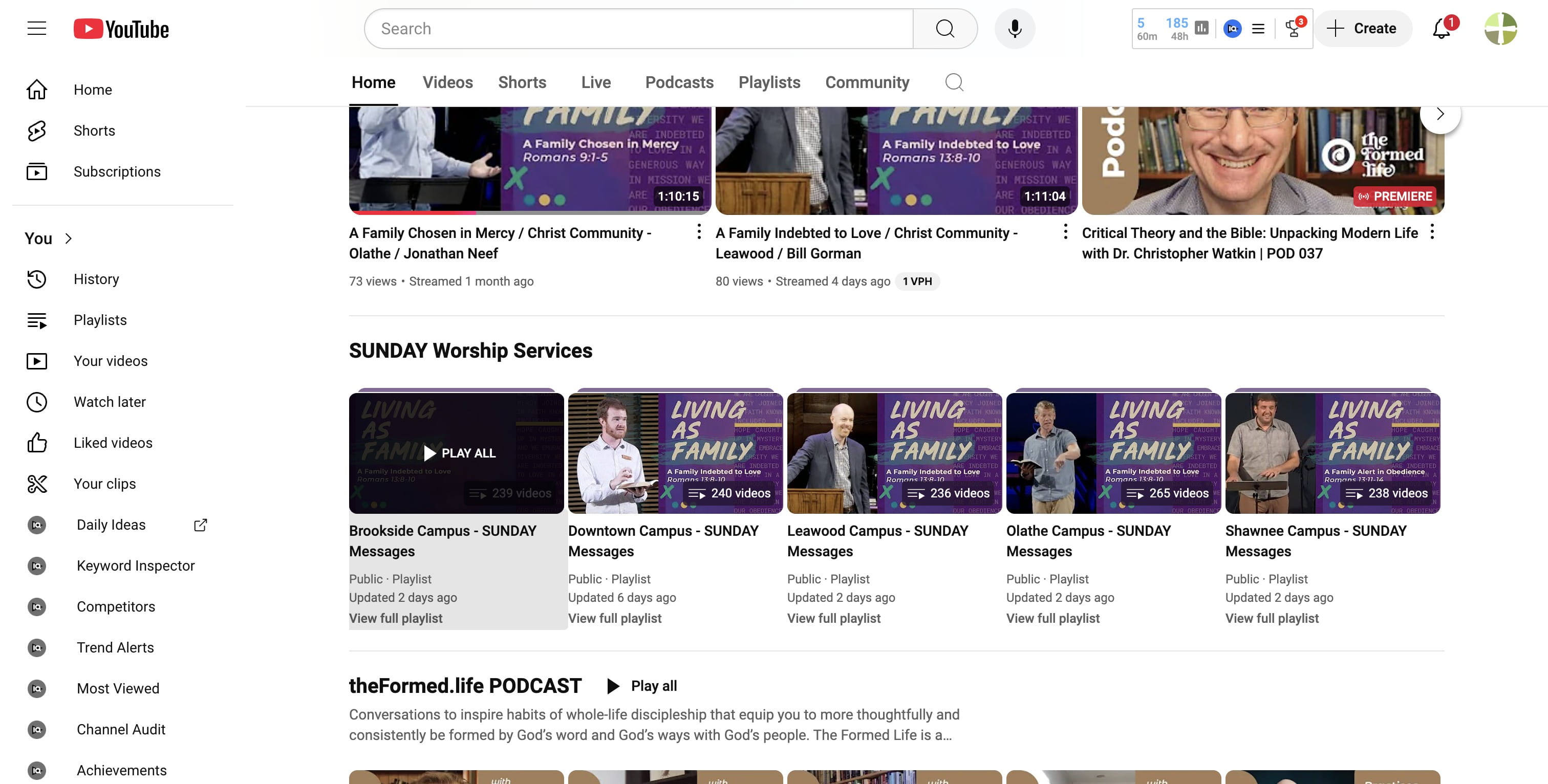
3
Scroll to the benedictions (or to the specific time of the service to which you want to link)
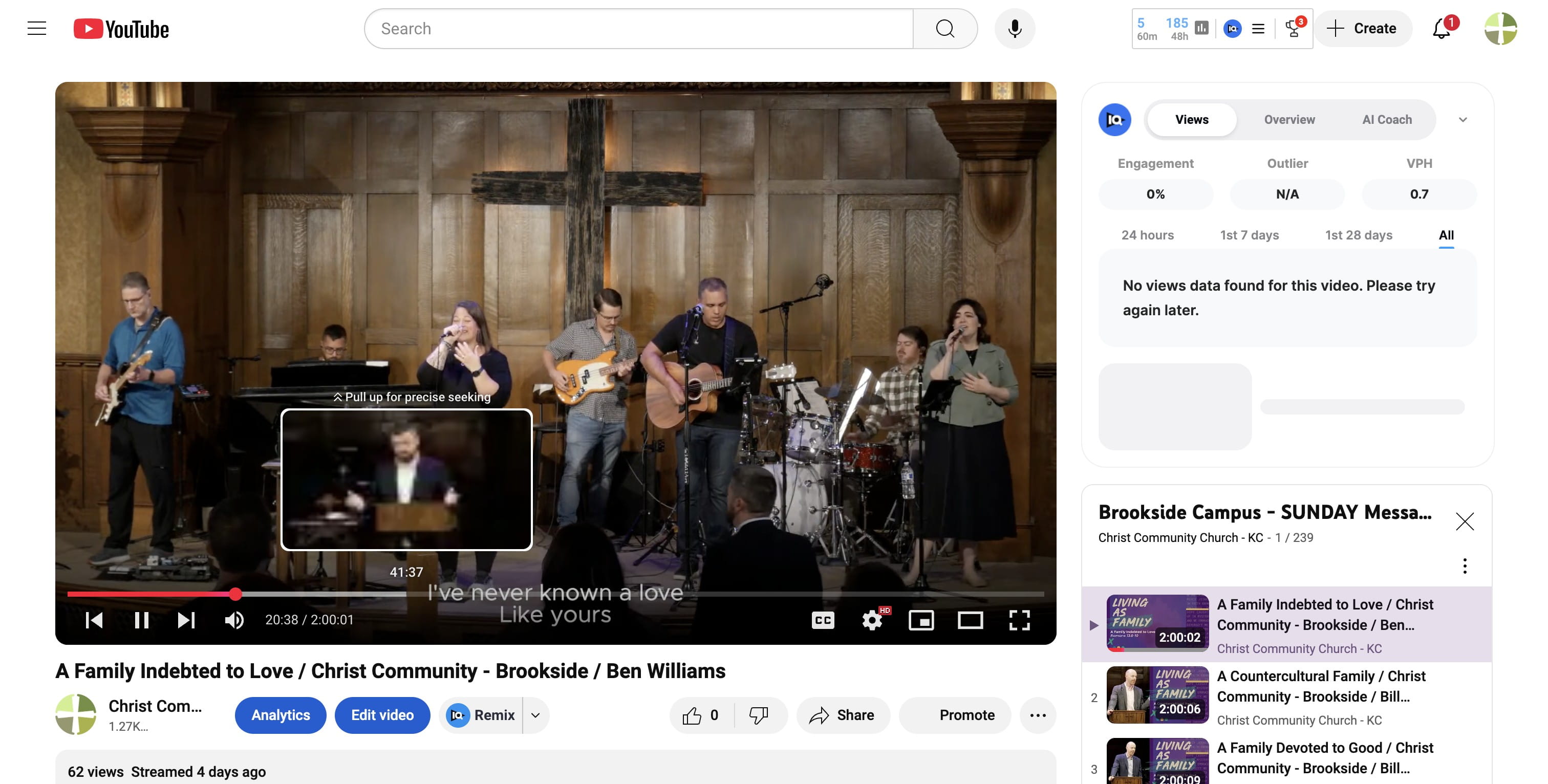
4
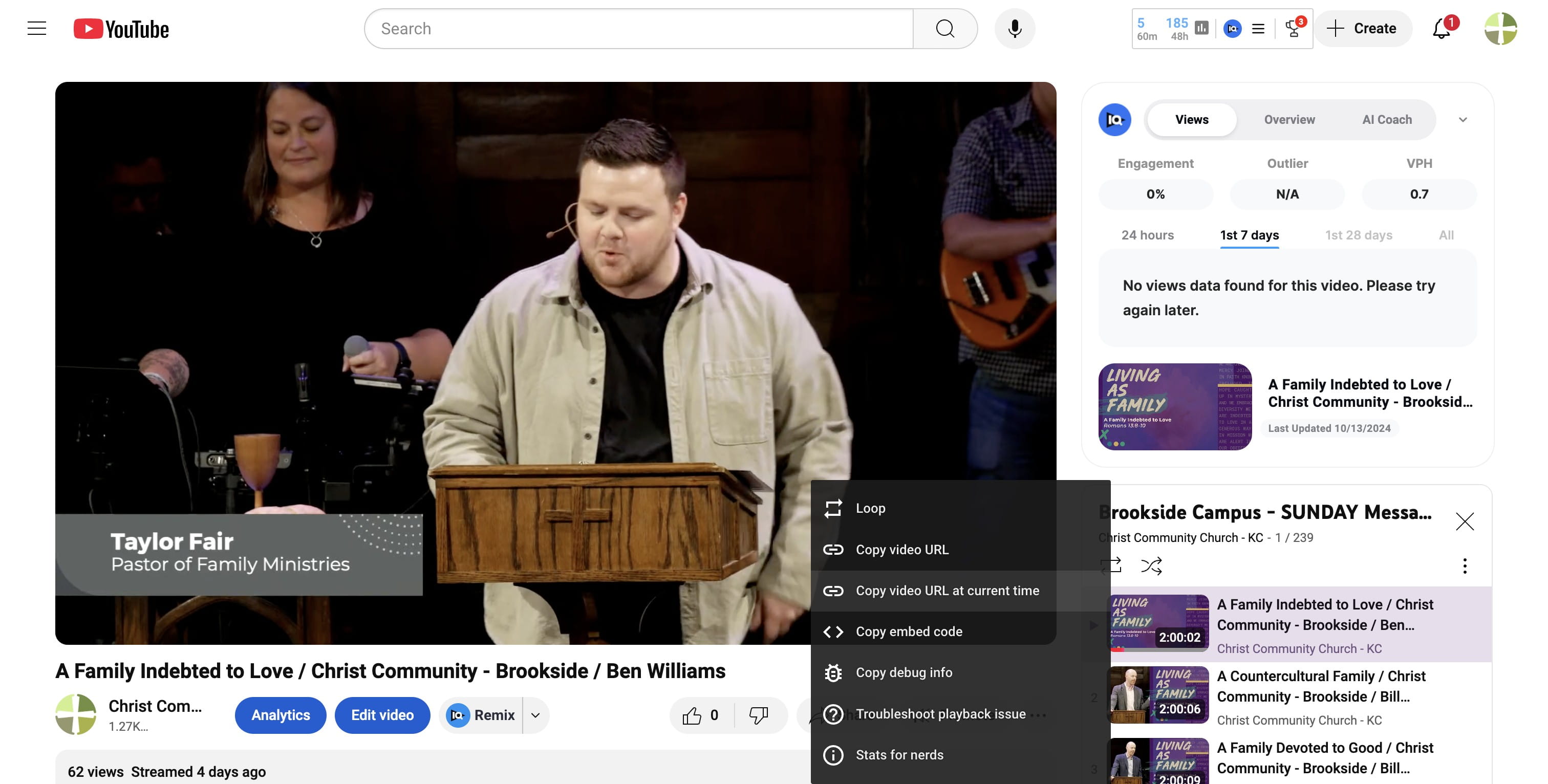
Once you are at the specific time in the service, RIGHT CLICK.
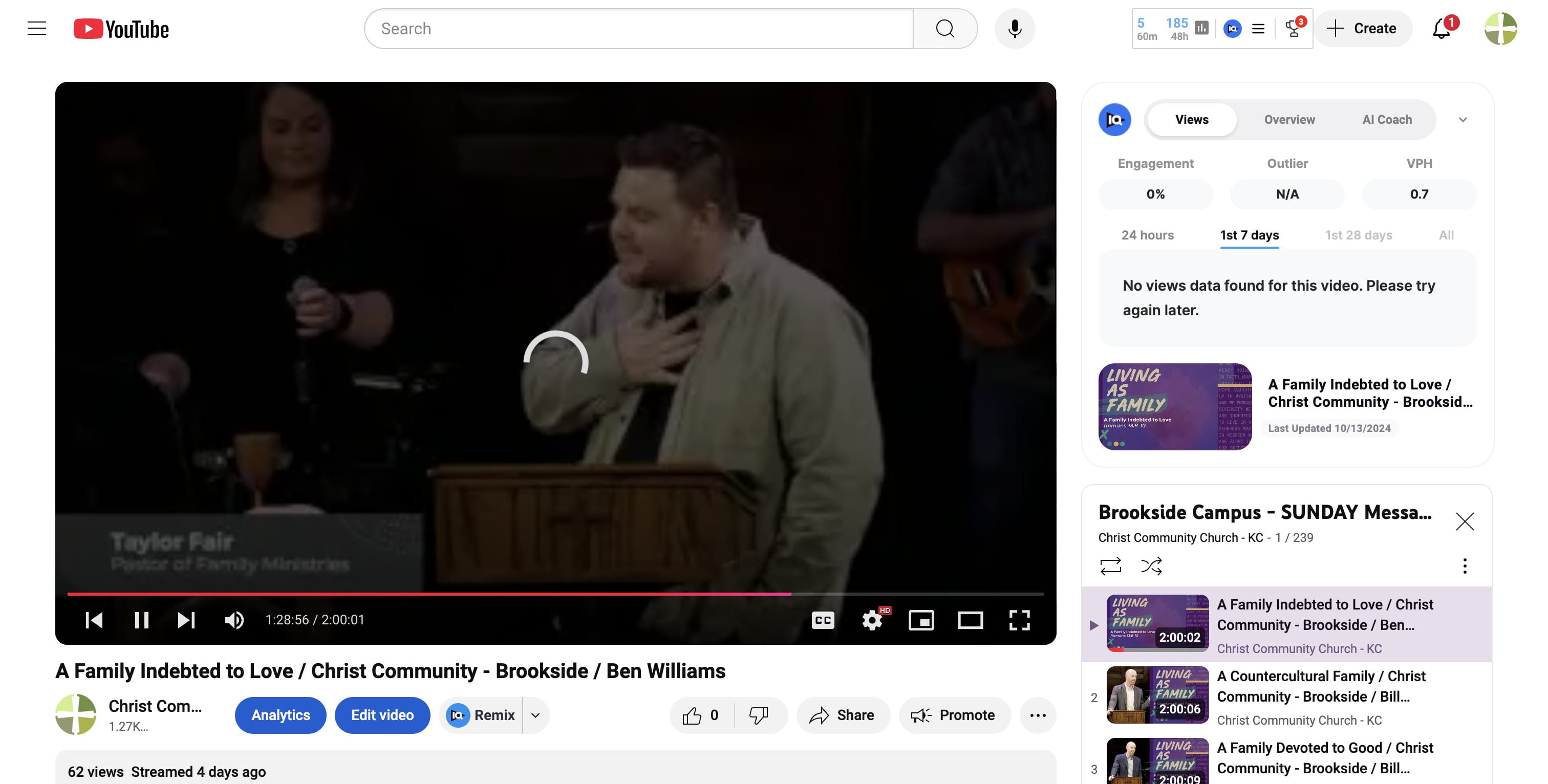
5
Click on "Copy video URL at current time" to get the link you need for that campus.
6
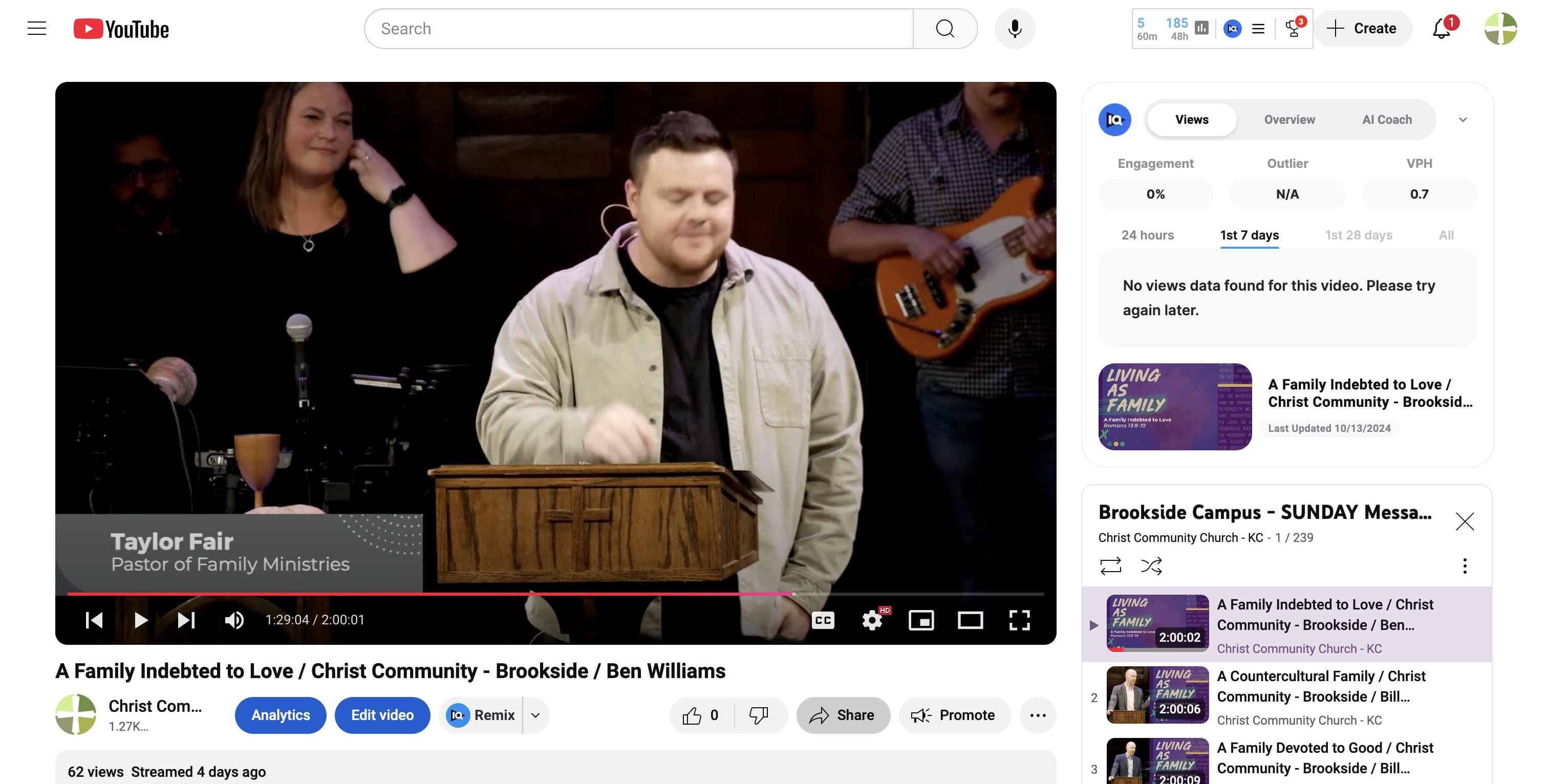
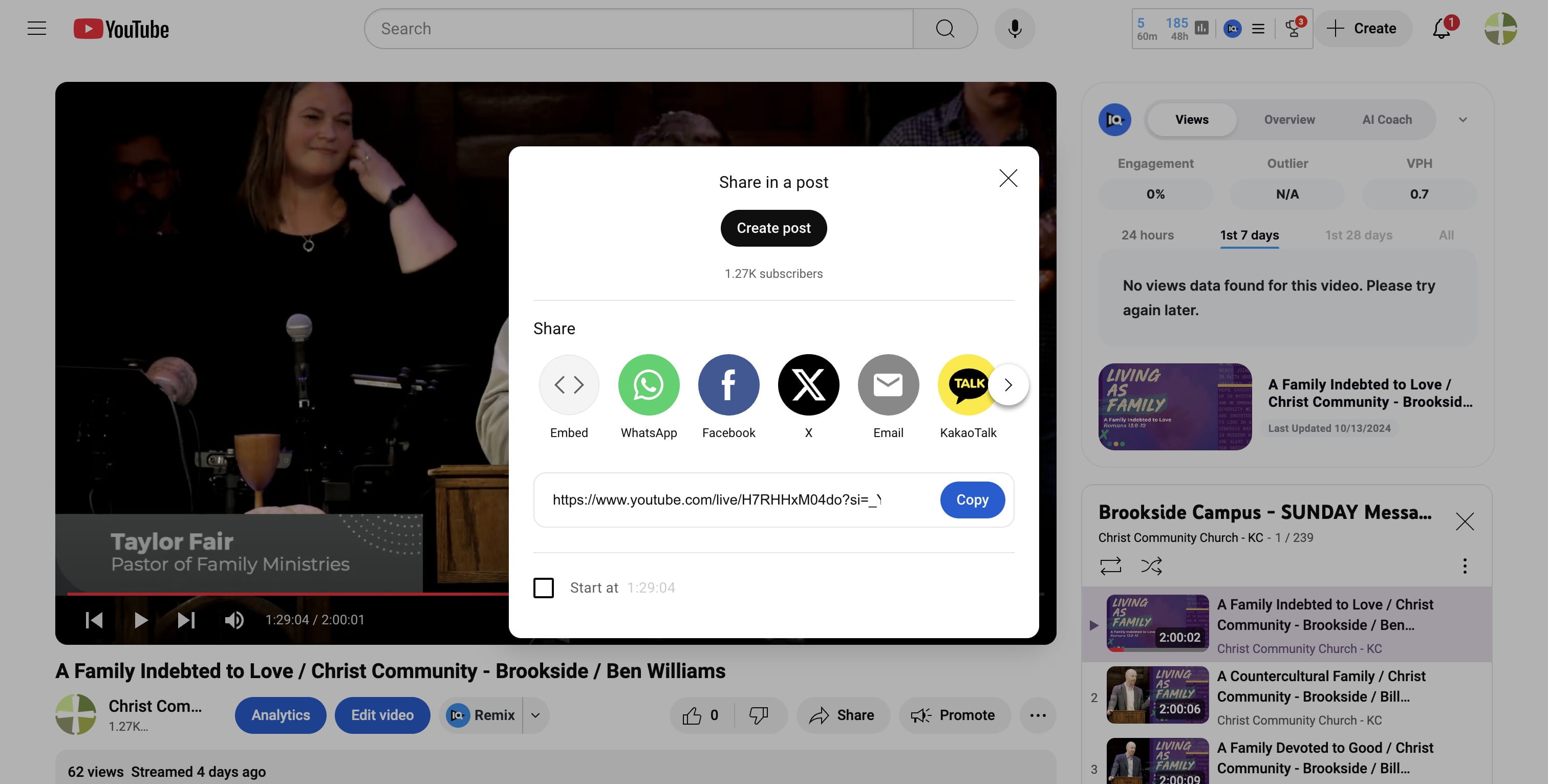
OPTIONAL way to get a link to the current time code in service. CLICK on SHARE...
7
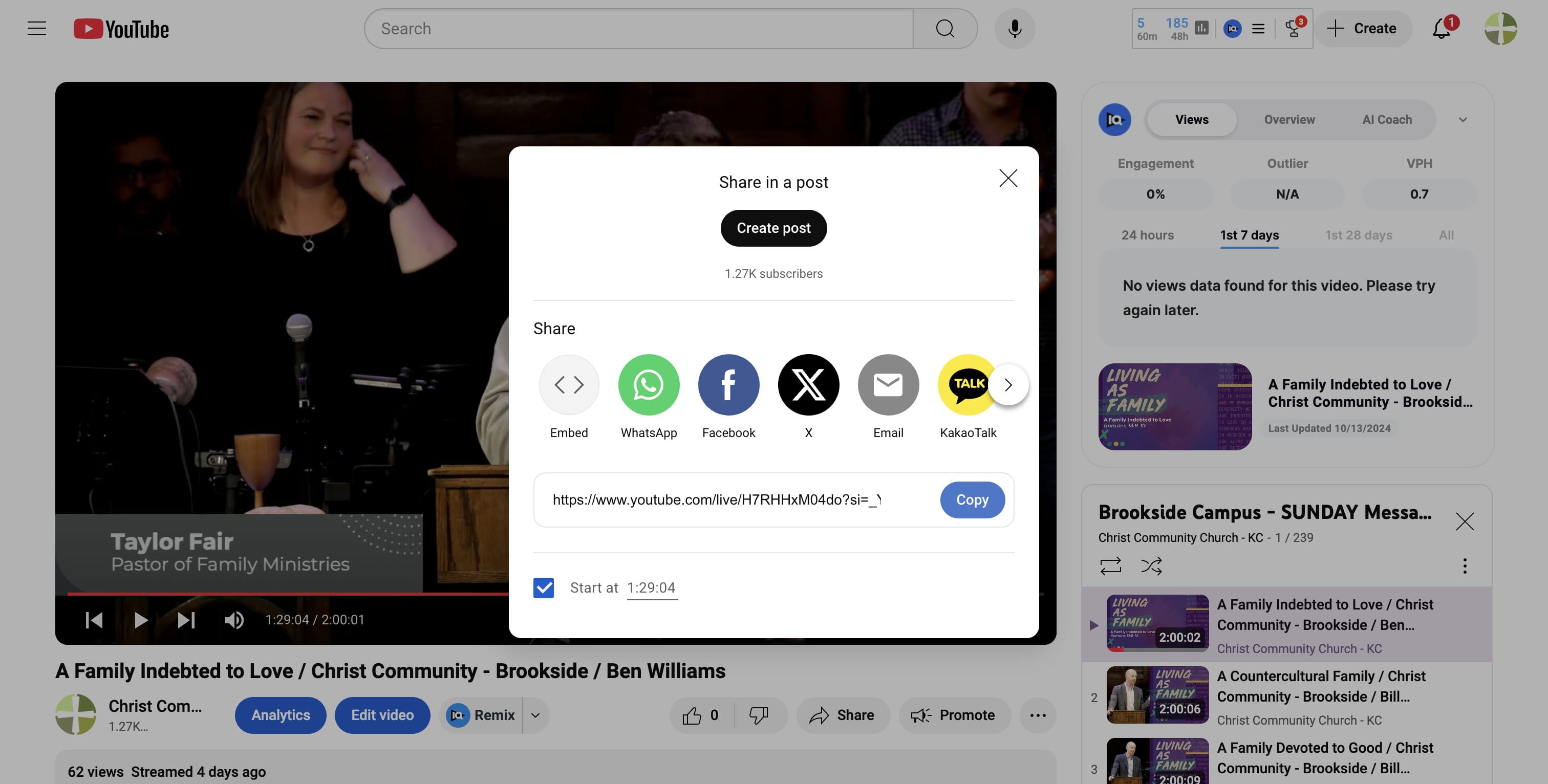
CHECK the START AT box to use the CURRENT time code on the screen.
8
Click here
9
VOILA! Either of these methods will get you the link you need to go directly to that spot in the Sunday service. Done 🚀